#image-editing-tools
#image-editing-tools
[ follow ]
#user-experience #ai #technology #productivity #design-systems #social-media #google-photos #product-design

#productivity
Productivity
fromSilicon Canals
2 days agoI deleted every productivity app on my phone and my output doubled - because I'd been spending more time optimizing my system than actually doing the work - Silicon Canals
Deleting productivity apps led to increased output by eliminating the management of systems that masked actual productivity.
fromYanko Design - Modern Industrial Design News
2 days agoYour Phone Has 12 Calendar Apps. None of Them Look Like This - Yanko Design
The 1970s were a sweet spot in product design, especially in France, where makers were beginning to marry natural materials like wood with the new optimism of plastic.
Design
Apple
fromFast Company
4 weeks agoPhotoshop's new AI assistant makes it easer than ever to edit images
Adobe launches an AI assistant for Photoshop Web and Mobile that enables intuitive photo editing through prompts, voice commands, and touch navigation, with results integrable into full Adobe creative workflows.
Web design
fromThe Verge
4 weeks agoYou can now ask Photoshop's AI assistant to edit images for you
Adobe launches agentic AI features across Creative Cloud apps, enabling users to edit images and documents through conversational chatbot interfaces in Photoshop, Acrobat, and Express, with integration into Microsoft Copilot and ChatGPT.
Artificial intelligence
fromEngadget
4 weeks agoYou can (sort of) block Grok from editing your uploaded photos
X and xAI introduced a feature allowing users to block Grok from modifying their uploaded images, but this limited measure fails to address widespread misuse of the image generation tool for creating nonconsensual intimate imagery.
#ai-powered-design-tools
Graphic design
fromTechCrunch
3 weeks agoGamma adds AI image generation tools in bid to take on Canva and Adobe | TechCrunch
Gamma launches Gamma Imagine, an AI image-generation product for creating brand-specific marketing assets, positioning itself between professional design tools and legacy presentation software.
Artificial intelligence
fromBusiness
1 month agoImage to Image AI: A Smarter Way to Transform and Enhance Visual Content - Business
Image to Image AI transforms existing photos into enhanced or stylized versions using artificial intelligence, eliminating the need for manual editing skills or complex tools.
Graphic design
fromTechCrunch
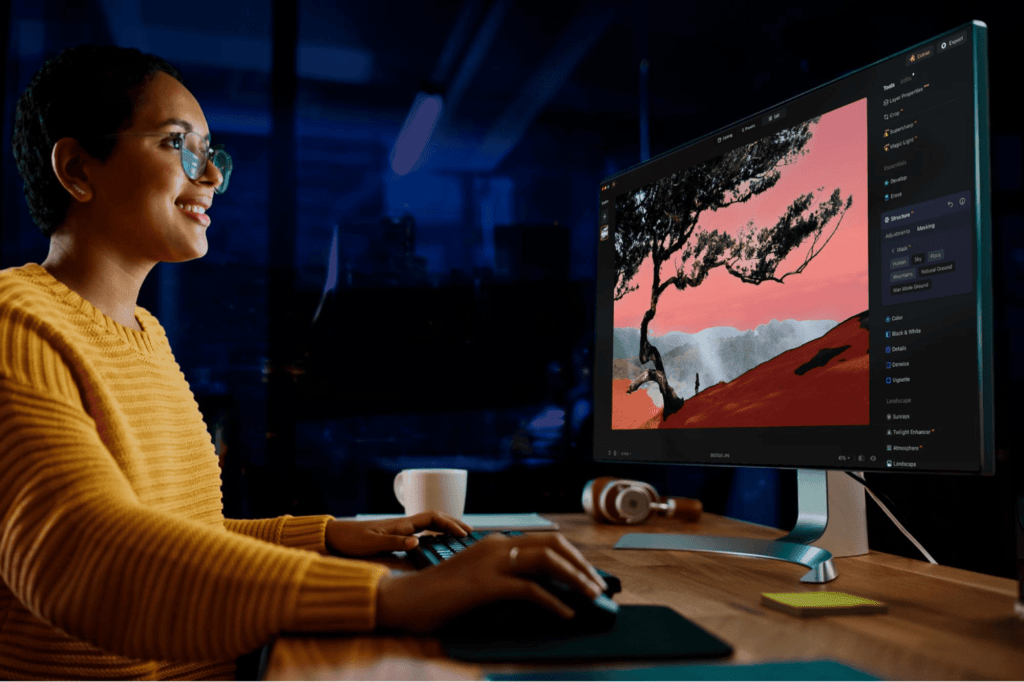
4 weeks agoAdobe is debuting an AI assistant for Photoshop | TechCrunch
Adobe launches AI assistant for Photoshop in beta across web and mobile, enabling object removal, color changes, and lighting adjustments through natural language prompts, while expanding Firefly with generative editing tools.
fromSubstack
1 month ago20 Design Reference Platforms Beyond Dribbble
Static images don't show motion. You can't inspect real product structure. You don't see how interfaces evolve over time. You rarely understand what actually works in production. So I decided to go deep. I reviewed every major design reference platform I could find - not just the popular ones - and analyzed how they actually help in real-world work. The conclusion?
Mobile UX
fromThe Verge
1 month agoGoogle adds a camera to Snapseed on iOS
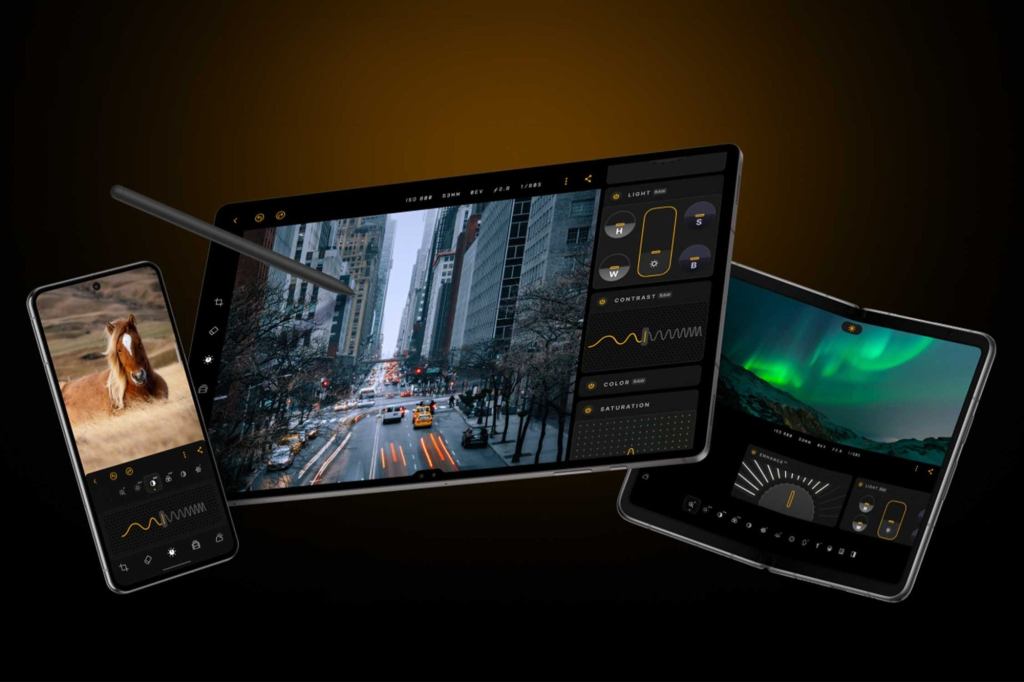
The Snapseed camera defaults to an automatic mode, but also includes optional controls for ISO, shutter speed, and focus, along with flash and zoom. It allows you to shoot using saved looks and edit stacks from the app, which can be altered after the shot is taken, along with a range of preset film effects inspired by specific films from Kodak, Fujifilm, and more. There's even a handful of UI color themes to pick from too.
Mobile UX
fromThe Verge
2 months agoMicrosoft Paint can now make AI coloring books
The latter feature is aptly called "Coloring book," and lets you make blank coloring templates in version 11.2512.191.0 of Paint based on a text prompt. Users can access this feature by selecting the Coloring book option from the Copilot menu in Paint, and then describing what the design should be, such as "a cute fluffy cat on a donut." Paint will then generate four results that Paint users can click to add to their canvas. From there, you can presumably use Paint itself to color the image, or print it out to use traditional art materials.
Gadgets
fromMedium
2 months agoDesign tokens with confidence
Design tokens are all your design decisions, that define a design system's aesthetic properties, everything from colors and font sizes to spacing units and border radii. They are the modern evolution of hard-coded values. They are stored in a central, platform-agnostic repository, establishing a single source of truth for your entire digital product suite. This central management allows teams to consume the exact same design values across all platforms (web, native apps, documentation).
Design
fromEngadget
2 months agoAdobe Photoshop upgrades its Firefly-powered generative-AI editing tools
Adobe has improved the tools for Generative Fill, Generative Expand and Remove that are powered by its Firefly generative AI platform. Using these tools for image editing should now produce results in 2K resolution with fewer artifacts and increased detail all while delivering better matches for the provided prompts.
Photography
fromMedium
3 months agoA Practical Prompting Guide for Figma Make
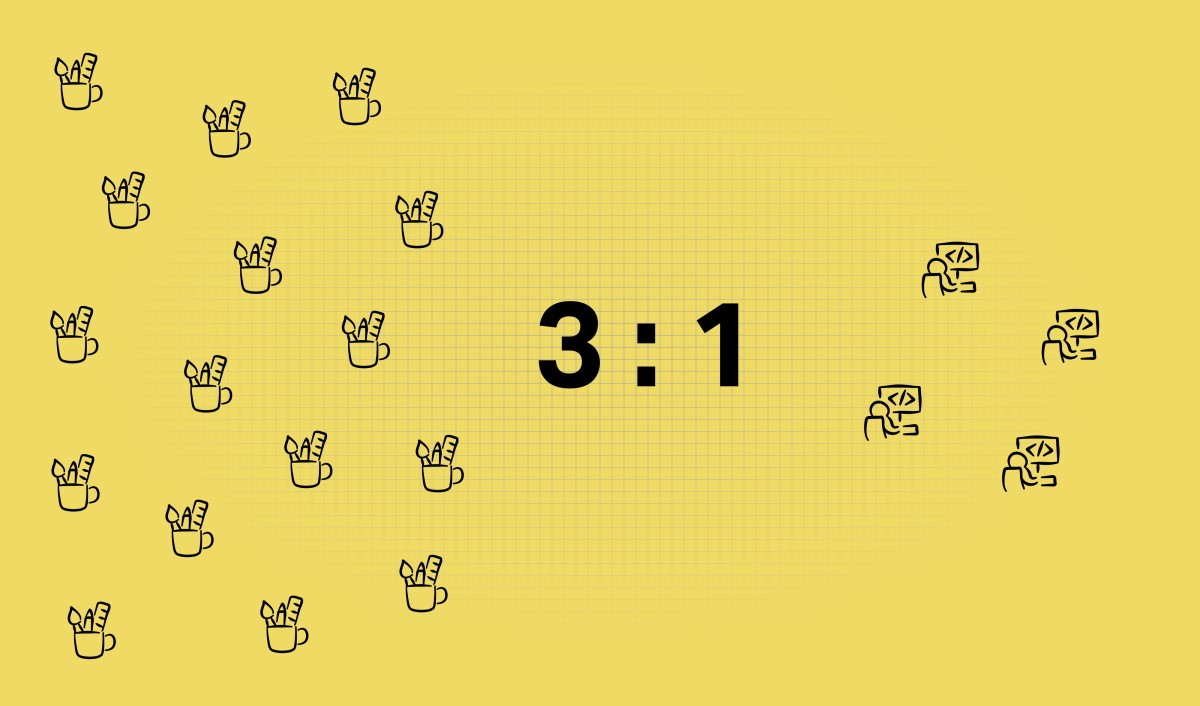
One skill separates good designers: the ability to clearly articulate their intention. No matter what tool you use, whether it's a traditional UI design tool like Figma or Sketch or AI tools like Figma Make, your ability to explain what you want to see accounts for 50% of your design success. The other 50% comes from your hard and soft skills. When it comes to AI-powered design, your ability to write decent prompts will have a direct impact on the quality of your design. In this guide, I want to share some specific tips and tricks that you can use for Figma Make to maximize the output.
UX design

UX design
fromNana Banana AI & Nano Banana Pro | Photo Editor & Image Generator
2 months agoNana Banana AI & Nano Banana Pro | Photo Editor & Image Generator
Nano Banana uses AI to generate professional-grade designs from plain-English prompts, removing design-skill barriers and accelerating creative workflows.
[ Load more ]