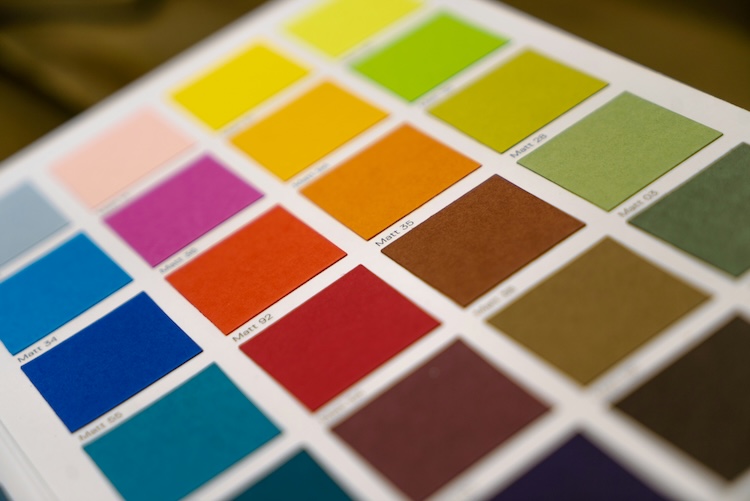
A demo converts natural-language color descriptions into web-ready RGB hexadecimal values using Chrome's built-in LanguageModel API. The front end provides a textarea for input, a result container, and a Determine Color button that is disabled until ready. A JSON schema enforces a response object containing a description string and an array of color strings. The model receives a system prompt instructing it to return 1–5 hexadecimal RGB colors and an explanatory statement. Session creation uses window.LanguageModel.create with a monitor callback to handle model events and responses.
"Today's blog post came to me on the way to dropping of my kids at school and made complete sense to me, but I've also got the flu and am heavily medicated, so take that for what you will. The idea was simple, given a description of something in the real world, could I use AI to generate RGB colors that would represent that abstract idea. I thought this could be a good use of Chrome's buil-in AI model and decided to whip up a quick demo."
"The front end is pretty simple, just a form for you to enter your description and a place for the results: <h2>Description to Color</h2> <p> In the form field below, describe the color you are trying to recreate and Chrome AI will attempt to match it with RGB colors. </p> <div class="twocol"> <div> <p> <textarea id="input"></textarea> </p> <p> <button disabled id="runBtn">Determine Color</button> </p> </div> <div id="result"></div> </div>"
"const colorResultSchema = { type:"object", properties: { description:{ type:"string" }, colors: { type:"array", items: { type:"string" } } } }; Essentially I wanted the model to explain it's results at a high level, and then just return a list of colors. Next, here's how I create my session from the model - the important bit being the system prompt: session = await window.LanguageModel.create({ initialPrompts: [ { role: 'system', content: 'You take a description of a color and attempt to match the description to 1-5 different RGB colors that could be used on a web site. You will return an explanation of your results along with a list of RGB values in hexadecimal format.' }, ], monitor(m) { m.addEventListener(&q"
Read at Raymondcamden
Unable to calculate read time
Collection
[
|
...
]