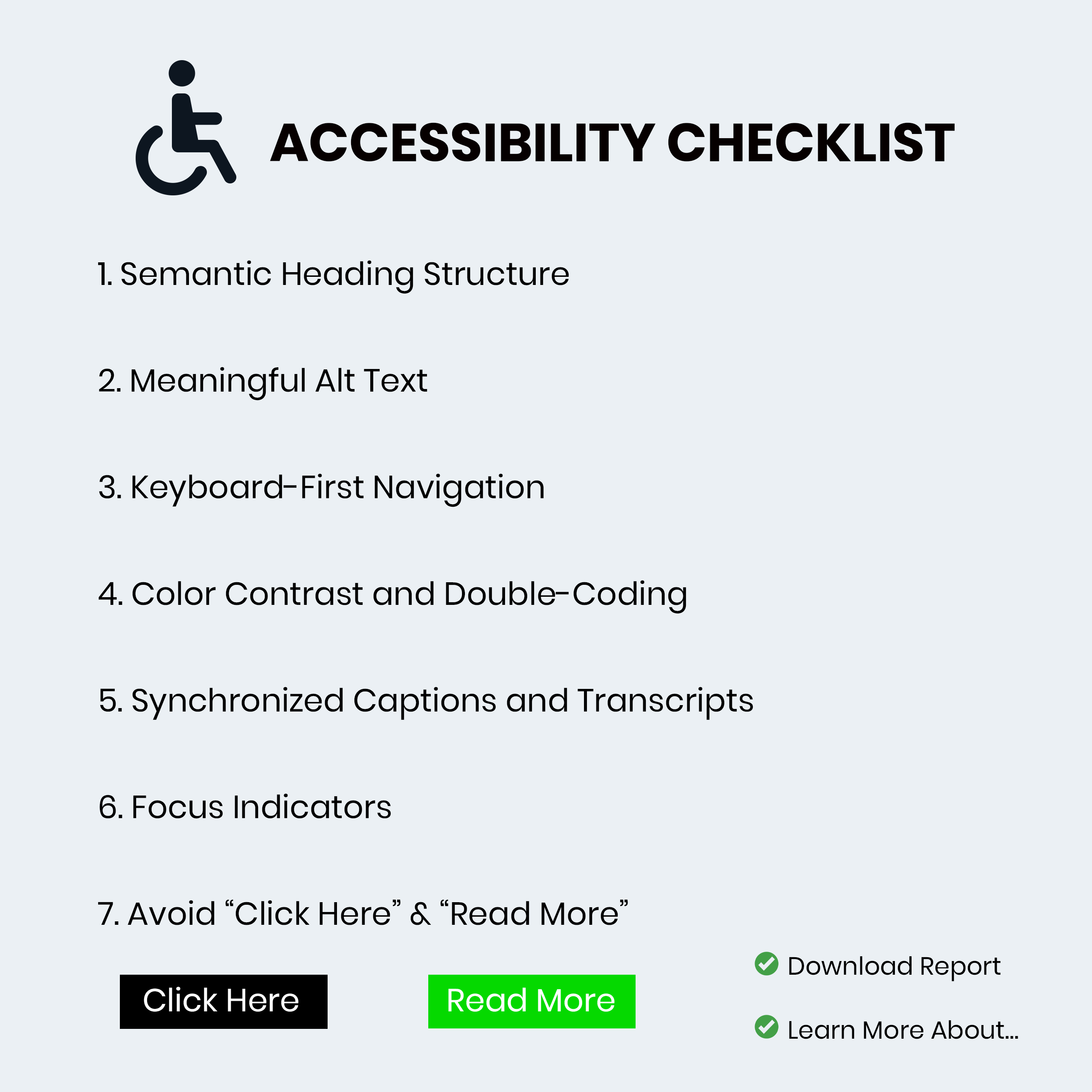
"Accessibility isn't a "nice-to-have" feature it's a fundamental pillar of user experience. For those of us working within the Adobe ecosystem whether you're building responsive modules in Adobe Captivate or designing resources in Illustrator here are the seven non-negotiables for your accessibility checklist. 1. Semantic Heading Structure Think of headings as the skeleton of your course. Screen reader users often "skim" a page by jumping from heading to heading to understand the hierarchy of information."
"If you simply make text bold and large to indicate a new section, a screen reader won't recognize it as a milestone. In Adobe Captivate, ensure you are using the designated Heading tags (H1, H2, H3). This creates a logical flow that allows learners to understand the relationship between topics without needing to see the layout. This aligns with the international Web Content Accessibility Guidelines (WCAG) which serve as the gold standard for digital inclusion."
"We all know we need alternative text for images, but "Image of a man sitting at a desk" rarely helps a learner. The goal is to convey the purpose of the image. Is it a decorative flourish? If so, hide it from the screen reader. Is it a chart showing quarterly growth? Then the alt text needs to summarize that data."
"3. Keyboard-First Navigation If you've ever tried to navigate an eLearning course using only your 'Tab' and 'Enter' keys, you know how quickly things can go wrong. Many learners with motor impairments cannot use a mouse. Your checklist must include a "No-Mouse Test." Ensure that every interactive element like buttons, form fields, and drag-and-drops is reachable and functional via keyboard."
Accessibility must be integrated as a core component of digital learning design. Use semantic heading tags (H1, H2, H3) to create a logical information hierarchy that screen readers can navigate. Provide meaningful alt text that conveys an image's purpose or hide purely decorative images from assistive technology. Design for keyboard-first navigation and run a "No-Mouse Test" to ensure all interactive elements are reachable and operable without a mouse. Follow WCAG guidance and leverage Adobe Captivate and Illustrator features to implement these non-negotiables for inclusive learner experiences.
Read at eLearning
Unable to calculate read time
Collection
[
|
...
]