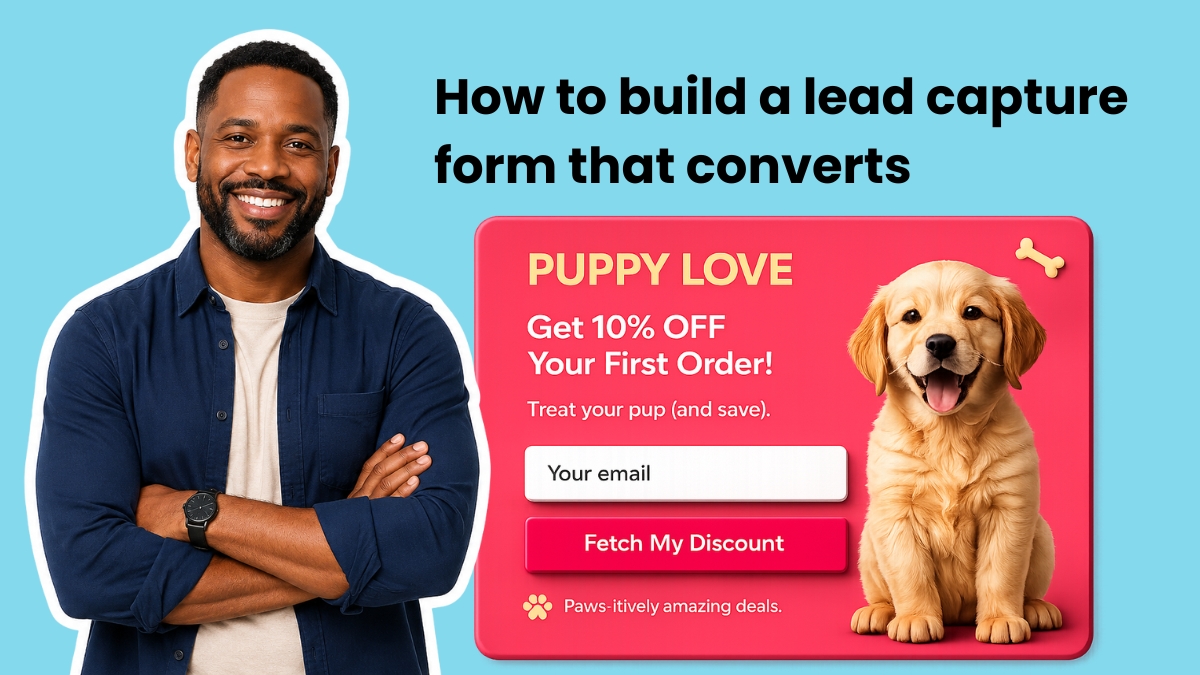
A lead capture form is a short form on a website or landing page that collects a visitor’s contact information in exchange for something valuable. A well-placed form with the right fields turns anonymous visitors into subscribers that can be reached through email marketing. Lead capture forms can appear on websites, landing pages, blog posts, and social media link-in-bio pages, and they connect directly to an email marketing platform so new subscribers enter automatically. The minimum setup includes an email address field and a submit button, since extra fields can reduce conversions. First name enables personalized emails, while one segmentation question can tag subscribers and route them into targeted automations. Phone number, company name, job title, and physical address are usually saved for later.
"A lead capture form fixes that. This guide covers what to include on your forms, where to place them, and how to build a form that segments subscribers from the moment they sign up. What is a lead capture form? It's a short form on your website or landing page that collects a visitor's contact information in exchange for something valuable. One good form, in the right place, with the right fields, turns anonymous visitors into subscribers you can actually reach."
"Start with the minimum: an email address field and a submit button. Every field you add beyond that reduces your conversion rate. The question is whether the information you gain is worth the subscribers you lose. Email address This is the only required field. Without it, you have no way to follow up."
"A first name field lets you personalize emails using conditional content. "Hey Sean" outperforms "Hey there" in open rates. Additional fields A single segmentation question like "What best describes your business?" or "What's your biggest challenge right now?" lets you tag subscribers at the point of signup and route them into targeted automations. In AWeber, tags applied at form submission feed directly into Workflow Builder automations, so each subscriber gets relevant content from their first email."
"Fields that rarely earn their place: phone number (unless you're a service business booking calls), company name, job title, and physical address. Save those for later in the relationship when trust is established. For most s"
Read at AWeber
Unable to calculate read time
Collection
[
|
...
]