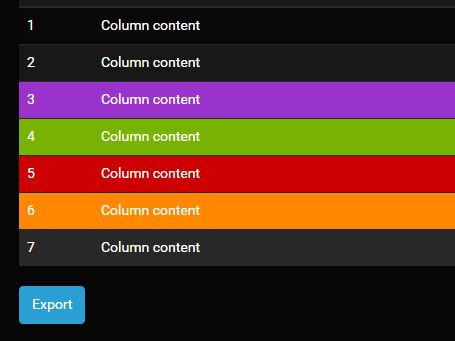
"Yet another jQuery Table To CSV plugin that converts any tabular data into comma separated values that can then be downloaded as a CSV file. How to use it: 1. Download and insert the 'csvExport.js' file after jQuery JavaScript library. <script src="//code.jquery.com/jquery.min.js"></script> <script src="csvExport.js"></script> 2. Call the plugin on the target html table and you're done. $('table').csvExport();"
"$('table').csvExport(); 3. By default, the plugin will automatically escape illegal chars when exporting. $('table').csvExport({ escapeContent:true }); Customize the CSV file name: $('table').csvExport({ title:'Exported_Table' });"
"$('table').csvExport({ // before start beforeStart : function(none, table) {}, // when CSV string is ready onStringReady : function(none, currentString) {} }); Changelog: v1.4.3 (2026-01-22) v1.4.1 (2019-08-08) Fix: Download not triggering in Firefox v1.4.0 (2019-07-10) 2018-12-12 2018-11-28 Removed useless whitespace 2018-11-27 2018-05-21 This awesome jQuery plugin is developed by Zenoo. For more Advanced Usages, please check the demo page or visit the official website."
jQuery Table To CSV plugin converts HTML table data into comma-separated values and enables a downloadable CSV file. Installation requires adding csvExport.js after the jQuery library and invoking $('table').csvExport() on the target table. Export behavior can automatically escape illegal characters via escapeContent and set a custom filename via title. Callback hooks beforeStart and onStringReady provide extension points for custom processing. Changelog notes include a Firefox download fix and whitespace removal in past versions. The plugin is developed by Zenoo and links to a demo page and official website for advanced usage.
Read at jQuery Script
Unable to calculate read time
Collection
[
|
...
]