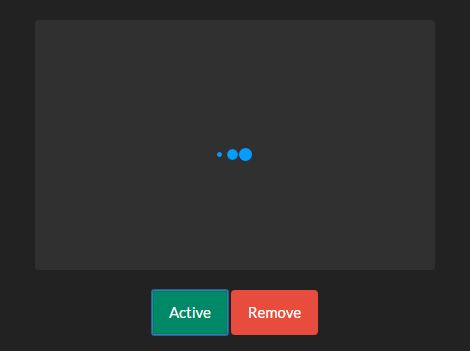
"jmspinner is a really simple jQuery plugin that shows a CSS3 powered loading indicator while data in specific area is loading via AJAX requests. How to use it: 1. Load the stylesheet 'jm.spinner.css' for the animated loading indicator. <link href="jm.spinner.css" rel="stylesheet"> 2. Load jQuery library (slim build) and the JavaScript file at the end of the document. <script src="//code.jquery.com/jquery-3.2.1.slim.min.js"></script> <script src="jm.spinner.js"></script> 3. Enable the loading indicator in a specific container. $('.box').jmspinner();"
"4. Or even the whole document. $('body').jmspinner(); 5. Apply your own styles & position to the loading indicator: .spinner { ... } 6. Change the default size of the loading indicator: // large $('.box').jmspinner('large'); // small $('.box').jmspinner('small'); 7. Remove the loading indicator when the data is completely loaded. $('.box').jmspinner(false); Changelog: 2026-02-09 This awesome jQuery plugin is developed by pejonic. For more Advanced Usages, please check the demo page or visit the official website."
jmspinner is a simple jQuery plugin that shows a CSS3-powered loading indicator while content in a specific area loads via AJAX requests. Include the jm.spinner.css stylesheet to enable the animated indicator. Load the jQuery (slim) library and jm.spinner.js at the end of the document. Initialize the spinner on a container with $('.box').jmspinner() or on the whole document with $('body').jmspinner(). Customize appearance via the .spinner CSS class. Change size with $('.box').jmspinner('large') or $('.box').jmspinner('small'). Remove the spinner when loading finishes with $('.box').jmspinner(false). Changelog date: 2026-02-09.
Read at jQuery Script
Unable to calculate read time
Collection
[
|
...
]