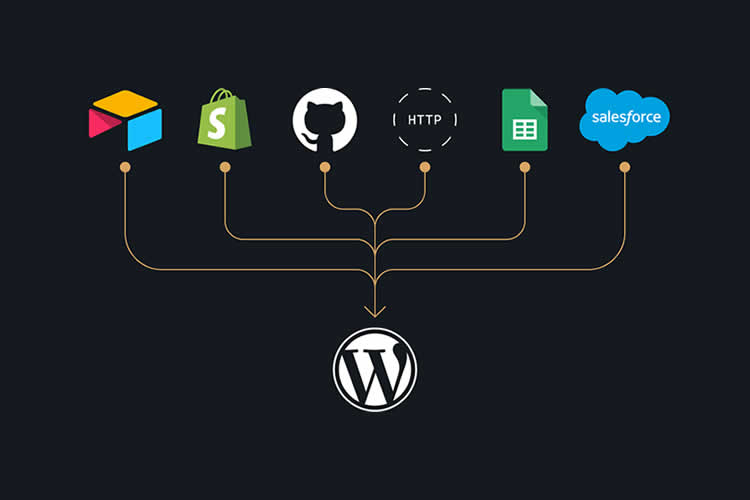
The Remote Data Blocks plugin enhances WordPress by allowing users to fetch and display data from external sources such as Google Sheets and Airtable. This functionality is beneficial for various applications, including e-commerce and online publications. The plugin provides a straightforward installation process and integrates seamlessly with third-party services. Users can customize the displayed data using WordPress blocks and patterns. A sample project demonstrates how to connect a Google Sheet to WordPress, highlighting the steps involved in installation and configuration.
"The Remote Data Blocks plugin aims to make fetching data from outside sources easy. It integrates with services like Airtable, Google Sheets, and Shopify out of the box."
"To test Remote Data Blocks' capabilities, we'll use the plugin to fetch data from a Google Sheet. The file contains contact information for an employee directory."
"The first step is to install the latest version of Remote Data Blocks on your WordPress website: Log in to your WordPress website and navigate to Plugins > Add Plugin."
Read at Speckyboy Design Magazine
Unable to calculate read time
Collection
[
|
...
]