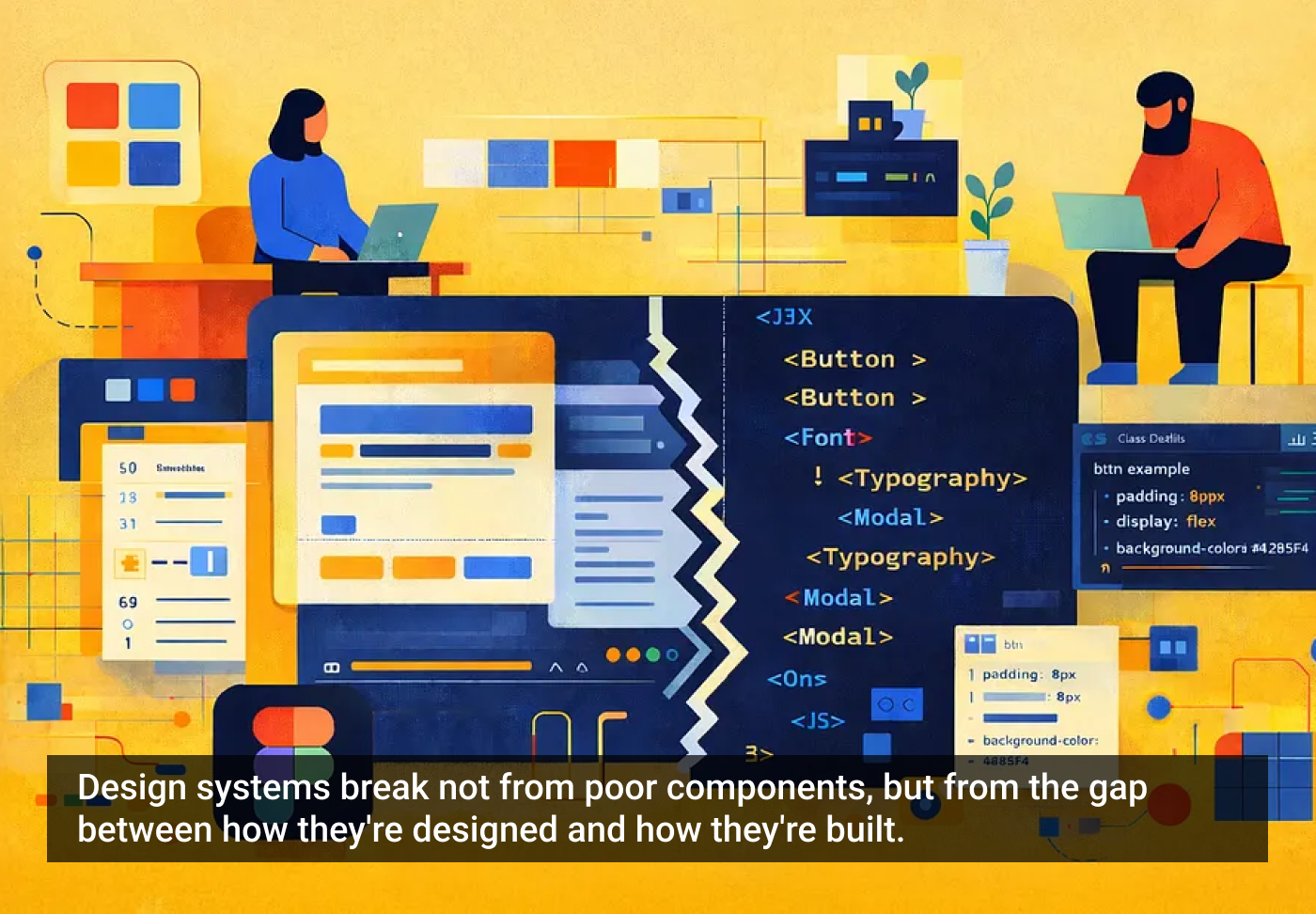
"Your design system looks perfect in Figma until developers try to build it."
"The problem isn't bad components; it's that design files and code speak different languages, creating friction at every handoff. This article breaks down five practical approaches to bridge that gap: structure frames like code, build through composition, use AI to validate your naming, and make documentation part of your workflow."
Design files and production code often diverge because they use different structures, naming conventions, and composition patterns. Aligning Figma frames with code-like hierarchies reduces confusion and mirrors developers' expectations. Emphasizing composition over overrides produces reusable, predictable components that translate into code more easily. Automated tools and AI can validate and enforce consistent naming, surfacing mismatches before handoff. Embedding documentation into the design workflow and keeping it up to date creates a single source of truth and lowers contextual questions. Together these practices reduce friction during handoff, speed implementation, and increase fidelity between final products and designed intent.
Read at UX Magazine
Unable to calculate read time
Collection
[
|
...
]