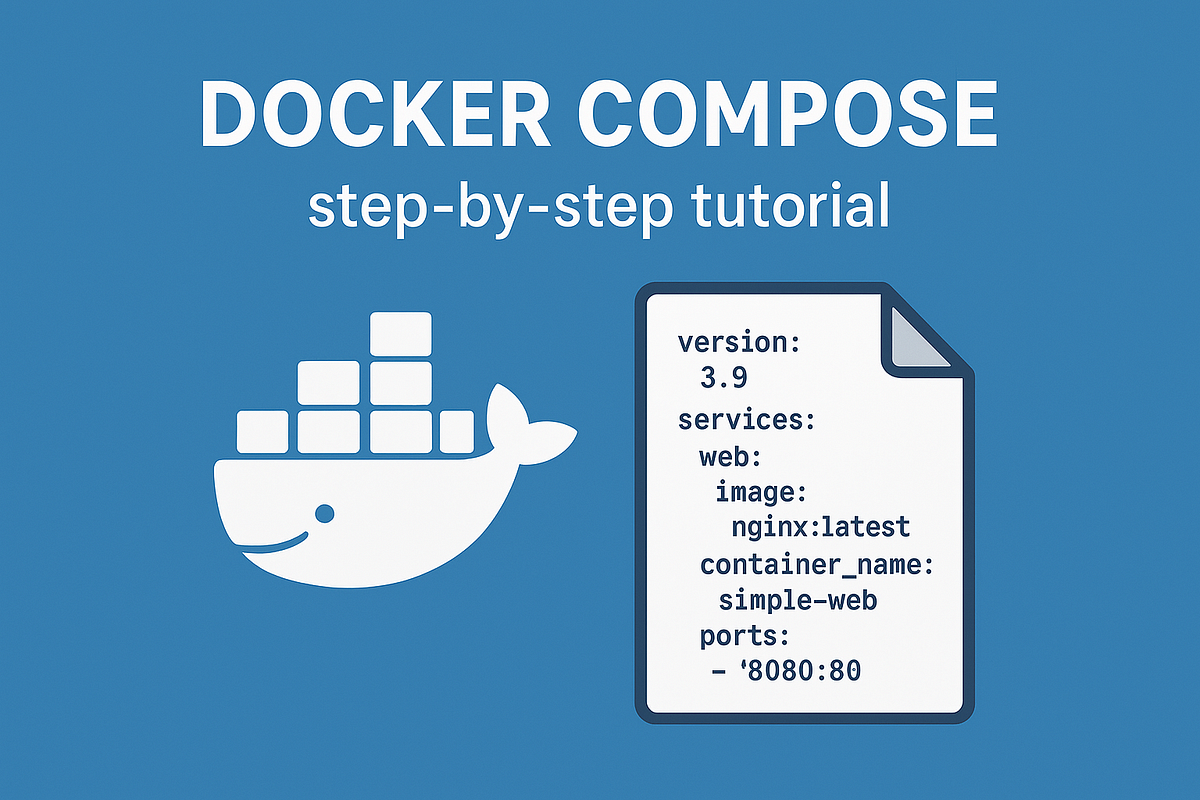
"If you've ever struggled with running multiple docker run commands for a complex application, Docker Compose is your solution. It's a tool that allows you to define and manage multi-container Docker applications using a single, declarative configuration file. Instead of a long list of commands, you describe all your services, networks, and volumes in a docker-compose.yml file. With one command, you can spin up your entire application stack."
"Enough theory - let's get our hands dirty. If you don't have Docker Compose installed yet, follow this guide first. We'll start by creating a simple Compose file with a single service. Create a file named docker-compose.yml and paste the following code: services: This is the root key where you define all the containers (services) that make up your application."
Docker Compose enables definition and management of multi-container Docker applications through a single declarative docker-compose.yml file. The tool replaces multiple docker run commands by allowing services, networks, and volumes to be described in one place. A single command can start the full application stack. Docker Compose handles orchestration of multiple containers. Installation of Docker Compose is required before use. Begin with a simple Compose file that defines a single service. Use the services root key in docker-compose.yml to list and configure the containers that comprise the application.
Read at Medium
Unable to calculate read time
Collection
[
|
...
]