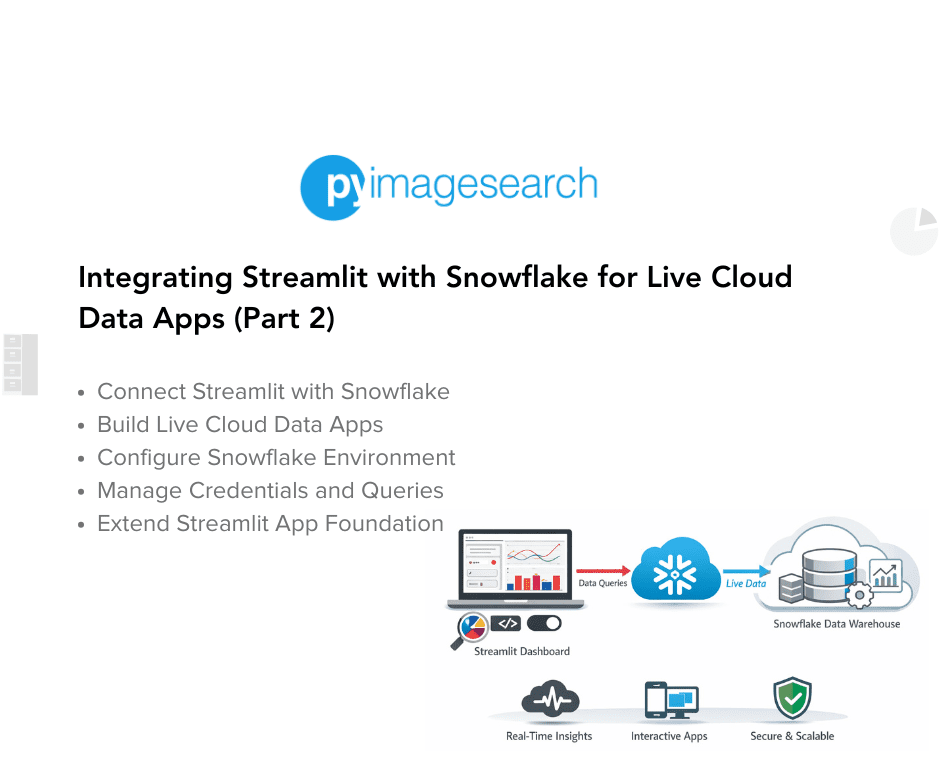
"To learn how to query, visualize, and export live warehouse data from Streamlit, just keep reading. Now that we've prepared our helper modules and configured Snowflake credentials, it's time to bring everything together into one cohesive Streamlit app. The main driver script, lesson3_main.py, acts as the command center - defining layout, navigation, and page logic. It connects Streamlit's interactive UI to the Snowflake data warehouse and orchestrates how users query, explore, visualize, and export results."
"We begin with a docstring that clearly describes the lesson's purpose and a simple run command - a helpful reminder for future readers. The from __future__ import annotations line ensures type hints are treated as strings, improving performance and avoiding circular imports when referencing types. Next come the core imports: streamlit for the web interface pandas for tabular data manipulation settings, load_iris_s"
The main driver script lesson3_main.py defines layout, navigation, and page logic while connecting Streamlit's interactive UI to the Snowflake data warehouse. The script orchestrates querying, exploring, visualizing, and exporting live warehouse results and supports blending those results with local datasets such as the Iris sample. The file follows a lightweight, modular, progressive design that emphasizes caching of expensive queries and reusability of helper modules. The opening block includes from __future__ import annotations to treat type hints as strings for better performance and to avoid circular imports, followed by core imports like streamlit, pandas, and helper functions.
Read at PyImageSearch
Unable to calculate read time
Collection
[
|
...
]