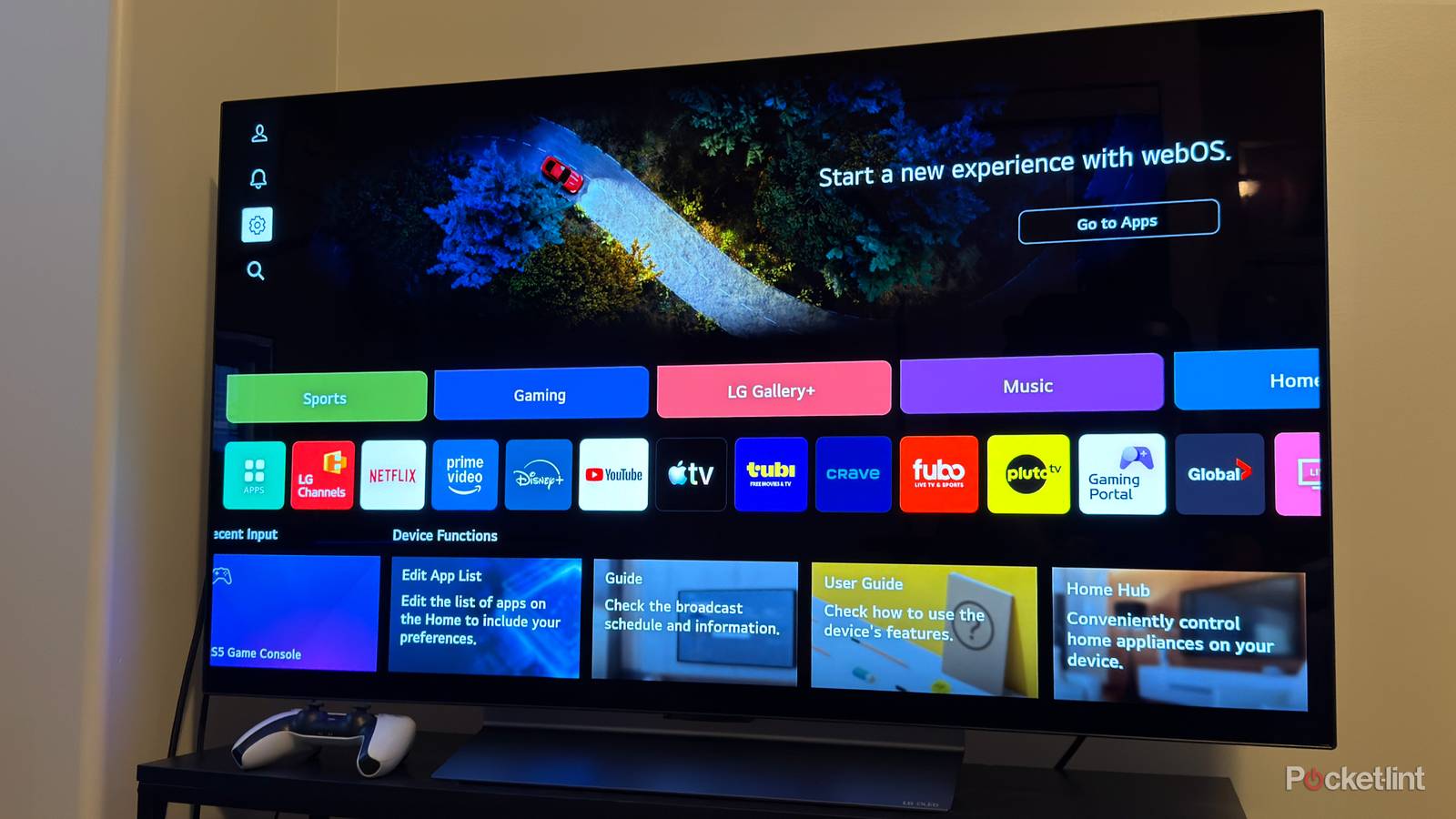
"However, about a week later, while I was trying to disable ads on the home screen, I stumbled across a setting I didn't even know existed and instantly knew I wanted to be disabled. It's called Live Plus. If you've never heard of Live Plus before, it's a feature on LG smart TVs that uses ACR (automatic content recognition) to analyze what's displayed on your screen (via The Markup). LG then uses that data to offer "personalized services," including content recommendations and advertisements."
"Thankfully, LG doesn't make disabling Live Plus too hard, though you do have to click through a few menus. If you want to turn it off, here's how: 1. Press the Settings button on your remote (the gear icon). 2. When the side menu pops up, select Settings. 3. Chose the General option. 4. Scroll down and select System. 5, Select Additional Settings. 6. Toggle Live Plus off."
LG smart TVs include a feature called Live Plus that employs automatic content recognition (ACR) to analyze on-screen content and collect viewing information. The collected data is used to provide personalized services such as content recommendations and advertisements. Live Plus is enabled by default on many LG sets, raising privacy concerns because the TV effectively monitors everything displayed. The feature can be disabled through the TV Settings menu by navigating: Settings → General → System → Additional Settings, then toggling Live Plus off. Disabling Live Plus stops ACR-based monitoring and prevents its viewing data from being used for personalized ads.
Read at Pocket-lint
Unable to calculate read time
Collection
[
|
...
]