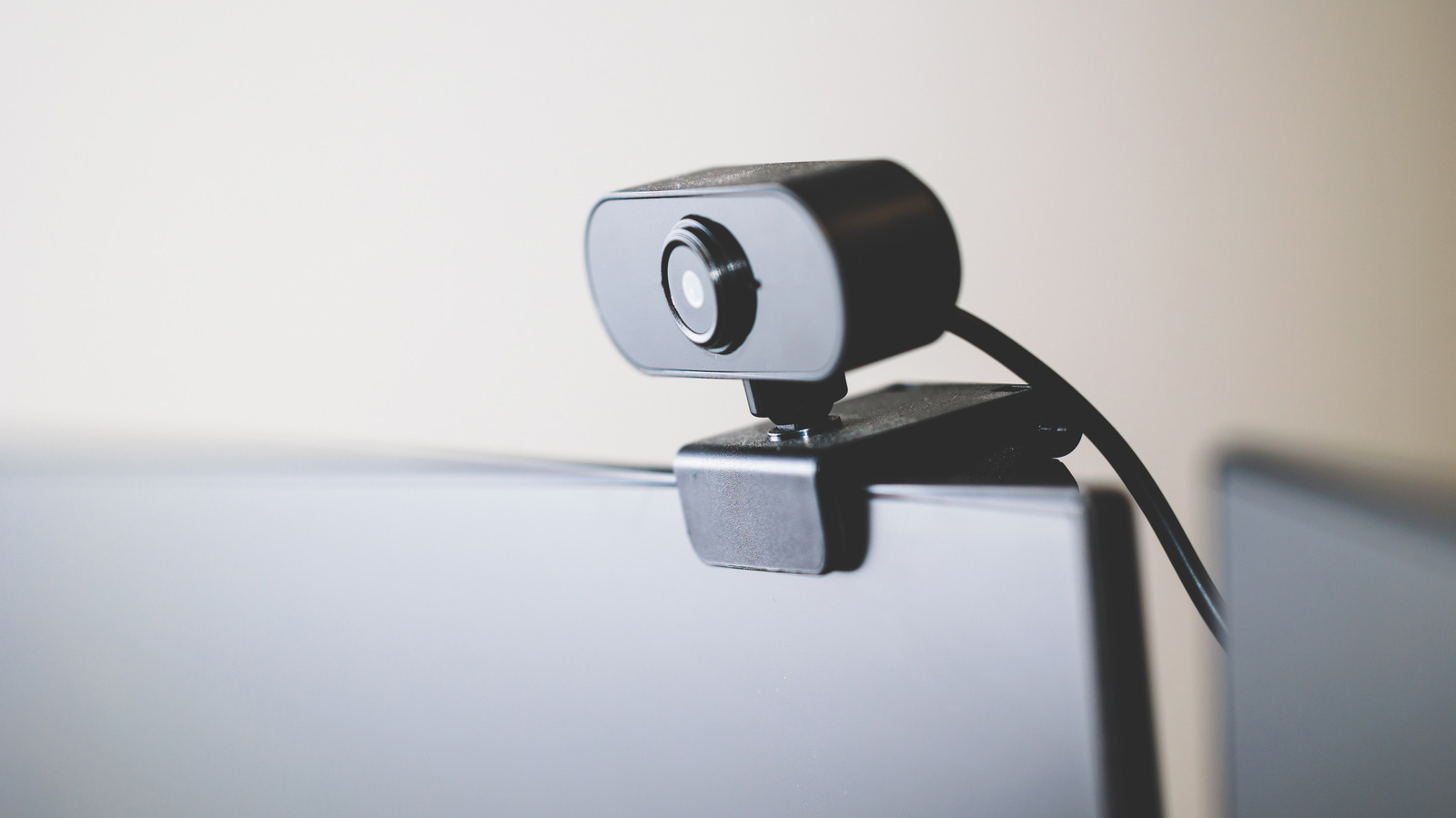
"Whether it's a vestige from the Covid era or just an emerging phenomenon in the age of remote work, workplace meetings now commonly take place over webcams. In this context, how you appear on webcam can influence how people perceive you both personally and professionally. A study at the National Library of Medicine, for instance, demonstrated that the position of a webcam can influence how tall a viewer perceives a subject to be, and that people viewing a subject from below "tended to act against their own interests more often than those that looked down at the other person.""
"This means that a smudged web camera can actually become a professional liability. That said, webcams and other delicate electronic cameras are notoriously susceptible to scratches and damage. To clean one without risking making the blurry image worse, you need to deploy a soft cloth and proper cleaning solution, while avoiding harsh chemicals that could damage the glass. There are also some preventative measures you can take to prevent your webcam from getting filthy in the first place, like proper placement and storage."
"Whether you're using your webcam as an ersatz home security system or looking for ways to make use of an older webcam, your first step in cleaning any delicate lens should be to secure a soft microfiber cloth. With one in hand, try giving your dry webcam a thorough once-over, applying soft pressure with just the tips of your fingers. In many cases, assuming the build-up isn't too extreme, just a light rubbing with a very soft cloth may be enough to properly de-smudge the lens."
"However, there are certainly cases where a dry cloth won't suffice, like if there's significant build-up of oil, dirt, or other gunk on or around the edges of the lens. In this case, grab a cl"
Webcam use in remote work makes appearance and camera setup influential for personal and professional perceptions. Research indicates webcam position can change perceived height and that viewers looking from below may act against their own interests more often. A smudged or dirty webcam can therefore become a professional liability. Because webcams are delicate, cleaning should avoid harsh chemicals and prevent worsening blur. Cleaning should start with a soft microfiber cloth and gentle pressure to remove light smudges. If oil, dirt, or heavy buildup is present, a suitable cleaning solution may be needed, along with careful handling of the lens and edges. Preventative placement and storage can reduce future grime.
Read at BGR
Unable to calculate read time
Collection
[
|
...
]