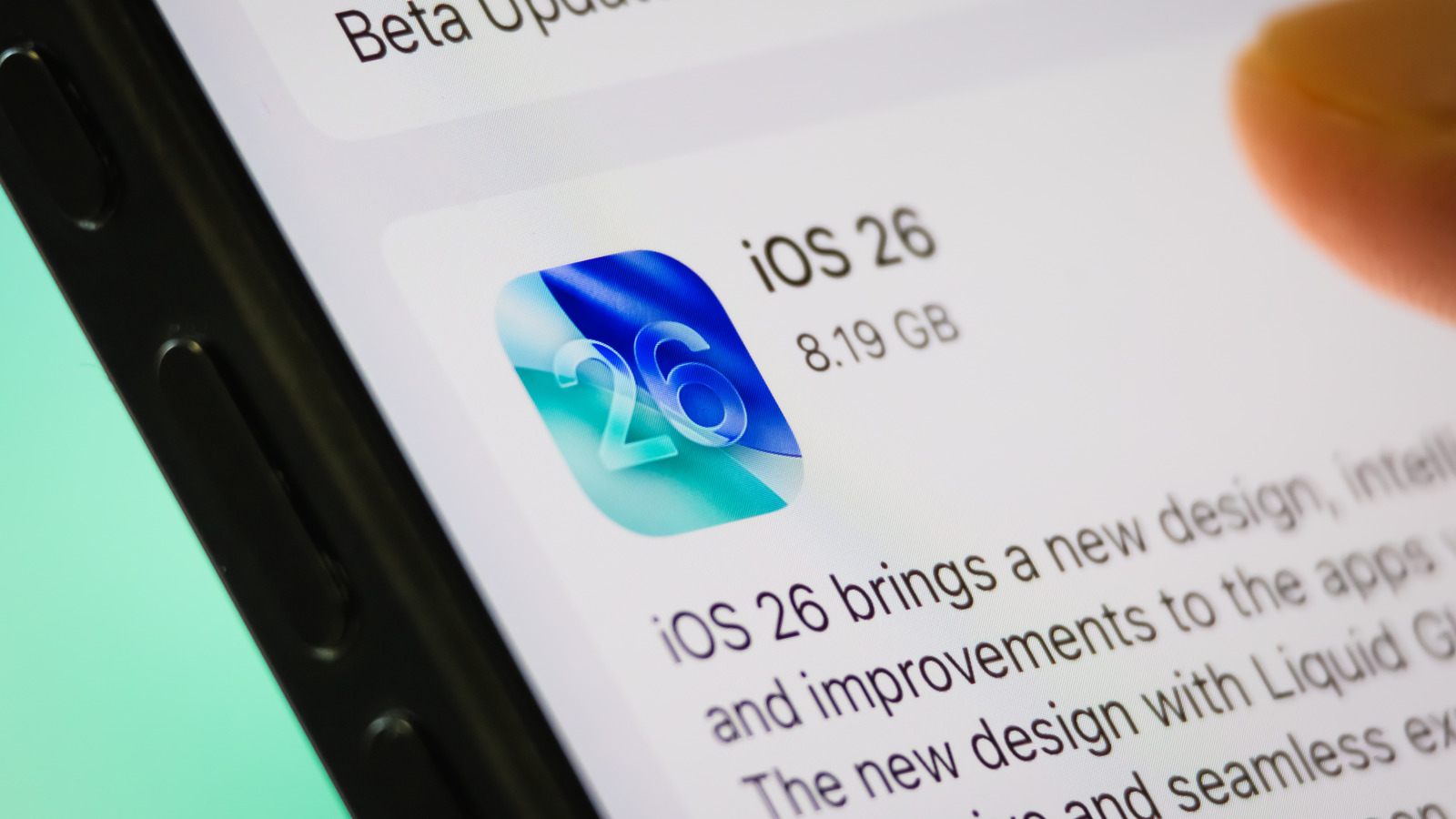
Advertising appears across billboards, TV, print, websites, social media, and even appliances. iOS 26 Screen Time can be repurposed to block ads by adding advertising host websites to App Limits and setting daily time to zero seconds. Configuring multiple ad hosts can be tedious and requires knowledge of host domains, but can materially reduce ad exposure. Safari offers simpler privacy tools: enable block pop-ups and disable cross-site tracking via Settings > Apps > Safari. Disabling cross-site tracking reduces data collection used to build targeted ads. Multiple ad-reduction strategies exist with varying effort and effectiveness.
"This ad-blocking strategy was shared by Redditor u/MeditatingLemur, who exposed a crafty workaround using the iOS 26 Screen Time feature. This setting is for limiting app usage, but iPhone users can also use it to keep ads at bay. All you have to do is add advertising host websites to the App Limit settings and set the allotted time to zero seconds per day, every day. You then won't have to worry about that source's ads anymore."
"There are a few simple strategies to combat ads beyond this Screen Time hack. Safari users, for example, can use the browser's pop-up blocking feature. This is done by going to Settings on an iPhone or iPad, navigating to Apps, and selecting Safari. There, the option to block pop-ups can be toggled on. Through this menu, you can also disable cross-site tracking, which is used for data collection, and, in turn, the creation and pushing"
Read at SlashGear
Unable to calculate read time
Collection
[
|
...
]