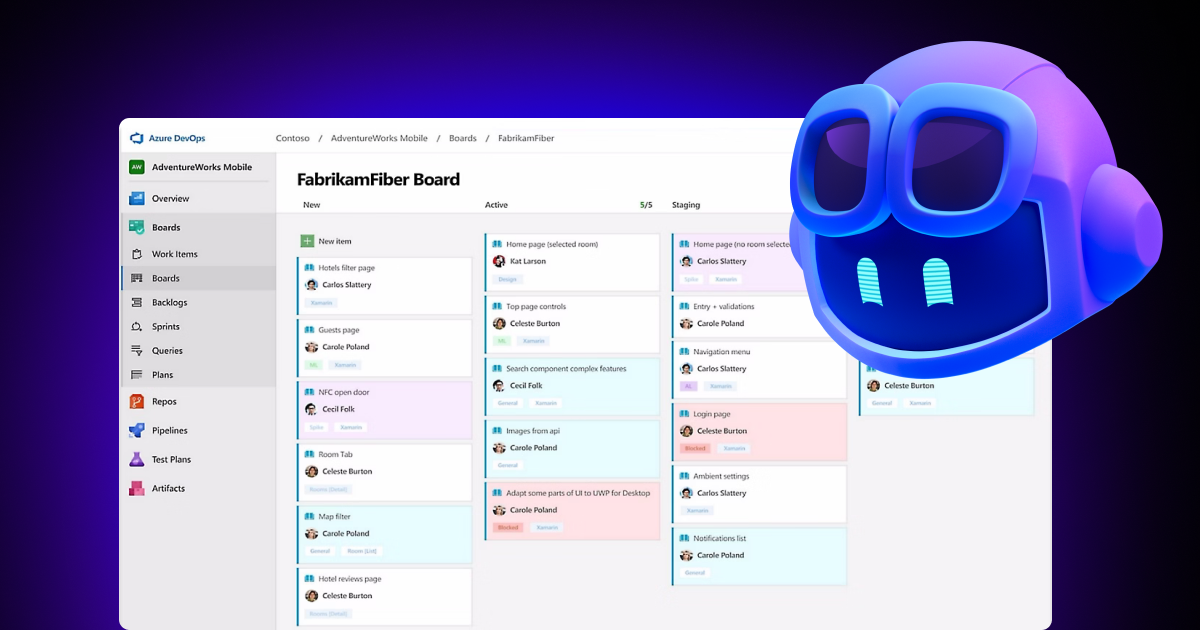
Teams can send Azure Boards work items directly to the GitHub Copilot coding agent by providing well-crafted instructions in large text fields like Description or Repro Steps. Clicking the Copilot button on a work item initiates 'Create a pull request with GitHub Copilot', allowing repository and branch selection plus extra instructions. The system forwards relevant content and the last 50 comments to the coding agent, which generates a branch and a draft pull request automatically linked to the work item. The work item and kanban card statuses update when processing completes, and a comment notifies reviewers. Repositories must reside on GitHub and Azure Boards–GitHub integration is required.
"The goal was simple: allow teams to take a work item from Azure Boards and send it directly to GitHub Copilot so the coding agent could begin working on it, track progress, and generate a pull request. We are happy to announce that this integration is now being rolled out as generally available 🎉. Customers who participated in the preview helped us validate the experience, find issues, and shape improvements."
"Once you click Create, the work item is sent to the Copilot coding agent to begin processing. We pass along all relevant content from the large text fields (such as Description or Repro Steps) as well as the last 50 comments. The coding agent then generates a branch and a draft pull request, which is automatically linked back to the work item for full traceability."
Read at Azure DevOps Blog
Unable to calculate read time
Collection
[
|
...
]