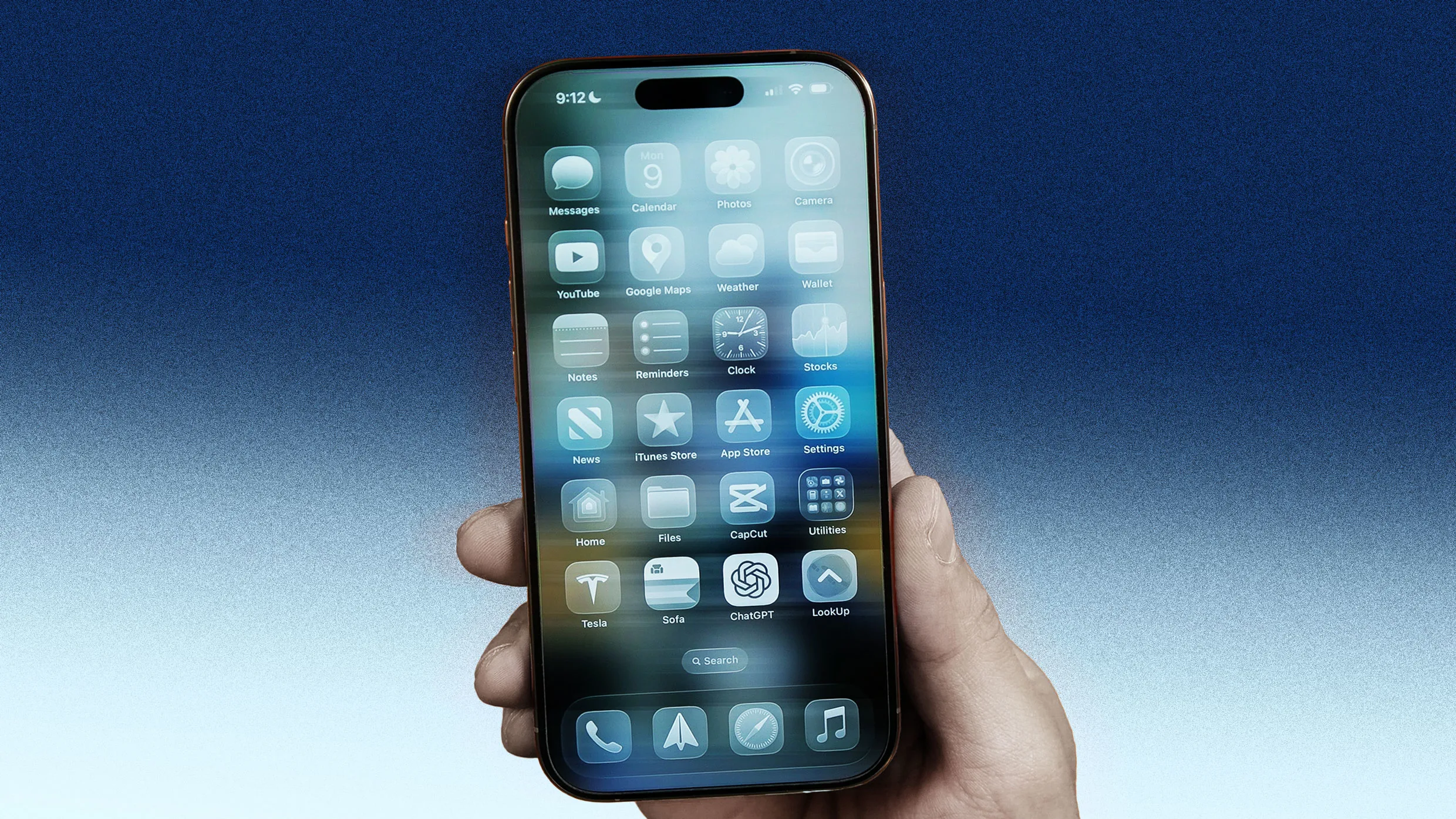
"After Liquid Glass, one of the most frequent complaints I've heard about iOS 26 relates to the Safari app. In iOS 26, Apple changed Safari's default interface, giving it a new "compact" design that hides important buttons, including bookmarks and tabs. In iOS 26, you now have to tap a new three-dots button next to the new compact URL bar to reveal the buttons that let you access your bookmarks, tabs, and other functions."
"Thankfully, you can ditch the new iOS 26 Safari layout and revert to the layout Safari had in iOS 18 by doing the following: Open the Settings app. Tap Apps. Tap Safari. Under the "Tabs" section, tap Bottom. Doing this again places the important bookmarks and tabs buttons directly on a toolbar at the bottom of Safari."
iOS 26 has been available for nearly six months and remains one of the least well-received iPhone updates. The Liquid Glass user interface design drew criticism, and Apple added an option to tone it down. iOS 26 changed app behaviors, disrupting muscle memory and prompting users to miss iOS 18 functionality. Safari received a new compact interface that hides bookmarks and tabs behind a three-dots menu, increasing taps for basic features. Users can restore Safari's previous layout by going to Settings > Apps > Safari and setting Tabs to Bottom, returning bookmarks and tabs to a bottom toolbar.
Read at Fast Company
Unable to calculate read time
Collection
[
|
...
]