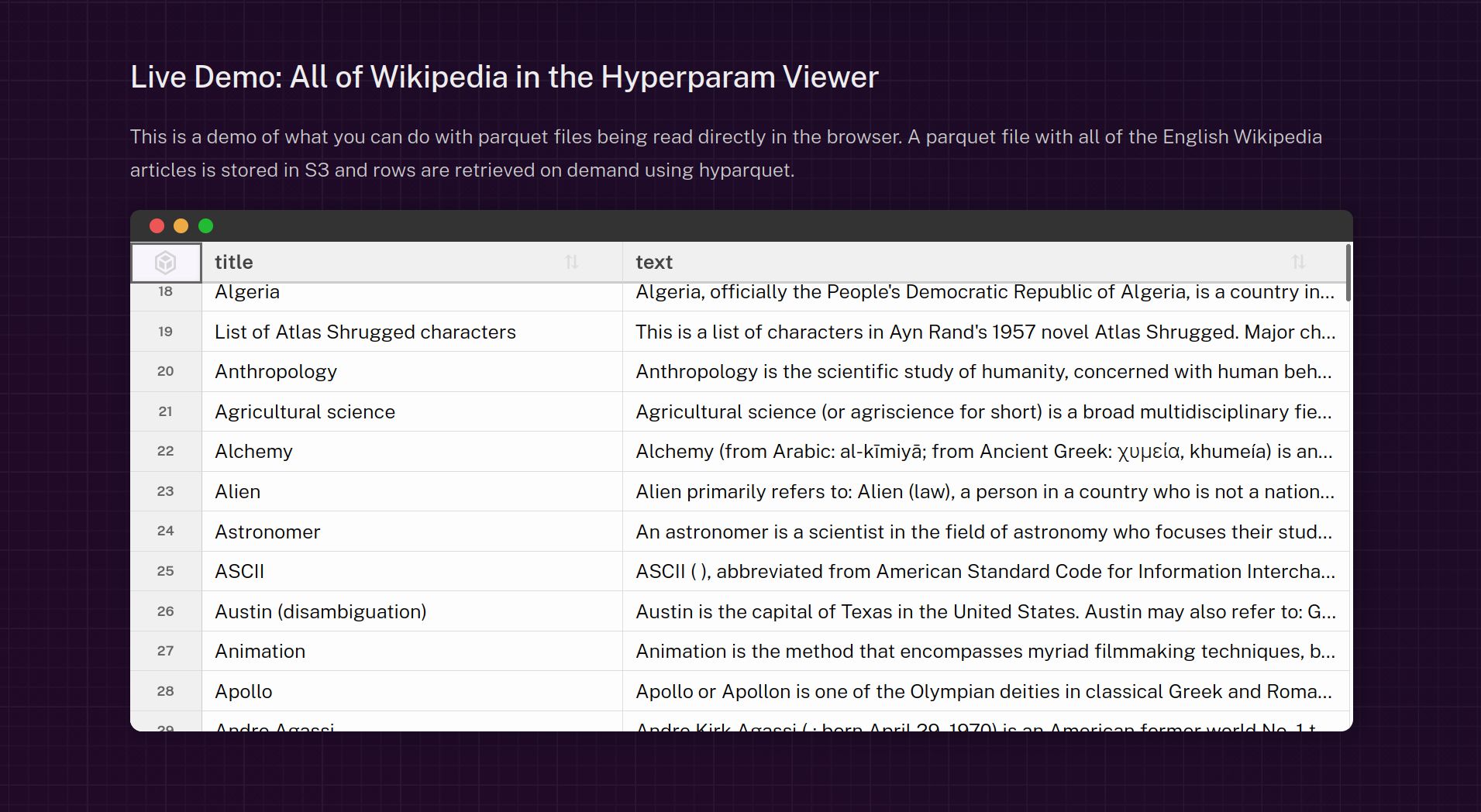
HighTable is a React component that displays billions of table rows while preserving performance and accessibility. Five vertical-scrolling techniques address the specific challenges of rendering massive tabular datasets in the browser and maintaining responsive interactions. The component supports column operations (sort, hide, resize), row selection, and rich cell behavior including keyboard navigation, pointer interactions, and custom rendering. Scrolling uses a scrollable container with an inner table element, where the viewport is a fixed-height div and overflow-y: auto produces a vertical scrollbar when content exceeds the viewport. The component is used in demos, a Parquet viewer, and other Hyperparam projects.
"The component also provides features for columns (sort, hide, resize), rows (select), cells (keyboard navigation, pointer interactions, custom rendering). Feel free to ask and look at the code if you're interested in knowing more. The <HighTable> component is developed at hyparam/hightable. It was created by Kenny Daniel for Hyperparam, and I've had the chance to contribute to its development for one year now."
"Before diving into the techniques, let's describe how scrolling works using a standard HTML table. The HTML structure is composed of a scrollable container, that we call the , and a table element inside it: In this structure, the viewport is a div with a fixed height and the CSS property overflow-y: auto enables a vertical scrollbar when the table is taller than the viewport."
Read at Rednegra
Unable to calculate read time
Collection
[
|
...
]