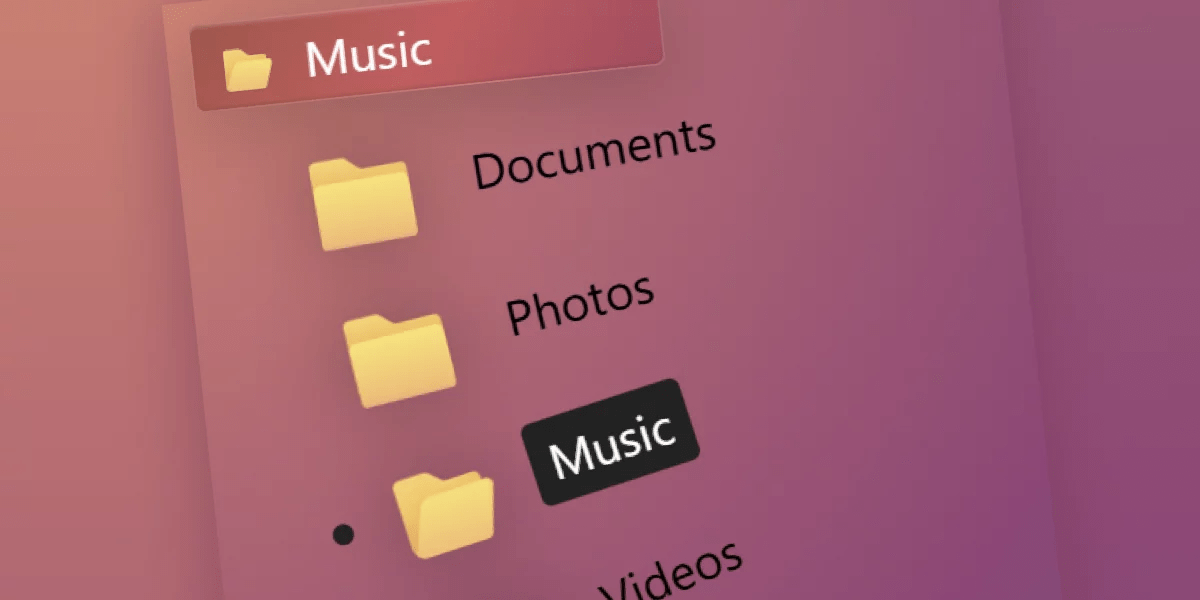
Modern web browsers now support customizable select elements, allowing developers to build creative and visually distinctive dropdown menus. This article demonstrates practical implementations through demos, focusing on techniques for styling and enhancing the standard select element. The feature maintains backward compatibility—browsers without support display traditional selects, ensuring functionality across platforms. The article emphasizes learning through experimentation with playful implementations, encouraging developers to explore the possibilities of custom selects. Examples include folder stacks and other creative designs built using HTML and CSS, providing foundational knowledge for developers interested in creating their own customized select elements.
"Web browsers ship new features all the time, but what fun is it if we can't build silly and fun things with them? In this article, let's go over a few demos that I've made by using the new customizable select feature, and walk through the main steps and techniques that I've used to implement them."
"Before we start, a word about browser support: the demos in this article only run on recent Chromium-based browsers because that's where customizable selects are implemented right now. However, this feature is designed in a way that doesn't break non-supporting browsers. After all, a customized select element is still a select element."
"I like going a little bit overboard on silly ideas because that gives me a better chance to learn. Yours might be more, you know, useful than mine, and probably for good reasons, but the goal is to understand the techniques and possibilities available with this new feature."
#customizable-select-elements #web-browser-features #css-styling-techniques #html-form-elements #frontend-development
Read at CSS-Tricks
Unable to calculate read time
Collection
[
|
...
]