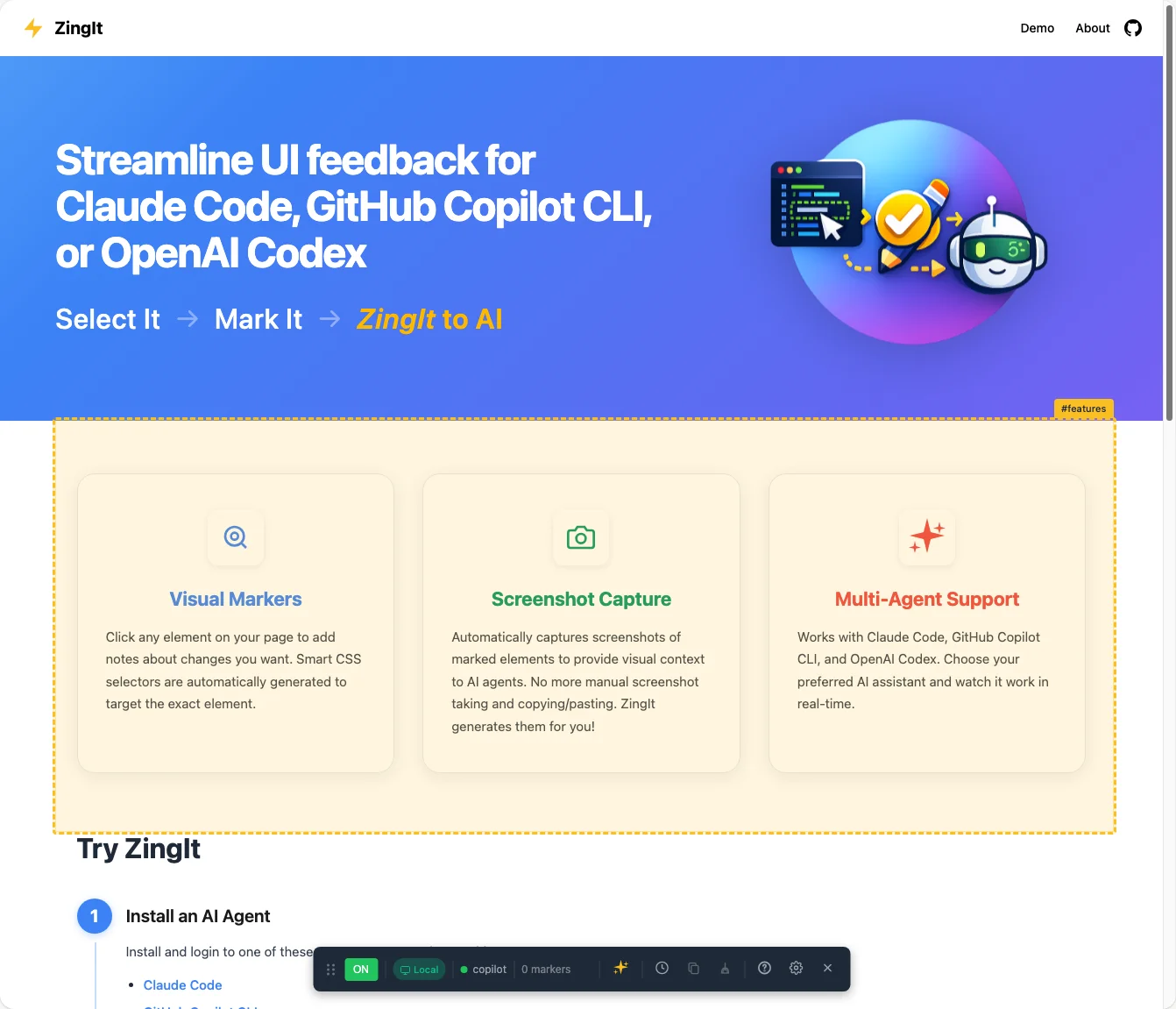
ZingIt is a developer tool that lets users point at webpage elements, attach notes, and send those selections and instructions to AI for automatic fixes. Users activate mark mode, select elements, type desired changes, and trigger the AI to locate the relevant code and apply edits. The AI receives the CSS selector, HTML context, optional screenshots, and user instructions to search the codebase and perform modifications. The GitHub Copilot SDK is used to integrate AI capabilities, simplifying the process of connecting the browser selection workflow to automated code changes.
"Have you ever tried to describe a UI bug to someone? "See that button... no, the OTHER button... the one with the blue border... well, it's kind of blue... anyway, make it bigger." It's painful. Screenshots help, but then you're copying and pasting them into chat windows and hoping your AI assistant understands which pixel you're pointing at. I got tired of this overall process."
"Instead of switching to your code editor and hunting for the right file, you: Press Z to enter ZingIt's mark mode. That displays the ZingIt toolbar. Select the element or elements to modify Type your instructions: "Make this heading blue" or "Increase padding to 24px" or "create a blue linear gradient" Click the sparkle icon (✨) in the ZingIt toolbar Watch the AI find the code and make the change"
Read at Codewithdan
Unable to calculate read time
Collection
[
|
...
]