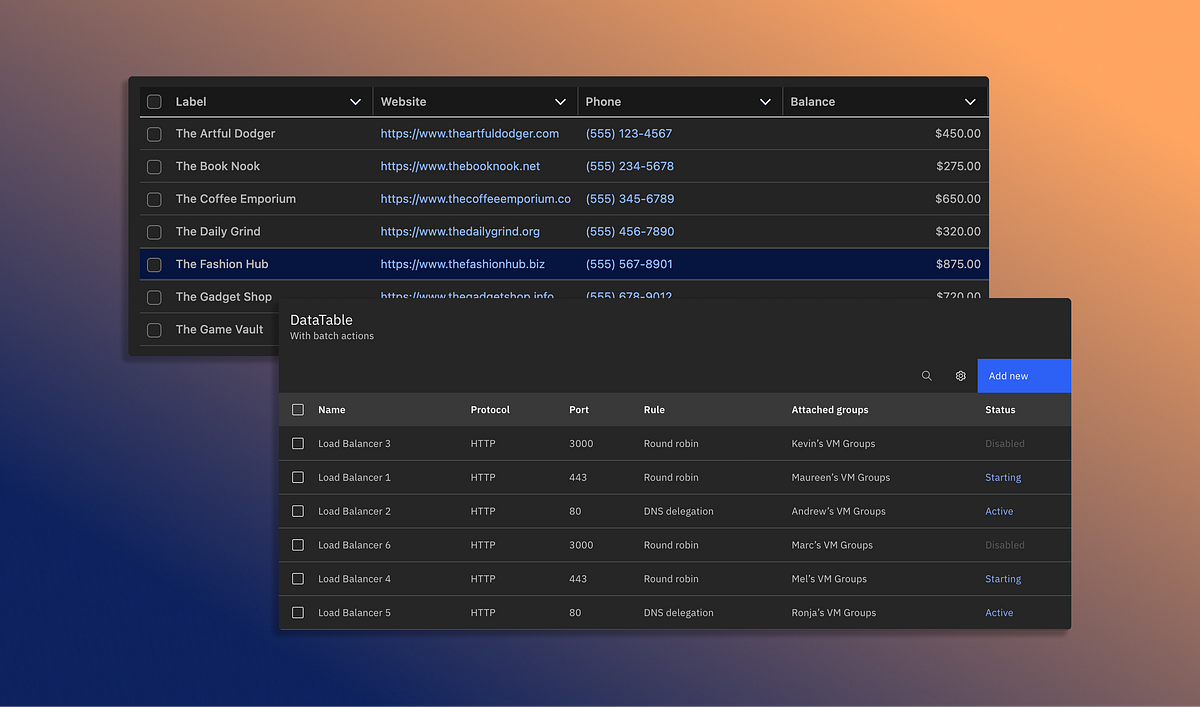
"But when this same structure isn't communicated properly in the code, assistive technologies lose the context that sighted users get visually. Without proper header associations, a screen reader (like Voiceover or NVDA) may announce a value without indicating which column or row it belongs to. For instance, let's say there is a data table depicting the concerts you attended last year. A sighted user can easily understand when and where each concert was, but a screen reader announces "12 February" without the associated concert it corresponds to."
"Many Design Systems include a table component, but sometimes they don't clarify how the component should be used in the wild. The guidance leaves open questions about accessibility, like: Without explicit standards, tables used by different teams behave differently, and accessibility becomes inconsistent. Added interactions without accessibility Modern tables are typically dynamic with sortable columns, selectable rows, and inline actions. But these interaction patterns are layered on top of the table without clear guidance on keyboard behavior, focus order, or screen reader announcements."
Data tables fall between design and development responsibilities, creating ownership gaps that let accessibility issues slip through. Tables frequently lack semantic structure and proper header associations, so assistive technologies cannot convey column and row context to screen reader users. Inconsistent guidance in Design Systems produces varied implementations and inconsistent accessibility across teams. Modern tables add interactions like sortable columns, selectable rows, and inline actions without clear keyboard behavior, focus order, or announcement patterns. Late-stage accessibility fixes often use ad hoc ARIA attributes instead of inclusive design, resulting in tables that function but feel unpredictable or incomplete for users of assistive technology.
Read at Medium
Unable to calculate read time
Collection
[
|
...
]