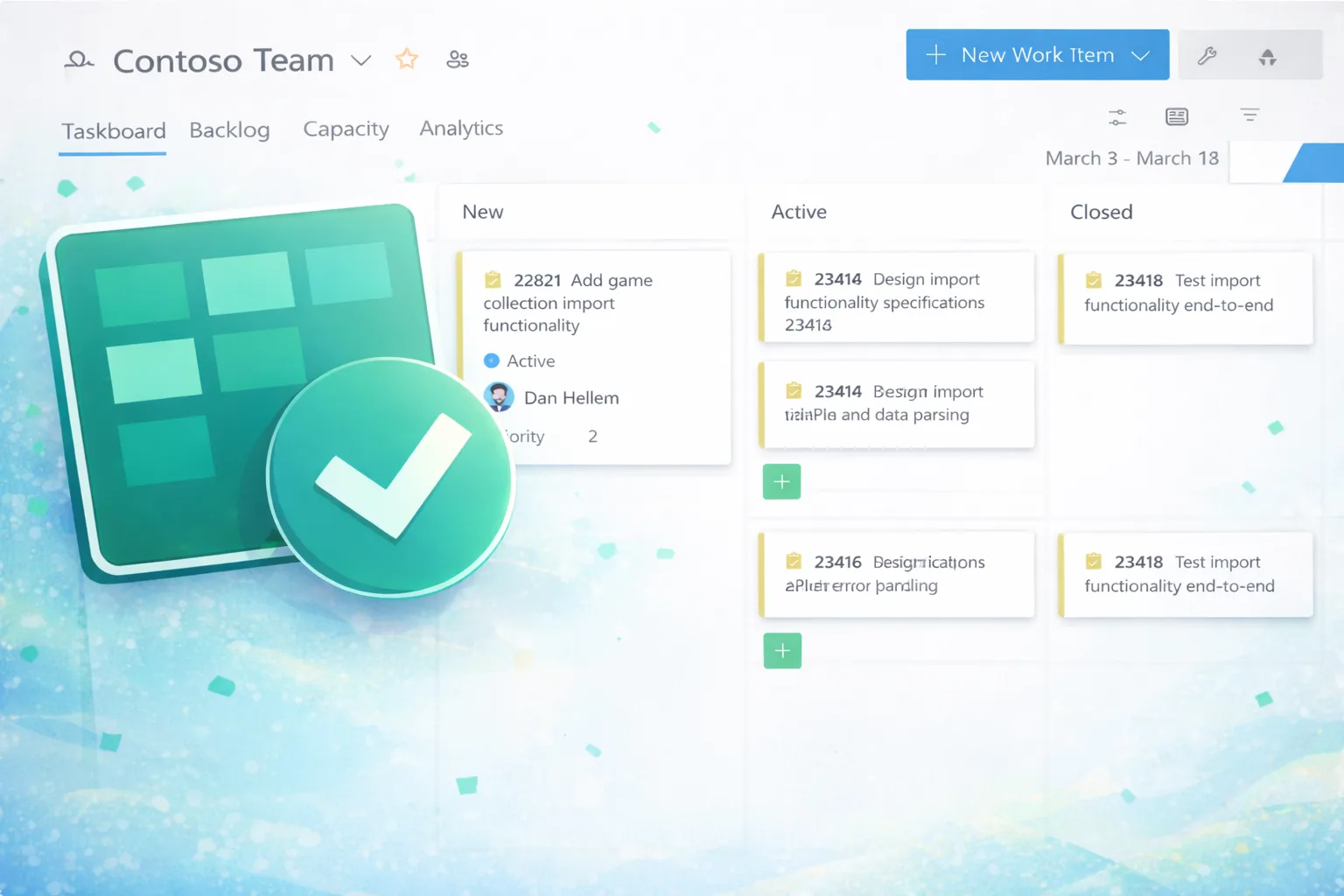
"One of the challenges teams face when working with large boards or displaying multiple fields on work item cards is limited screen space. This became even more noticeable with the rollout of the New Boards hub, which introduced additional spacing and padding for improved readability. While this enhances clarity, it can also reduce the number of cards visible at once."
"For example, if a work item contains a dozen or more tags and several custom fields, a single card can easily consume a significant portion of your vertical space. In Delivery Plans, we addressed this challenge with the condensed view option, where only the work item Id and title are displayed. We're excited to bring the same condensed view capability to both the Kanban and Sprint board pages. With a single click, you can now toggle between the standard card layout and a more compact view that shows only titles."
Large boards and multiple displayed fields reduce visible cards due to limited vertical space and increased spacing in the New Boards hub. Work items with many tags and custom fields can cause a single card to consume significant vertical space. Delivery Plans introduced a condensed view showing only work item Id and title to address this. The condensed view is now available on Kanban and Sprint boards and can be toggled with a single click to display only titles. The condensed view increases the number of visible cards, easing scanning, triage, and backlog management. The feature is rolling out and will reach all organizations by early March.
Read at Azure DevOps Blog
Unable to calculate read time
Collection
[
|
...
]