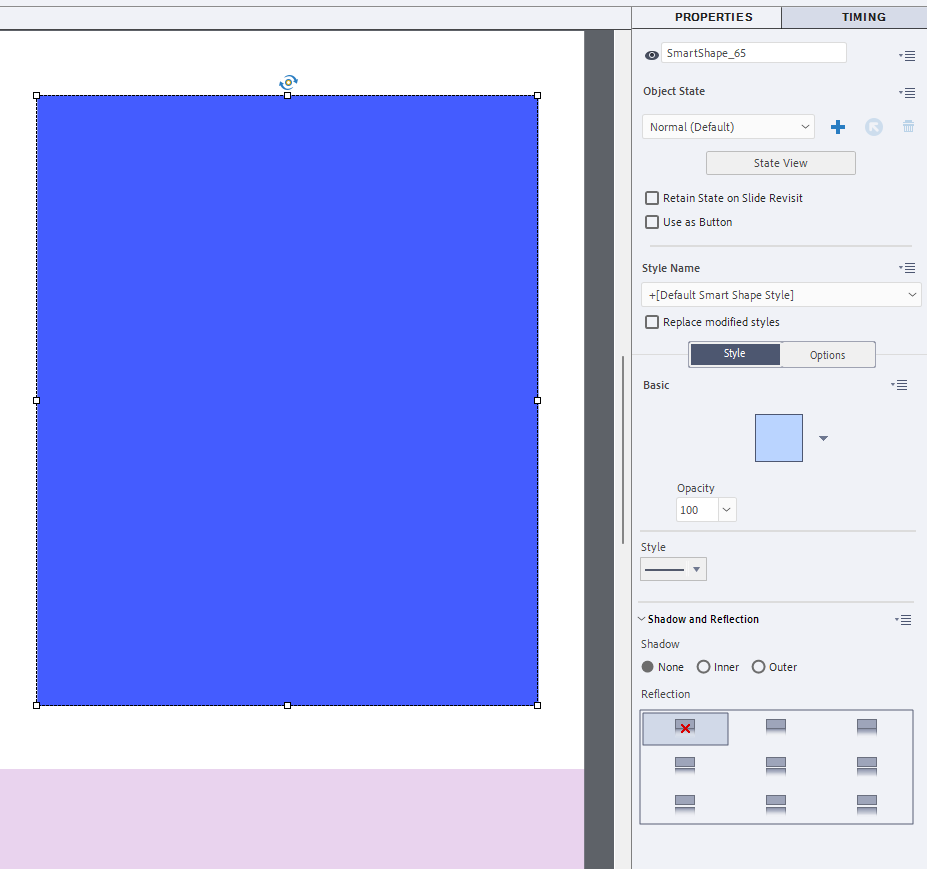
"I cannot change the color of the smart shapes in Adobe Captivate Classic."
"the Style section only shows the stroke styles, no color for fill or stroke, or anything else for that matter."
"Does anyone else have this problem and what can I do to fix it?"
Smart shapes in Adobe Captivate Classic cannot be recolored because the Style section only displays stroke styles and lacks color controls. The absence of fill and stroke color options prevents users from customizing shape appearance directly through the Style panel. This limitation affects design flexibility and may interrupt typical workflow for creating visually consistent content. Users seek confirmation whether others experience the same behavior and request guidance or troubleshooting steps to restore or access fill and stroke color controls within Captivate Classic.
Read at eLearning
Unable to calculate read time
Collection
[
|
...
]