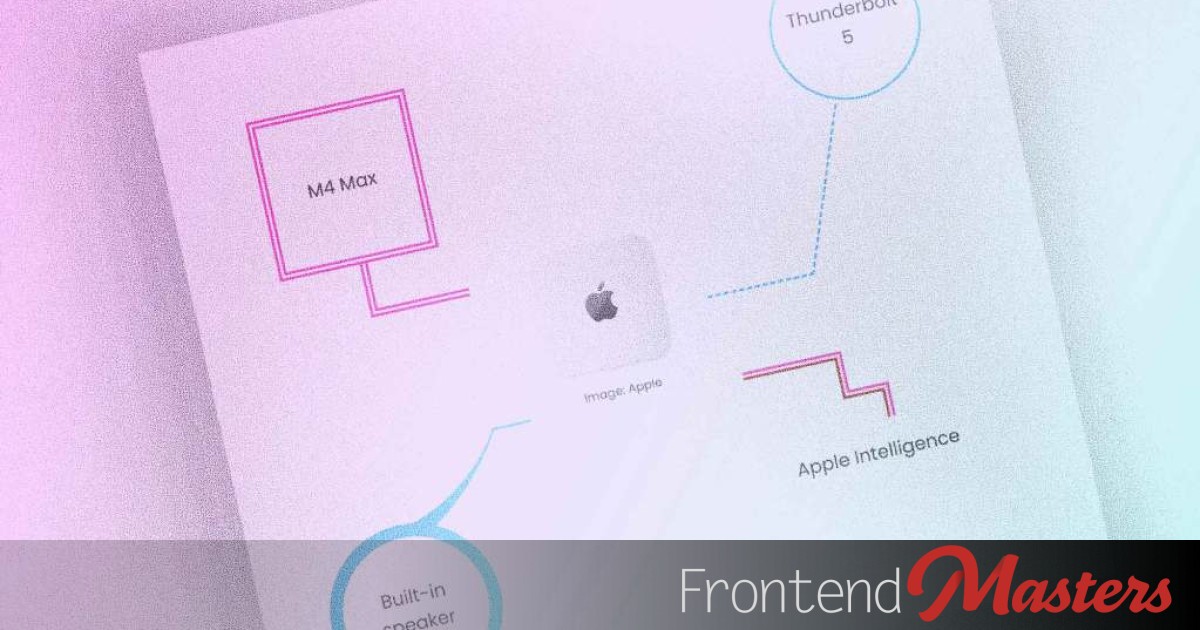
A callout UI uses a leader line with a text box at one end for highlighting and casual annotations. The outer callout element is set up as a query container that tracks horizontal and vertical sizes, enabling precise placement of text boxes over the callout. The text box is positioned using offset-path and offset-anchor so its attachment point aligns with the callout border, including using the callout width to place the box at the opposite corner when needed. The leader line is created by applying right and bottom borders to the callout element. Slanted lines are achieved by skewing the callout and counter-skewing the text box, and box shadows can also render leader lines.
"The outer element, .callout, is established as a query container that tracks both its horizontal and vertical sizes (that's what the value size does as opposed to inline-size). This later gives us the dimensions needed to place the text boxes at the desired positions over .callout. The element will also receive borders later on to create the leader lines."
"The text boxes (.callout-text) are to be placed along the border reference box of .callout. The text box's bottom-center (center is default) is the point that attaches to the .callout 's border. The offset-path CSS property defines a track that an element can be placed on and animated along. The offset-anchor CSS property defines a point in that element that connects to the path."
"If the leader line needs to extend from below the text box and towards the left, the text box needs to be at the opposite corner (the top right) of .callout, which is the distance of the entire callout width: 100cqw. With the text box positioned, we now add a leader line. This is done by setting the right and bottom borders for .callout."
"One advantage of positioning text boxes using offset is that the text box is now attached to the callout's border. If the border moves in any way, the text box moves along with it. To make the leader line slanted, we add skew to .callout. To counter the effect of skew on the text box, it receives the same skew but in the opposite direction."
Read at Frontendmasters
Unable to calculate read time
Collection
[
|
...
]