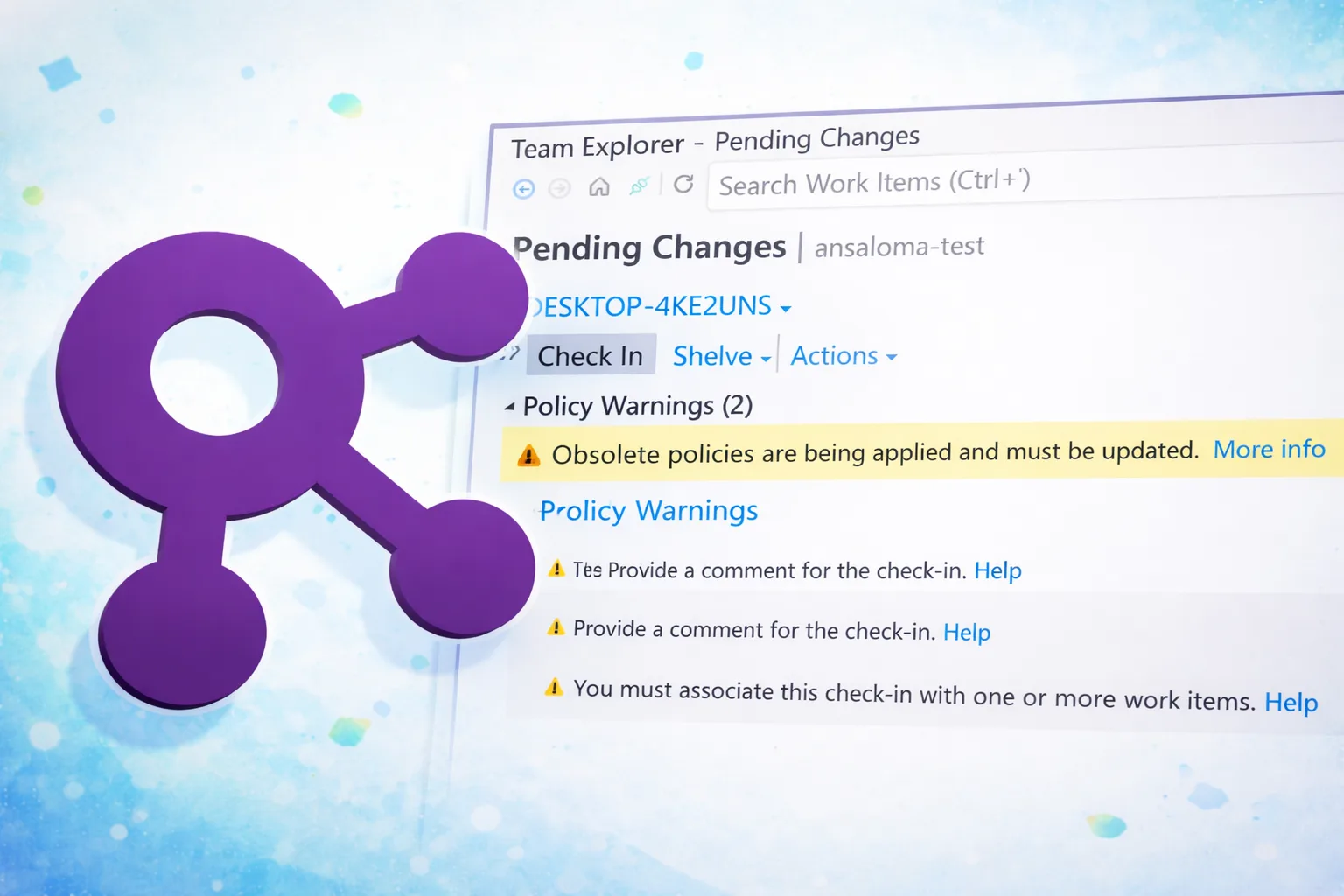
"The final phase of this transition is about to be completed. Once it takes effect, any remaining obsolete policies will block all users of the repository from checking in changes. These policies will also no longer be visible or manageable through Visual Studio Team Explorer. If you are still using obsolete policies at that point, you will need to run a C# code snippet to remove them and restore compliance."
"One of the challenges in updating how we store policies is that TFVC is a legacy system. This makes it difficult to deprecate policies without disrupting customers or introducing higher-risk changes to older code paths. This situation highlights the complexities that can arise when updating legacy components. When these policies are deprecated, they are removed from the Team Explorer experience but remain in storage and must still be manually removed."
In April 2025 a deprecation schedule for legacy TFVC check-in policies was announced due to limitations in how those policies were implemented and stored. The old policies have been marked obsolete and equivalent updated policies are available for replacement. Phase II allows replacing obsolete policies through Visual Studio Team Explorer and displays notifications on check-in for out-of-compliance configurations. The final phase will cause any remaining obsolete policies to block all repository users from checking in and will remove those policies from Team Explorer. If obsolete policies remain then, run a C# code snippet to remove them and restore compliance. Replacing obsolete policies through Team Explorer takes only a few minutes.
Read at Azure DevOps Blog
Unable to calculate read time
Collection
[
|
...
]