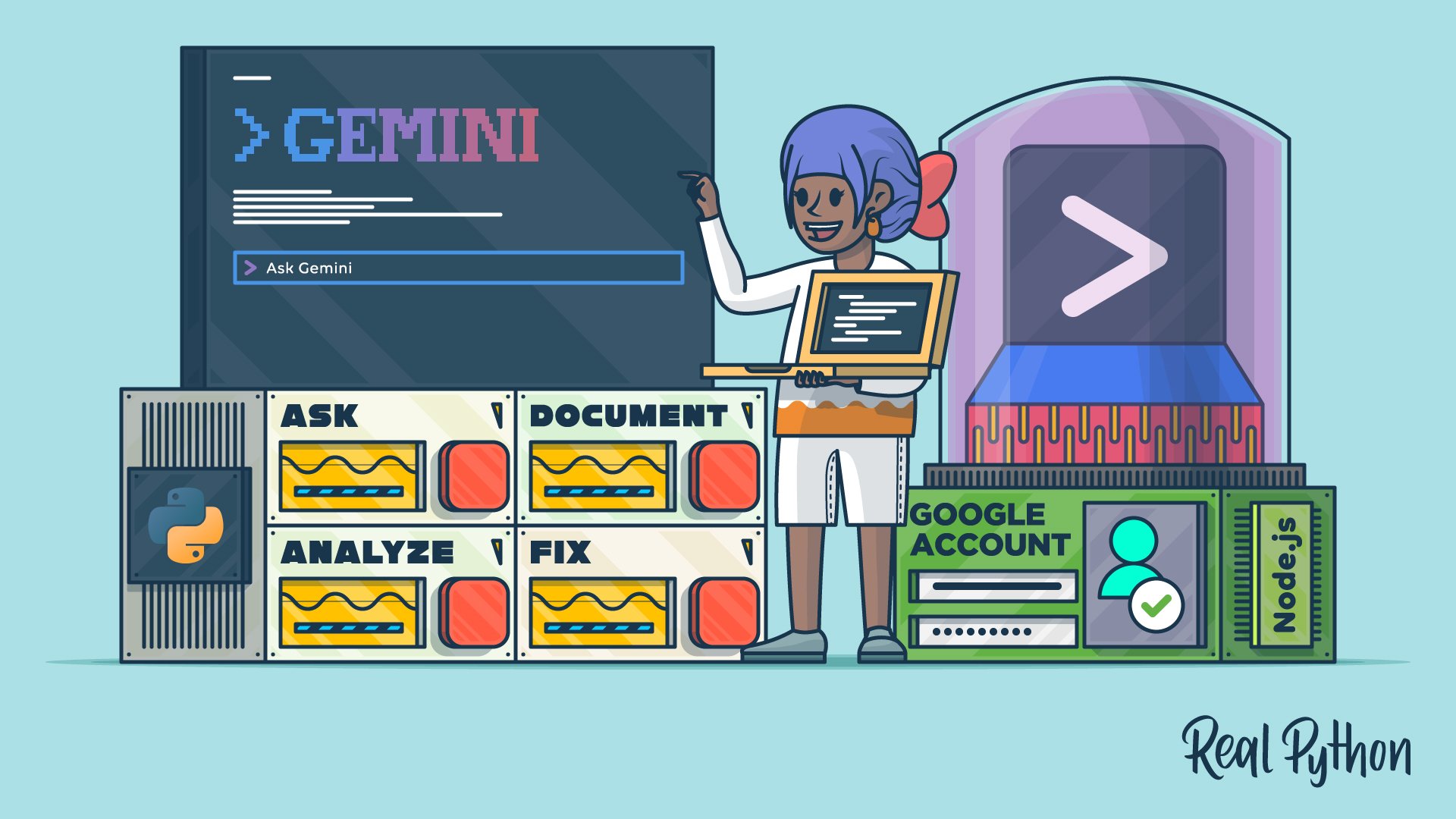
"Imagine debugging code without switching between your console and browser, or picture getting instant explanations for unfamiliar projects. Like other command-line AI assistants, Google's Gemini CLI brings AI-powered coding assistance directly into your command line, allowing you to stay focused in your development workflow. Whether you're troubleshooting a stubborn bug, understanding legacy code, or generating documentation, this tool acts as an intelligent pair-programming partner that understands your codebase's context."
"Google Account: A personal Google account is required to use Gemini CLI's free tier, which offers one thousand requests per day and sixty requests per minute at no charge. Python 3.12 or Higher: You'll work with a Python command-line application to demonstrate Gemini CLI's capabilities. If you haven't already, install Python on your system, making sure the minimum version is Python 3.12."
Gemini CLI brings Google's AI-powered coding assistance into the terminal, enabling analysis of code, identification of bugs, and suggestions for fixes without leaving the development environment. The tool supports natural language queries to explain unfamiliar projects and speed code understanding. It functions as an intelligent pair-programming partner with awareness of codebase context, useful for debugging, understanding legacy code, and generating documentation. Setup requires Google account authentication and installation of Node.js and Python 3.12+. The free tier provides up to one thousand requests per day and sixty requests per minute. Comfort with terminal navigation and basic shell commands is expected.
Read at Realpython
Unable to calculate read time
Collection
[
|
...
]