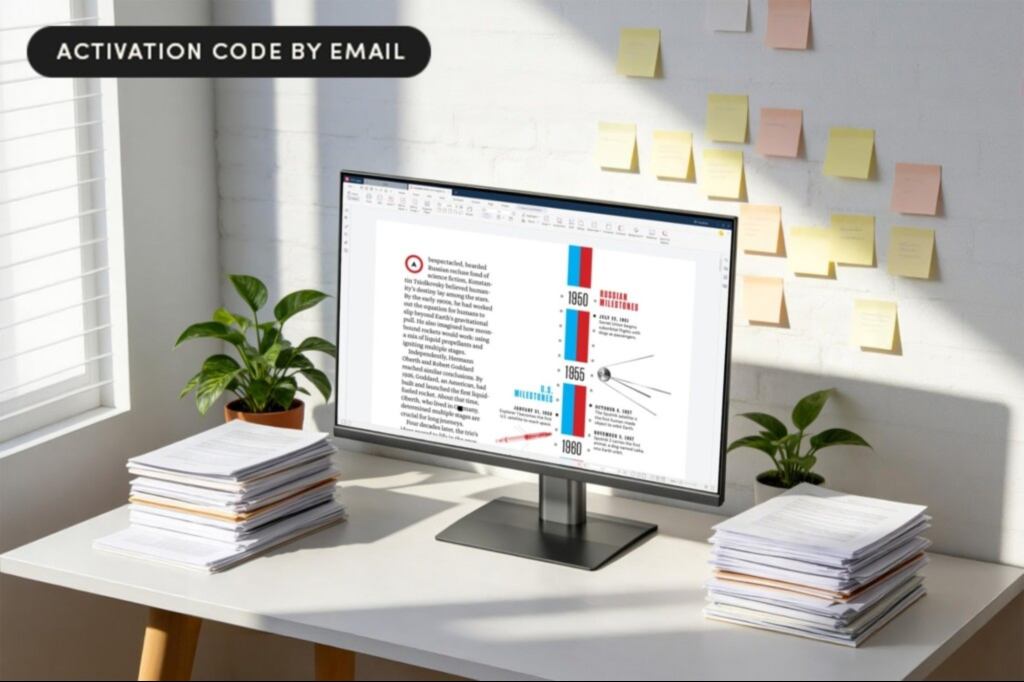
"Stop struggling with PDFs and wasting precious minutes of your workday. PDF Agile is ready to help you make peace with these files, serving as an all-in-one PDF tool. You can edit, convert, view, and more, all in one spot, and this lifetime subscription lets you take advantage of this tool forever. Need to fill out a PDF? No problem with PDF Agile. You can also mark up the text with commenting tools, annotate with highlights, underlines, strikethroughs, and more."
"Add hyperlinks, a solid color background, or page numbers easily, or redact sensitive information. You can also add passwords to keep info private, and sign things electronically in three different ways. If you need to convert a PDF into another file format, that's simple too. Compression tools reduce file size without compromising your document's quality, and you can rest easy knowing you won't lose any fonts or formatting during the process."
Eighty percent of businesses use PDFs in their workflow, making reliable PDF tools essential. PDF Agile Premium delivers an all-in-one PDF solution compatible with Windows and Mac via a lifetime subscription. Users can edit, convert, view, fill forms, and annotate with highlights, underlines, strikethroughs, and comments. The tool supports adding hyperlinks, backgrounds, page numbers, redaction, password protection, and three electronic signing methods. Conversion preserves fonts and formatting while compression reduces file size without sacrificing quality. Reading modes include Read Mode, Full-Screen Mode, and Slideshow. Additional utilities include OCR extraction, cropping, and drag-and-drop page rearrangement.
Read at Entrepreneur
Unable to calculate read time
Collection
[
|
...
]