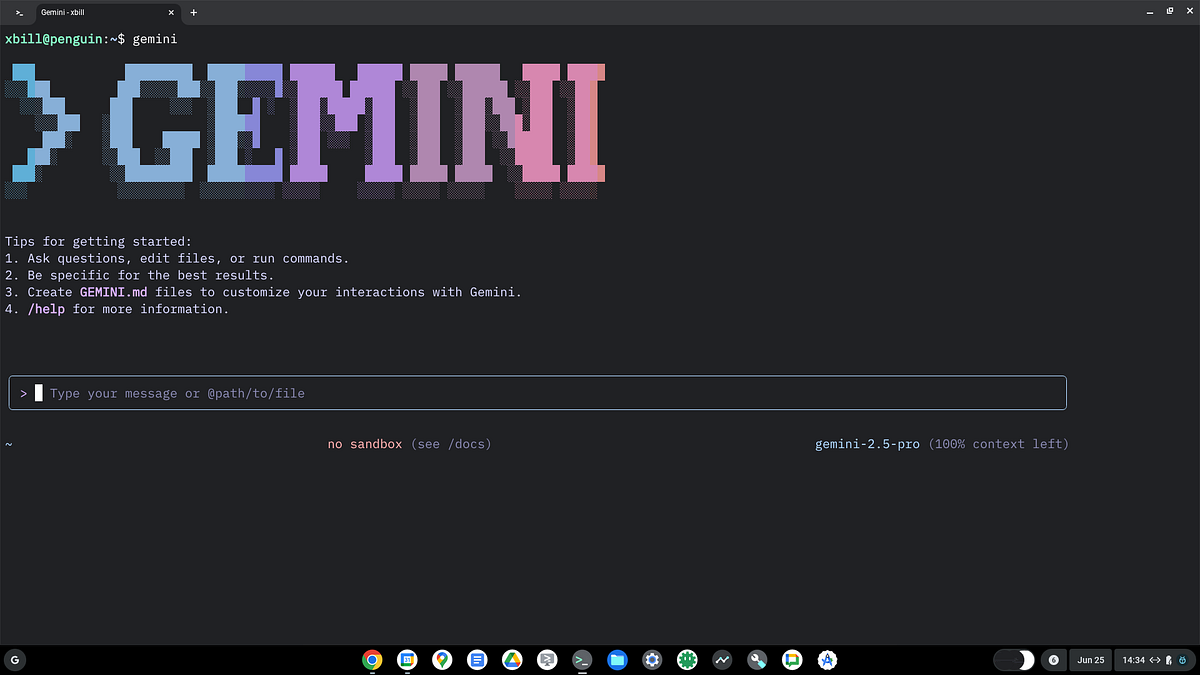
"✦ Gemini CLI is an interactive command-line interface powered by Google's Gemini AI models, specifically designed as an AI coding assistant. It allows you to interact with Gemini directly from your terminal to perform various software engineering tasks like writing code, refactoring, and debugging. Key Features: * Interactive Agent: You can launch a chat-like session in your terminal where the agent can read your files and execute commands."
"* Tool Execution: It can perform actions like reading/writing files and running shell commands (often requiring user approval for safety). * Session Management: It supports resuming previous interactions and managing session history. * Sandboxing: It includes options to run in a sandboxed environment for enhanced security. In the context of this environment, it is used to assist developers in managing their projects, often by utilizing "context documents" like GEMINI.md to better understand specific repositories or sub-projects."
Gemini CLI is a terminal-based AI coding assistant powered by Google's Gemini models. It enables interactive chat-like sessions that can read files, execute shell commands, and perform code writing, refactoring, and debugging. It supports Model Context Protocol (MCP) integration to access custom tools and data sources. It analyzes project structure for codebase awareness and can resume sessions while managing history. It offers sandboxed execution and safety prompts when performing file or command actions. It requires an up-to-date Node runtime (recommended >=20; current mainstream 25.2.1) and often uses context documents like GEMINI.md to understand specific repositories.
Read at Medium
Unable to calculate read time
Collection
[
|
...
]