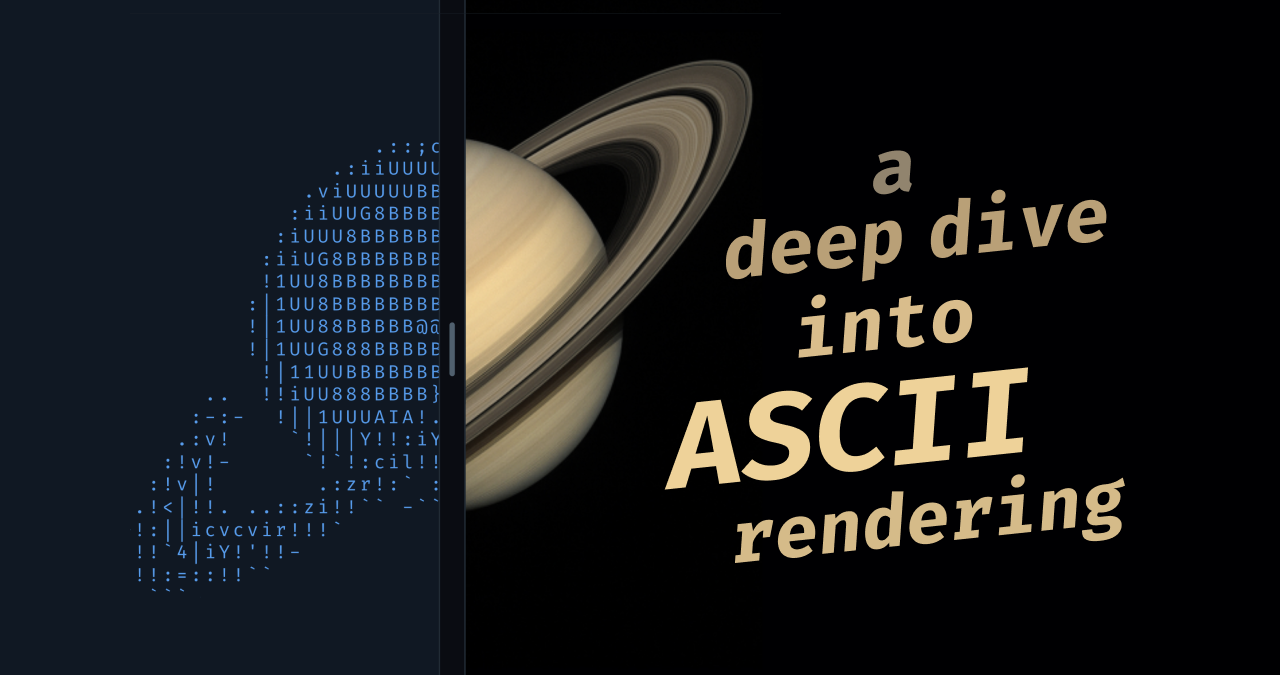
The renderer maps image luminance and color regions to ASCII characters while explicitly using character shapes to trace object contours, producing sharper edges than pixel-like treatments. A cel-shading–style contrast enhancement increases separation between colored regions and clarifies edges, useful for both animated scenes and static images. An interactive split view demonstrates characters following square contours and a contrast slider adjusts separation. Problems with existing ASCII renderers arise when characters are treated as pixels and their shapes ignored, leading to blurry, jagged edges. The renderer applies shape-aware mapping and contrast enhancement to capture contours and improve visual clarity.
"One thing I spent a lot of effort on is getting edges looking sharp. Take a look at this rotating cube example: Try opening the "split" view. Notice how well the characters follow the contour of the square. This renderer works well for animated scenes, like the ones above, but we can also use it to render static images: The image of Saturn was generated with ChatGPT."
"This blurriness happens because the ASCII characters are being treated like pixels - their shape is ignored. It's disappointing to see because ASCII art looks so much better when shape is utilized. I don't believe I've ever seen shape utilized in generated ASCII art, and I think that's because it's not really obvious how to consider shape when building an ASCII renderer."
Read at Alexharri
Unable to calculate read time
Collection
[
|
...
]