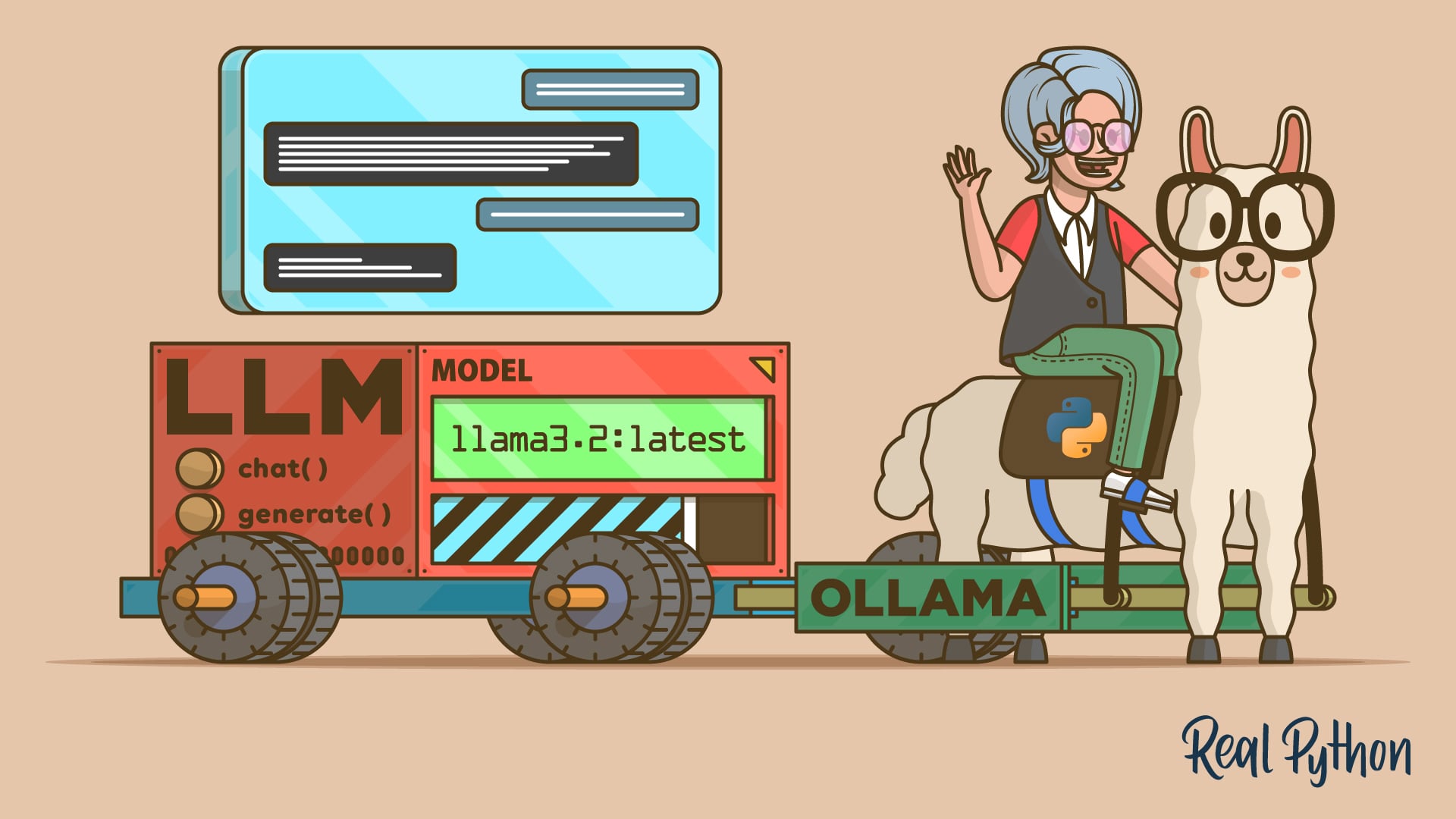
"Prerequisites To work through this tutorial, you'll need the following resources and setup: Ollama installed and running: You'll need Ollama to use local LLMs. You'll get to install it and set it up in the next section. Python 3.8 or higher: You'll be using Ollama's Python software development kit (SDK), which requires Python 3.8 or higher. If you haven't already, install Python on your system to fulfill this requirement."
"Before you can talk to a local model from Python, you need Ollama running and at least one model downloaded. In this step, you'll install Ollama, start its background service, and pull the models you'll use throughout the tutorial. Get Ollama Running To get started, navigate to Ollama's download page and grab the installer for your current operating system. You'll find installers for Windows 10 or newer and macOS 14 Sonoma or newer. Run the appropriate installer and follow the on-screen instructions."
Required items include Ollama installed and running, Python 3.8 or higher, the llama3.2:latest and codellama:latest models, and capable hardware with sufficient memory, disk space, and CPU. Install Ollama, start its background service, and download at least one model before connecting to Python. Use Ollama's Python SDK to interact with local models. For Windows and macOS, run the provided installer and follow on-screen instructions; the Linux installation process differs. On Windows, Ollama typically runs in the background and exposes a command-line interface after installation.
Read at Realpython
Unable to calculate read time
Collection
[
|
...
]