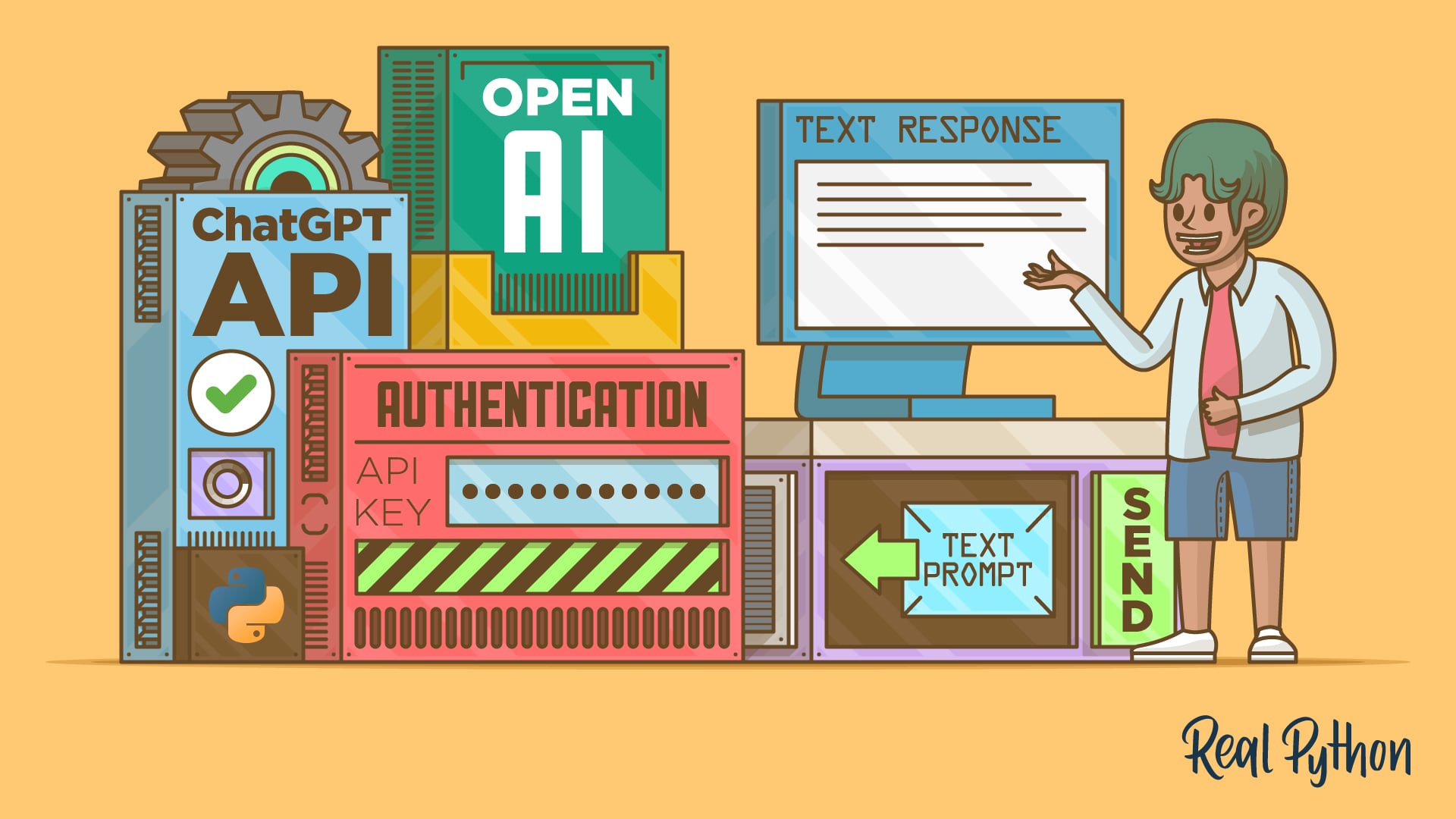
"Navigate to platform.openai.com and sign in to your account or create a new one if you don't have an account yet. Click on the settings icon in the top-right corner and select API keys from the left-hand menu. Click the Create new secret key button to generate a new API key. In the dialog that appears, give your key a descriptive name like "Python Tutorial Key" to help you identify it later."
"For the Project field, select your preferred project. Under Permissions, select All to give your key full access to the API for development purposes. Click Create secret key to generate your API key. Copy the generated key immediately, as you won't be able to see it again after closing the dialog. Warning: Never hard-code your API key directly in your Python scripts or commit it to version control. Always use environment variables or secure key management services to keep your credentials safe."
Sign in to platform.openai.com or create an account, then generate a new secret API key via Settings > API keys. Name the key descriptively, choose a project, and set Permissions to All for development use. Copy the key immediately because it will not be shown again. Store the key securely and never hard-code it into Python scripts or commit it to version control. Use environment variables or secure key management services to keep credentials safe. Install the OpenAI Python library and set the OPENAI_API_KEY environment variable in the terminal session so the library can authenticate API requests.
Read at Realpython
Unable to calculate read time
Collection
[
|
...
]