"To learn how to upload, explore, visualize, and export data seamlessly with Streamlit, just keep reading. In the initial lesson, you explored the fundamentals of Streamlit: how it reacts to user inputs, reruns scripts top-to-bottom, and turns ordinary Python code into interactive web apps with just a few lines. You built a small playground that displayed text, widgets, and charts. It was simple - but it proved one of Streamlit's core superpowers: rapid iteration."
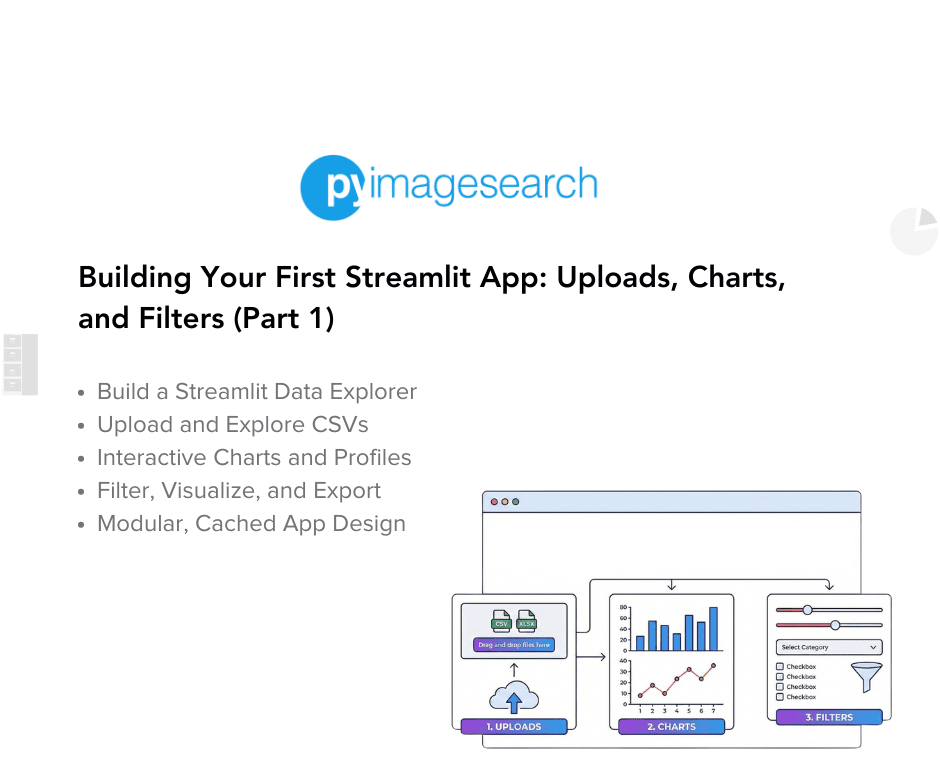
"Instead of hard-coded data, your app will let users upload CSVs, visualize features interactively, and export filtered slices for downstream analysis. This is where Streamlit starts feeling like a true low-code framework for data science. You'll see how to combine layout controls, caching, and session state into an elegant workflow that supports multiple pages - all inside a single Python file. Along the way, you'll build a pattern you can reuse for dashboards, model monitoring tools, or internal analytics portals."
Transform a simple Streamlit script into a production-ready data-exploration app that supports CSV uploads, dataset profiling, interactive visualizations, filtering, and data export without any JavaScript. Combine Streamlit layout controls, widgets, caching, and session state to build an elegant workflow that runs inside a single Python file and supports multiple pages. Leverage Streamlit's reactive rerun model and rapid iteration to create responsive UIs. Implement reusable patterns applicable to dashboards, model monitoring, and internal analytics portals. Allow teammates or clients to explore features interactively, slice datasets for downstream analysis, and export filtered results for further use.
Read at PyImageSearch
Unable to calculate read time
Collection
[
|
...
]