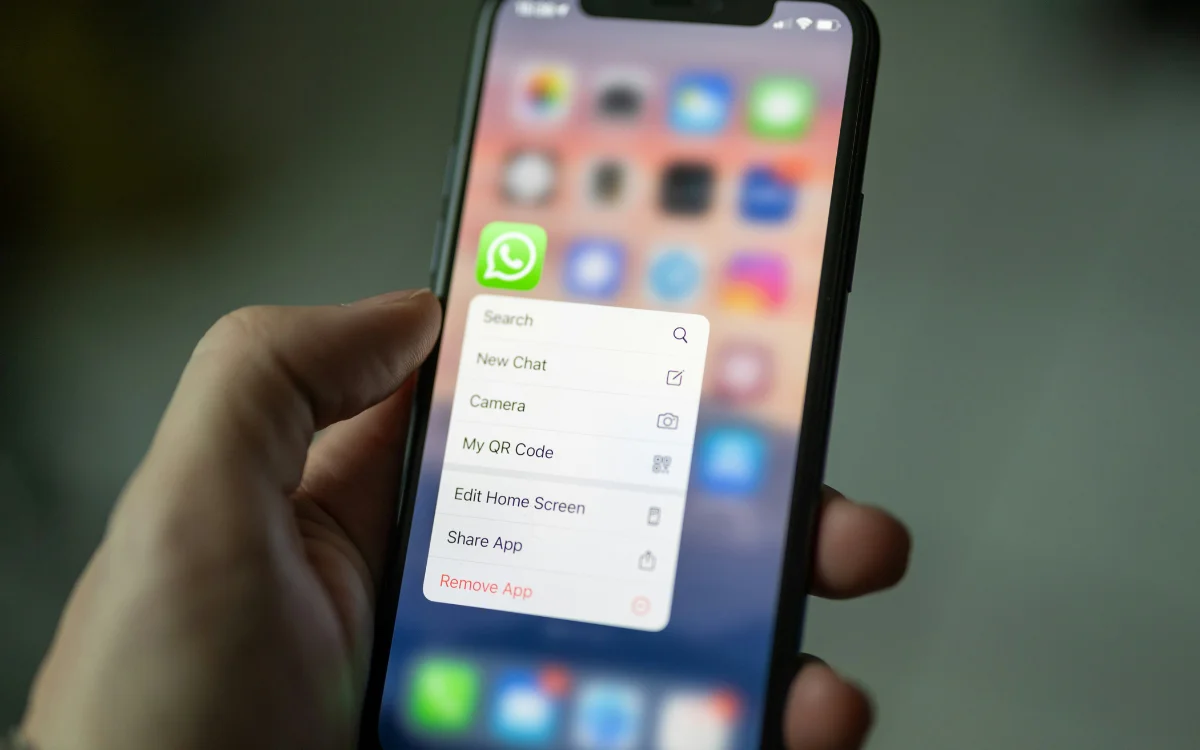
WhatsApp, founded in 2009 and acquired by Meta for $19 billion, serves three billion users worldwide as the most popular messenger app. Users managing both personal and professional communications can reduce clutter and maintain privacy by creating separate accounts for different phone numbers on one device. This feature prevents professional contacts from accessing personal photos, status updates, and location information. Setting up multiple accounts requires accessing Settings, selecting Add Account, entering an alternative phone number, and verifying with a code. Users can seamlessly switch between accounts as needed, eliminating the necessity for multiple phones while maintaining clear boundaries between personal and professional communication.
"If you use WhatsApp for your personal and professional messaging, it can quickly become pretty busy. It also means that any professional contacts can see your photos, status updates, and where you are. To keep things separate its a good idea to use a different phone number for each, but having two numbers doesn't mean you'll need two phones."
"WhatsApp will allow you to create separate accounts for each number and then log into them on just one phone. To set it up, go to Settings and tap the +, then choose Add Account, hit Agree, and then enter your other phone number. From here, you'll be sent a verification code, and once you've popped that in, your second account will be up and running."
Read at Supercar Blondie
Unable to calculate read time
Collection
[
|
...
]