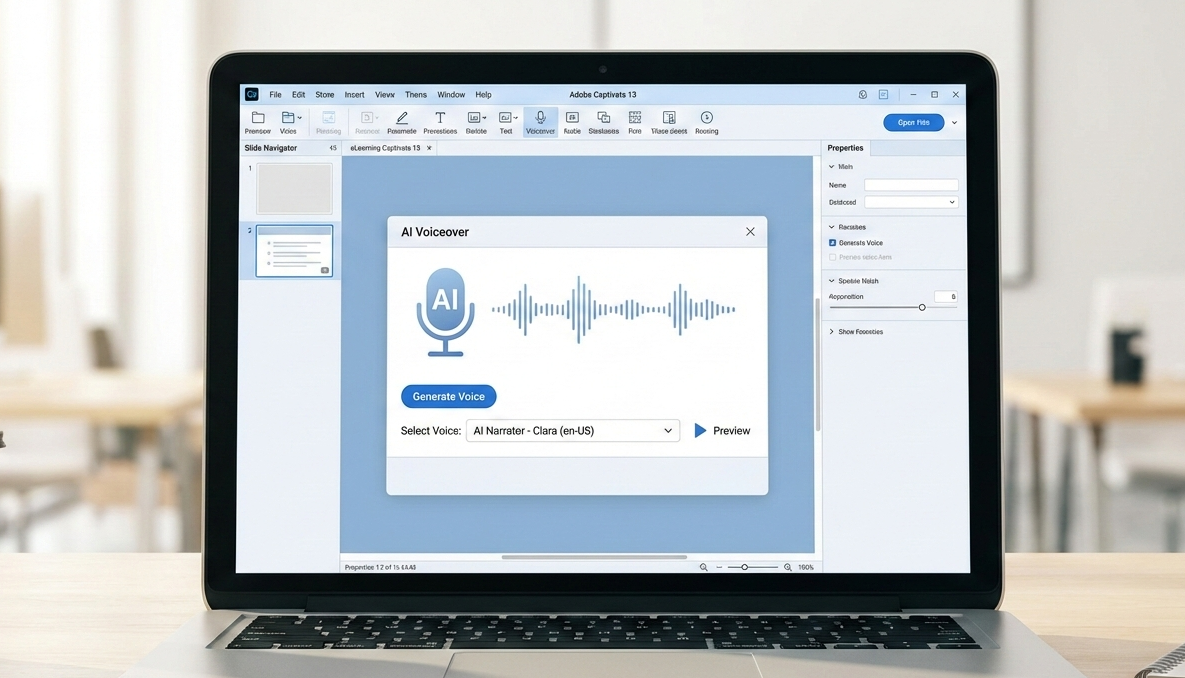
"Voiceover plays a critical role in eLearning-it guides learners, reinforces key concepts, and adds a human touch to digital courses. Traditionally, creating voiceovers required recording equipment, voice artists, and multiple revisions. Adobe Captivate 13 simplifies this process with built-in AI voiceover capabilities, enabling faster production without sacrificing quality. AI voiceovers are especially useful for rapid development, iterative updates, and multi-language content."
"Adobe Captivate 13 integrates AI narration directly into the authoring workflow, making it easy to convert on-screen text into voiceover. The typical workflow includes: Because narration is generated inside Captivate, it stays perfectly aligned with slide timing and animations. Captivate 13 offers multiple AI voice styles designed for different learning contexts. When selecting a voice, consider: Audience type (corporate, academic, technical) Tone (neutral, friendly, instructional) Pace and clarity for accessibility Choosing the right voice ensures learners stay engaged and can easily follow the content."
Voiceover plays a critical role in eLearning by guiding learners, reinforcing key concepts, and adding a human touch. Traditionally, creating voiceovers required recording equipment, voice artists, and multiple revisions. Adobe Captivate 13 simplifies the process with built-in AI voiceover capabilities that enable faster production without sacrificing quality. AI narration integrates into the authoring workflow so on-screen text converts easily to synchronized voiceover aligned to slide timing and animations. Captivate 13 offers multiple AI voice styles; voice selection should consider audience type, tone, pace, and clarity to support accessibility and engagement. Well-written scripts and instructional design best practices remain essential, and Captivate 13 allows mixing AI and human narration for more emotional or leadership-focused content.
Read at eLearning
Unable to calculate read time
Collection
[
|
...
]