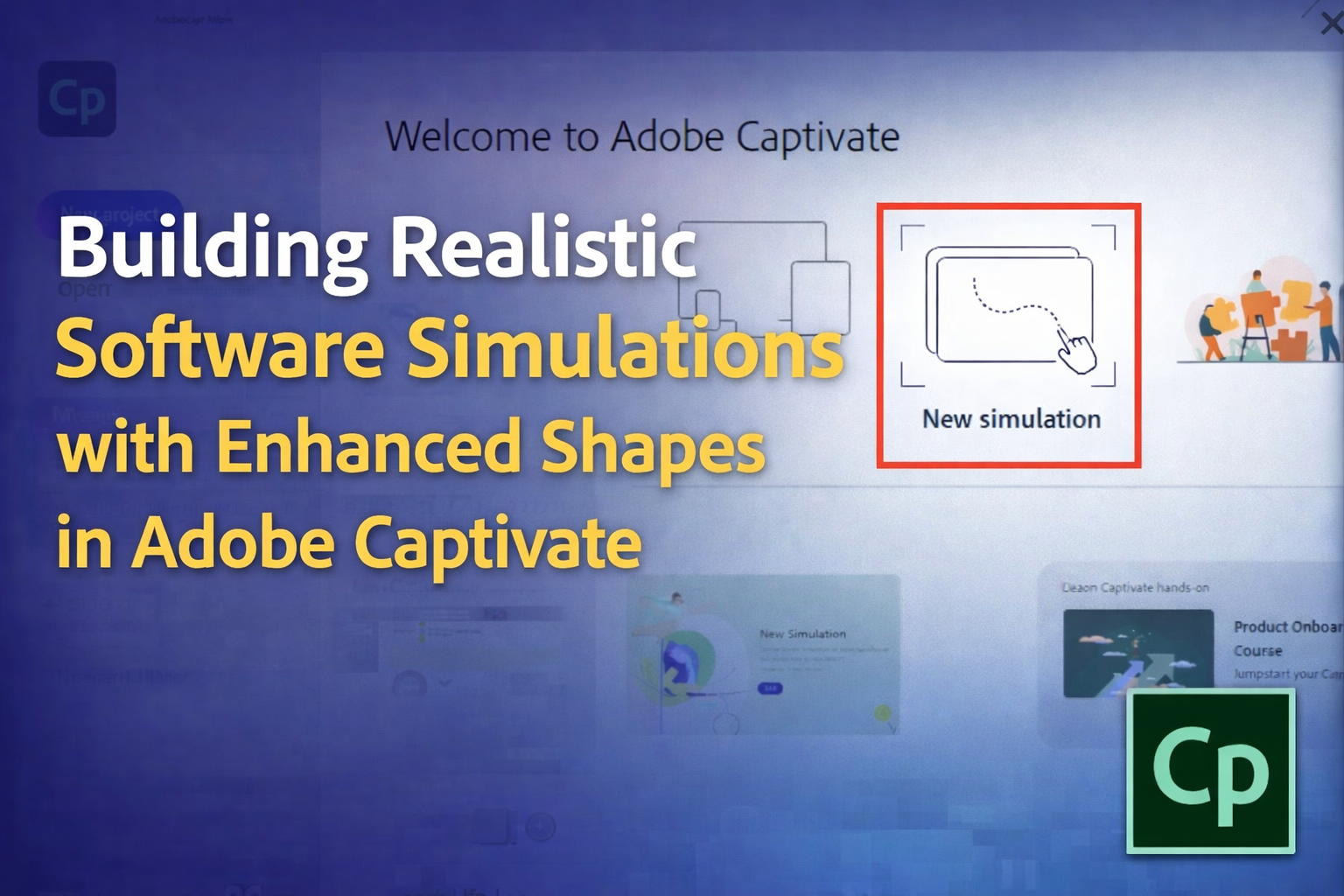
"A software simulation is like a recorded walkthrough of a software application. Adobe Captivate watches what you do on screen - your mouse clicks, keyboard inputs, and navigation - and converts all of it into an interactive eLearning course. The learner then views this course and can either watch what you did, practice it themselves, or be tested on it."
"Demo Mode is for showing. The learner watches you complete a task without having to do anything themselves. Captivate automatically adds text captions that describe each action as it happens. This is great for quick introductions or when you simply want someone to see how something works."
"Training Mode is for practicing. Here, the learner must interact with the simulation. They have to click the right areas, and if they get it wrong, a helpful message appears telling them to try again. A hint also pops up if they hover near the correct spot. This mode builds confidence before learners move to the real application."
Adobe Captivate enables creation of software simulations by recording on-screen actions including mouse clicks, keyboard inputs, and navigation, then converting them into interactive eLearning experiences. Learners can watch demonstrations, practice procedures in a safe environment, or complete assessments without accessing the actual application. The software offers three simulation modes: Demo Mode presents automated walkthroughs with captions describing each action; Training Mode requires learner interaction with corrective feedback and hints for incorrect attempts; Assessment Mode tests knowledge without providing hints. This approach allows instructors to create realistic, engaging courses that teach software navigation, form completion, and complex tool usage while maintaining a controlled learning environment.
#software-simulation #elearning-development #adobe-captivate #interactive-training #instructional-design
Read at eLearning
Unable to calculate read time
Collection
[
|
...
]