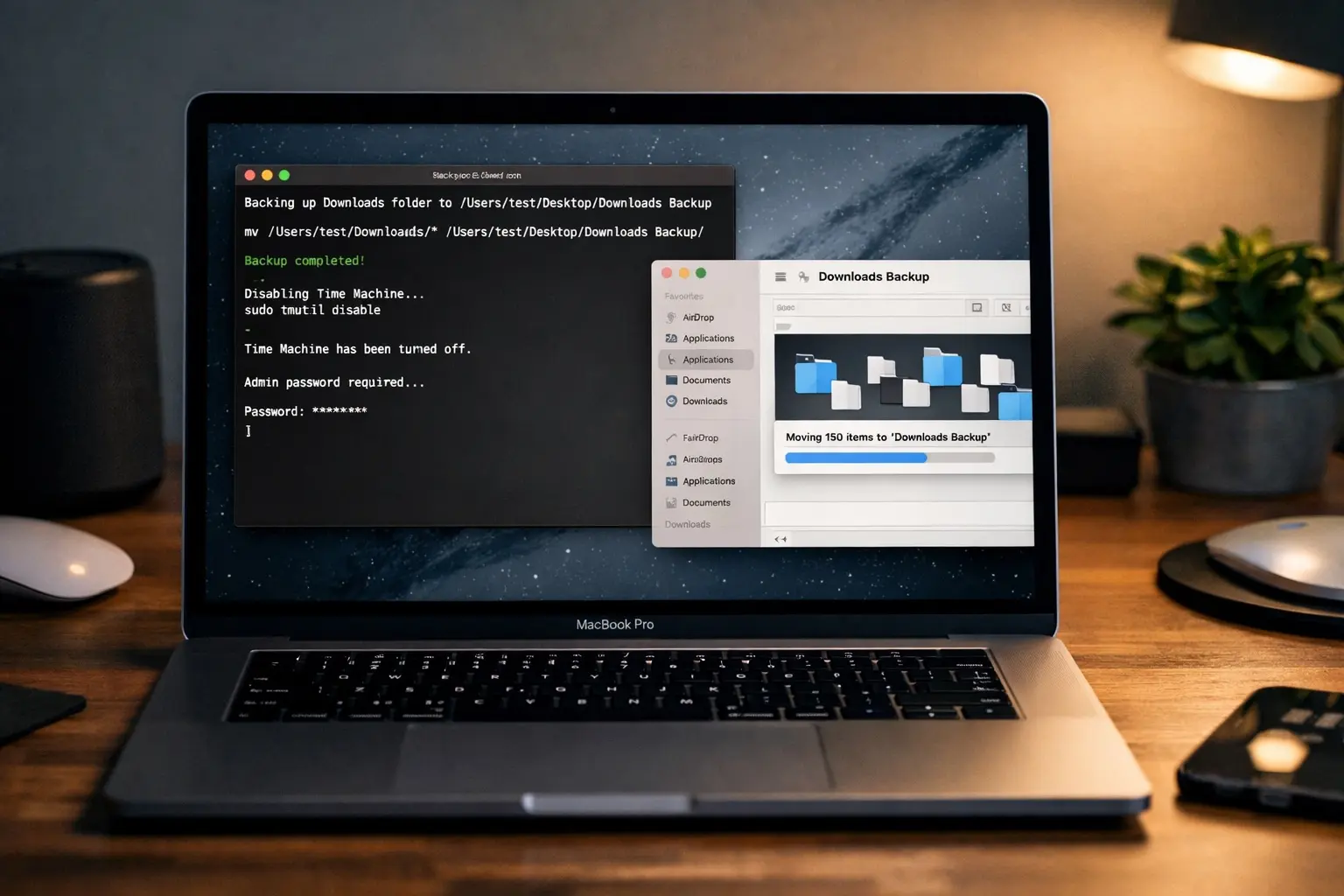
"The rapid rebranding might confuse you, but behind that name is a genuinely useful tool. OpenClaw is a self-hosted AI agent that you can run on your own Mac or PC. More importantly, it can carry out actions on your behalf, like reading and modifying files, running shell commands, and even installing new tools. Think of OpenClaw as an AI agent running on your Mac that can act as your always-on digital butler."
"Is OpenClaw safe to use? There have been a lot of security concerns around OpenClaw. Is it safe to use? Yes, as long as you know what you are doing. OpenClaw runs entirely on your own machine, which means your files and commands don't pass through a third-party cloud service by default. You explicitly choose which folders it can access and which skills it's allowed to use during setup, so nothing happens behind your back."
OpenClaw is a self-hosted AI agent that runs locally on Mac or PC and can perform system-level actions such as reading and editing files, running shell commands, and installing tools. It supports integration with messaging platforms including WhatsApp, Telegram, and iMessage for remote interaction. Running locally keeps files and commands off third-party cloud services by default, and users explicitly choose folders and skills during setup. The agent's powerful capabilities enable automation and busywork handling but also introduce security risks if configured carelessly, granted excessive permissions, or influenced by malicious prompts.
Read at Cult of Mac
Unable to calculate read time
Collection
[
|
...
]