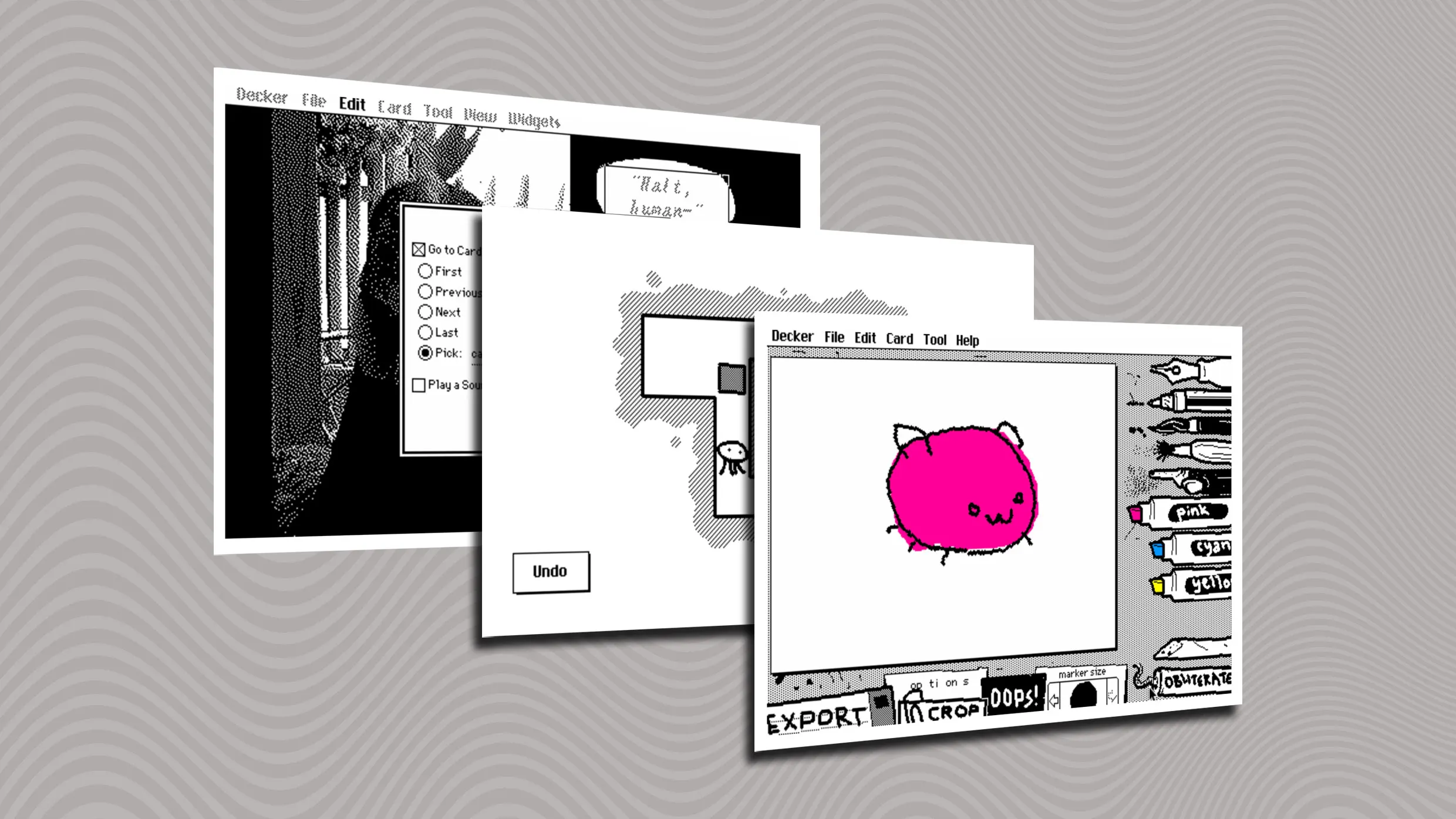
Decker is a modern spiritual successor to HyperCard that enables interactive documents with retro-style aesthetics. It can be used on macOS, Windows, and other devices via a web version. The download process starts from the official Decker download page, where users can choose to support the developer or go directly to downloads. On Windows, the ZIP can be extracted and the portable decker.exe can be run without installation. On macOS, the ZIP is extracted and Decker.app is moved into the Applications folder. Creating content begins with File > New Deck, then selecting Widgets and creating a New Button, followed by editing the button text such as “Next Page.”
"HyperCard could have become something bigger if Apple hadn't abandoned it, which is a whole other story. The point of this article, though, is to let you know about a spiritual successor that enables all kinds of modern uses despite its old-school aesthetic-on whatever kind of device you're using."
"Head to the official Decker download page, then scroll down and click the "Download Now" button. You'll see a few payment options if you want to support the developer, or you can click "No thanks, just take me to the downloads" instead. Then choose either the "mac" or "win" version to download (or, again: If you're using a phone or another type of device, head over to the web version instead)."
"In Windows, you can extract the ZIP file to any folder you like and run the decker.exe file, as it's a portable app with no need to install anything. For the Mac version, extract the ZIP file and move the Decker.app file to your Applications folder."
"To bring back the glory of HyperCard on modern devices, check out Decker. Head to File > New Deck and hit "Discard" for a clean slate. Under the "Tool" tab, select "Widgets." Under the "Widgets" tab, select "New Button." Double-click the button, and write something in the Text field, like "Next Page.""
Read at Fast Company
Unable to calculate read time
Collection
[
|
...
]