"Go to zadig.akeo.ie and download it, run the .exe file. Plug in your RTL-SDR dongle and wait for Windows to finish detecting it (even if it fails). Right-click zadig.exe → "Run as administrator" Click Options → Check List All Devices In dropdown, select Bulk-In, Interface (Interface 0) Critical: Must say Interface 0 (not Interface 1) Right-side box should show WinUSB Click Install Driver or Replace Driver Wait for The driver was installed successfully."
"Hardware Requirements Zadig (USB driver installer) dump1090 (decodes ADS-B signals from planes) Virtual Radar Server (displays planes on map) The Hardware: RTL-SDR USB dongle with R820T2/RTL2832U chipset. The blue one from AliExpress works perfectly: The Software (All Free): What ADS-B Actually Is Commercial aircraft broadcast their GPS position, altitude, speed, and identification on 1090 MHz. It's called ADS-B (Automatic Dependent Surveillance-Broadcast). Your $20 dongle picks up these transmissions. Software decodes them. You see planes on a map. No special permissions needed, these are public broadcasts."
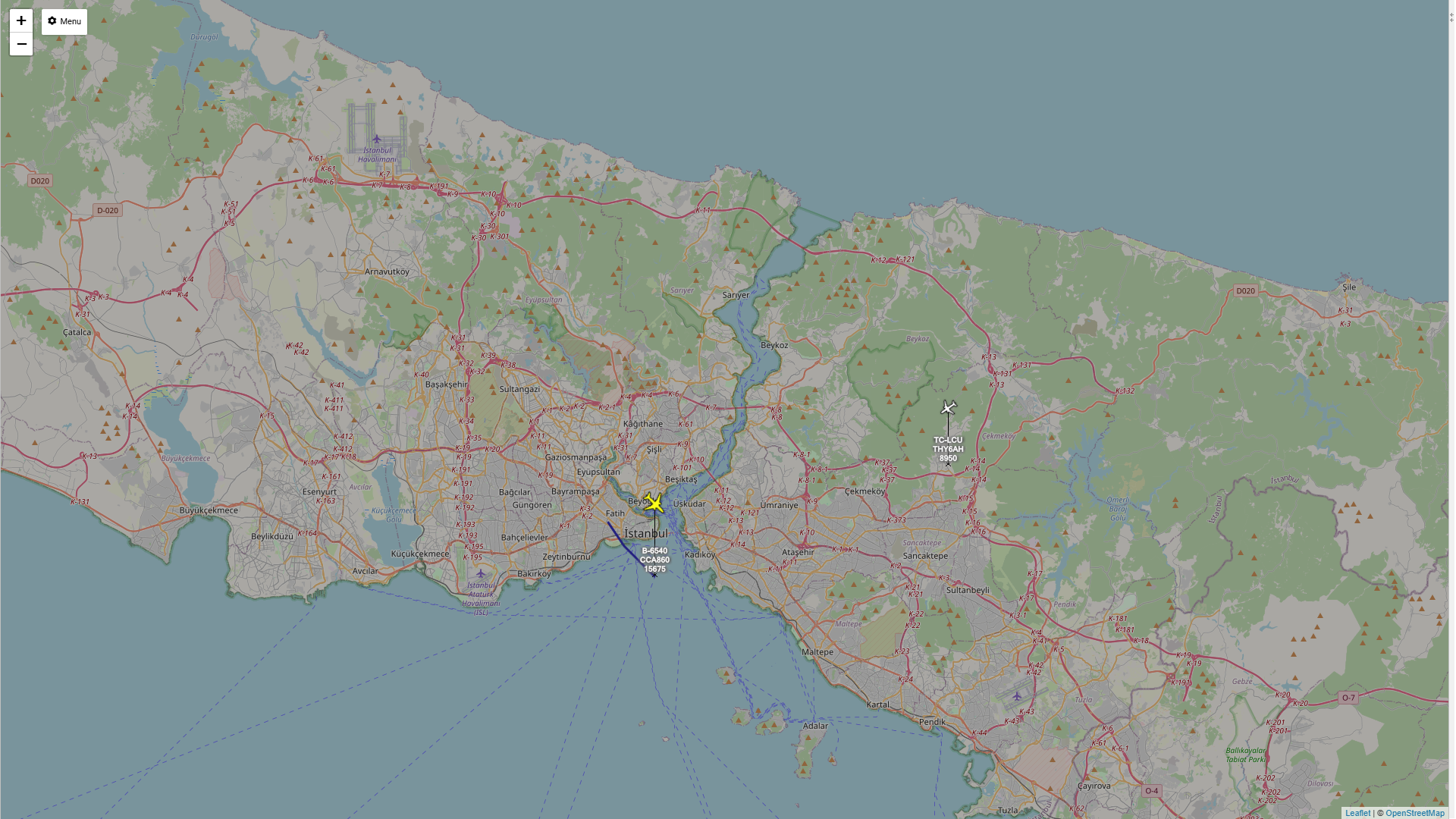
A $20 RTL‑SDR USB dongle with R820T2/RTL2832U chipset can receive commercial aircraft ADS‑B broadcasts on 1090 MHz. Zadig installs a WinUSB driver for the dongle; select Bulk‑In, Interface 0 and install or replace the driver. Download and extract the dump1090 Windows build to a simple path such as C:\dump1090. Open a Command Prompt in that folder and start dump1090 to decode ADS‑B messages. Virtual Radar Server displays decoded messages on a live map, showing flight numbers, GPS positions, altitudes, and speeds without cloud services or subscriptions.
Read at Adrelien - Your Source for Tech News, Tutorials, and Reviews
Unable to calculate read time
Collection
[
|
...
]