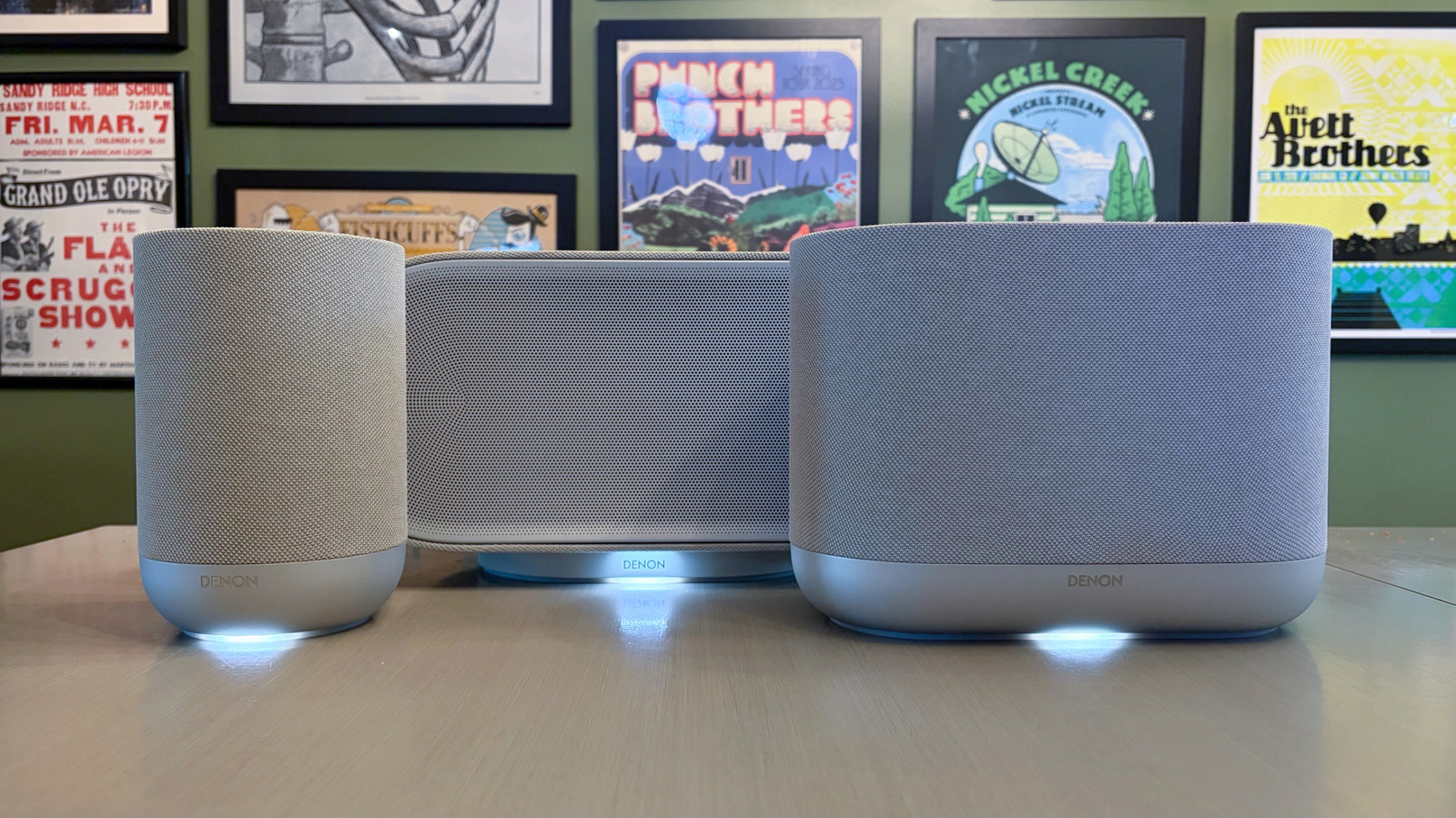
"To control all of those speakers, and the three new models, you use the HEOS app that works with compatible products from both Denon and Marantz (both companies are owned by Samsung subsidiary Harman). Like the Sonos app, the HEOS app is where you do the initial setup and connection for the Home speakers. Once you sync your music streaming services, you can beam tunes to any of the Home speakers you own."
"The app also ports in local radio for free via TuneIn, so I was able to stream my regional NPR station with a single tap. The HEOS app will let you access any connected media servers as well as wired audio sources via USB and 3.5mm aux. Of course, there's also Bluetooth and AirPlay support if you want to bypass the app completely."
"From the Rooms menu in the HEOS app, you have the option to play music everywhere with a single tap of the "All Rooms" button. To remove one or more rooms from the group, you simply drag them out of the list. You can build group presets for any frequently used configurations too. What's more, you have the option to control each room individually here as selecting a room will give you its media pl"
Denon offers multiroom Wi‑Fi audio through its Home speaker line, including the Home 200, Home 400, and Home 600. The HEOS app is used for setup and control, and it supports compatible Denon and Marantz products. After connecting music streaming services, music can be sent to any Home speakers. The app also provides TuneIn local radio access and supports connected media servers. Wired audio sources are available via USB and 3.5mm aux, while Bluetooth and AirPlay support provide alternatives to using the app. Rooms can be grouped using an “All Rooms” option, rooms can be removed from the group, and group presets can be created for frequent listening setups.
Read at Engadget
Unable to calculate read time
Collection
[
|
...
]