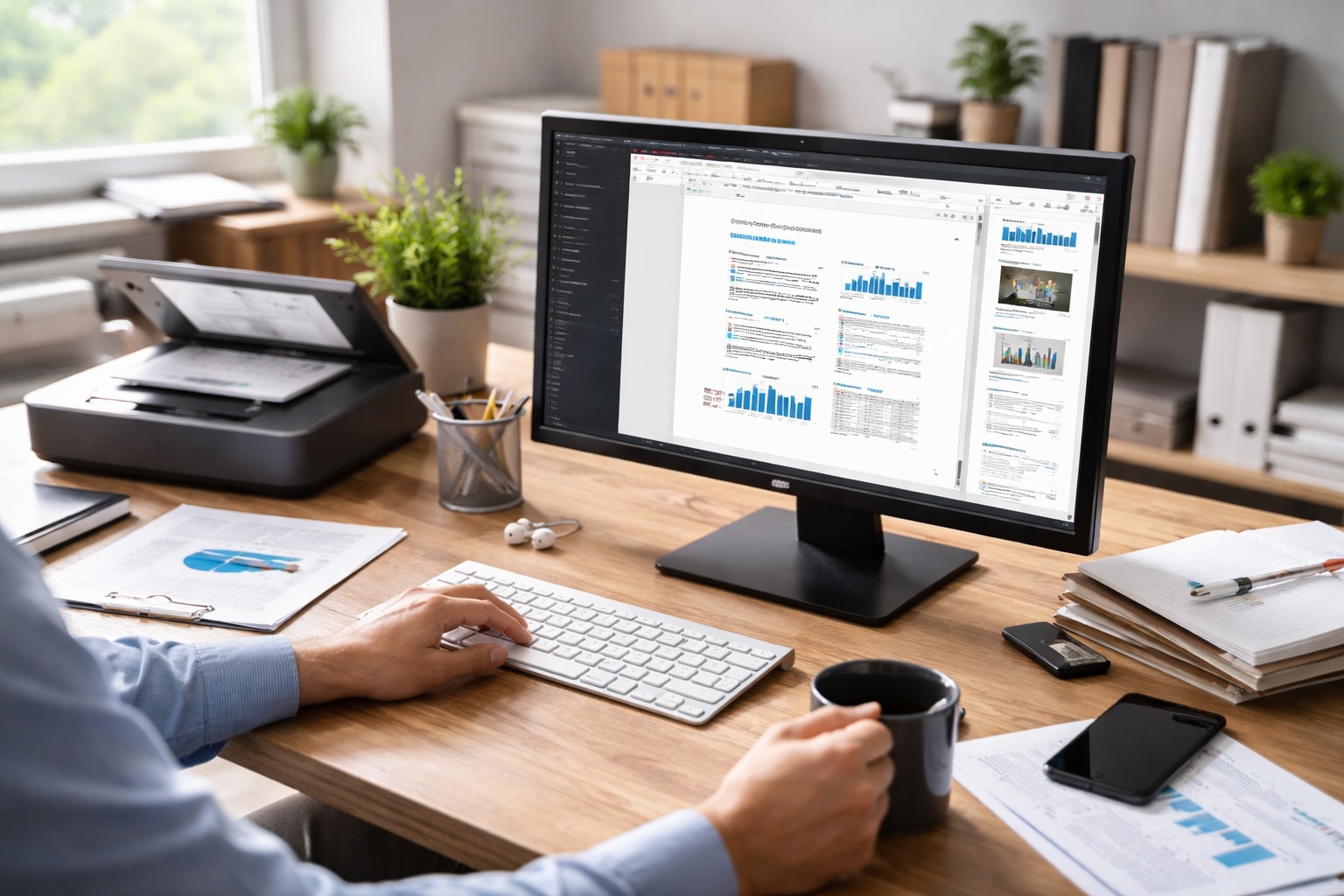
"As workplace demands evolve, modern professionals are required to manage diverse document formats, move seamlessly between mobile devices and desktop computers, and maintain efficiency across increasingly fragmented workflows. The rise of hybrid work, business travel, remote collaboration, and data-heavy tasks has made digital document handling more complex than ever. Productivity is now defined not simply by speed, but by whether tools can provide a reliable, flexible, end-to-end document workflow-especially on desktop devices where in-depth editing and final output usually take place."
"Expanding beyond its origins as a mobile scanning app, CamScanner is transforming into a comprehensive cross-device document workspace designed for the realities of today's professional users. This shift is driven by a significantly strengthened desktop version, which integrates key capabilities such as offline editing, giving users a consistent and powerful environment for document processing, regardless of location, connectivity, or device."
"The CamScanner desktop home screen: a central hub for cross-device document management The enhanced desktop version now offers a fully integrated document workflow that covers every stage of professional document handling, including scanning, editing, organizing, converting, and exporting. Users can capture documents or images on their mobile devices and sync them instantly through the cloud or local connection, or import files and images directly from a local computer for immediate processing."
Professional workflows now require handling diverse file formats, seamless movement between mobile and desktop, and resilient tools that support fragmented, hybrid work patterns. CamScanner has expanded from a mobile scanner into a cross-device document workspace with a strengthened desktop application. The desktop app provides offline editing and a fully integrated workflow—scanning, editing, organizing, converting, exporting—while supporting mobile-to-desktop syncing via cloud or local connections and direct local imports. The platform enables precise desktop editing, flexible link-based sharing with optional access codes, and local PDF processing features including open, annotate, convert, reorganize, merge, split, and finalize.
Read at Gadget Flow
Unable to calculate read time
Collection
[
|
...
]