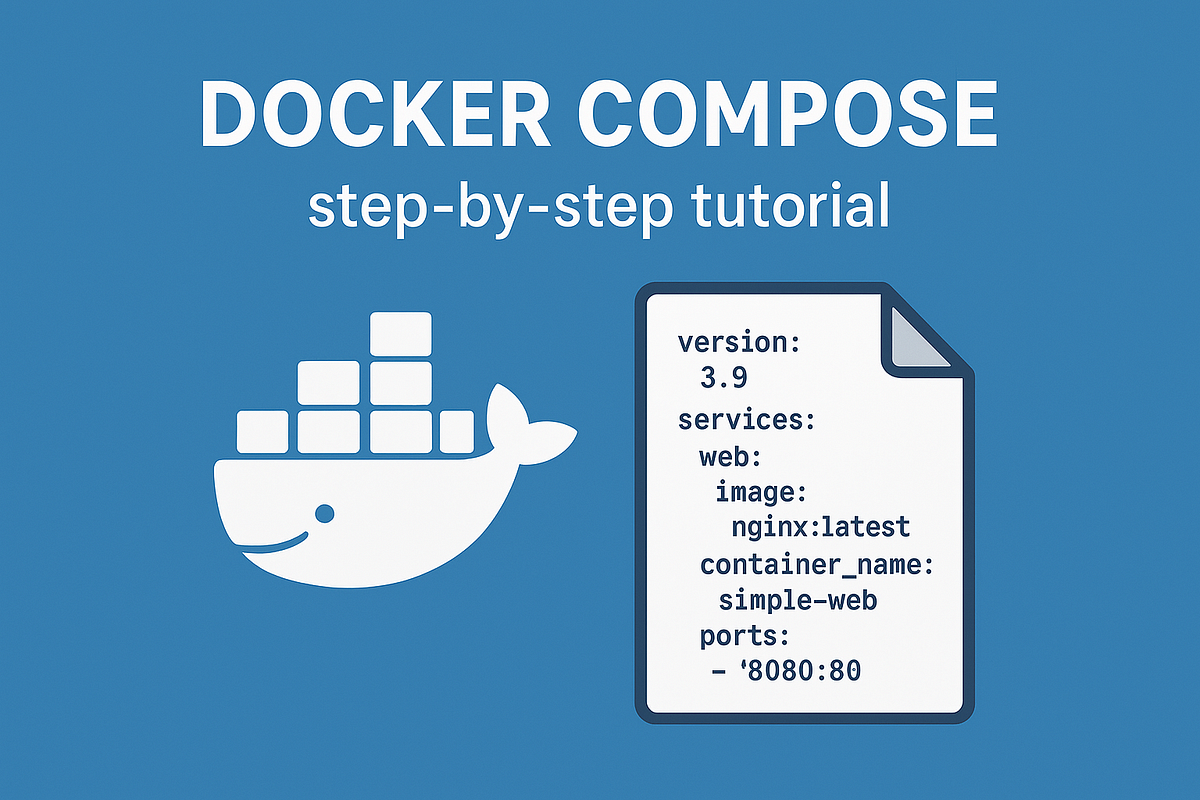
"If you've ever struggled with running multiple docker run commands for a complex application, Docker Compose is your solution. It's a tool that allows you to define and manage multi-container Docker applications using a single, declarative configuration file. Instead of a long list of commands, you describe all your services, networks, and volumes in a docker-compose.yml file. With one command, you can spin up your entire application stack."
"Enough theory - let's get our hands dirty. If you don't have Docker Compose installed yet, follow this guide first. We'll start by creating a simple Compose file with a single service. Create a file named docker-compose.yml and paste the following code: services: This is the root key where you define all the containers (services) that make up your application."
Docker Compose simplifies running multi-container Docker applications by allowing all services, networks, and volumes to be declared in a single docker-compose.yml file. One command can start the entire application stack, eliminating multiple docker run commands. Users without Compose need to install it first. Begin with a simple Compose file that defines a single service to learn structure and behavior. The services key serves as the root where all containers (services) for the application are defined. Compose supports declarative configuration files, enabling reproducible, shareable application stacks for development and testing.
Read at Medium
Unable to calculate read time
Collection
[
|
...
]