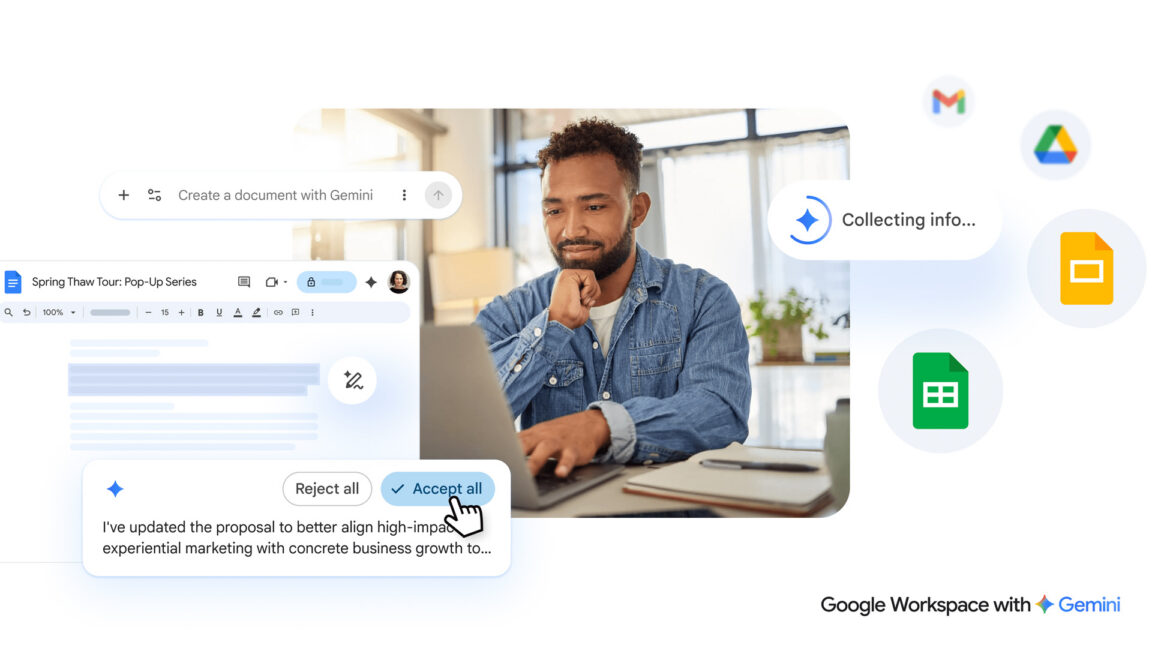
"The new AI editing features will appear at the bottom of a fresh document with a text box similar to your typical chatbot interface. From there, you can describe the document you want and get a first draft in a snap. When generating a new document, you can rope in content from sources like Gmail, other documents, Google Chat, and the web."
"You can use further prompts to reformat and change the document or simply highlight specific sections and ask for changes. Docs will also support AI-assisted style matching, which might come in handy if you have multiple people editing the text. Google notes that all Gemini suggestions are private until you approve them for use."
"Similar to text documents, you can tell Gemini in the sidebar what kind of spreadsheet you need and the AI will use the prompt (and whatever data sources you specify) to generate it. Gemini can also allegedly fill in missing data by searching for it on the web."
Google is enhancing Gemini integration in its Workspace applications including Drive, Docs, Sheets, and Slides. The new system features AI-powered tools that help users overcome blank page challenges by generating initial drafts and content. In Docs, users can describe desired documents through a chatbot-like interface and pull content from Gmail, other documents, Google Chat, and the web. The AI supports editing, reformatting, and style matching across multiple editors. In Sheets, Gemini can generate spreadsheets from prompts and fill missing data through web searches. All suggestions remain private until user approval, maintaining control over final content.
#google-gemini #workspace-ai-integration #document-automation #spreadsheet-generation #ai-productivity-tools
Read at Ars Technica
Unable to calculate read time
Collection
[
|
...
]