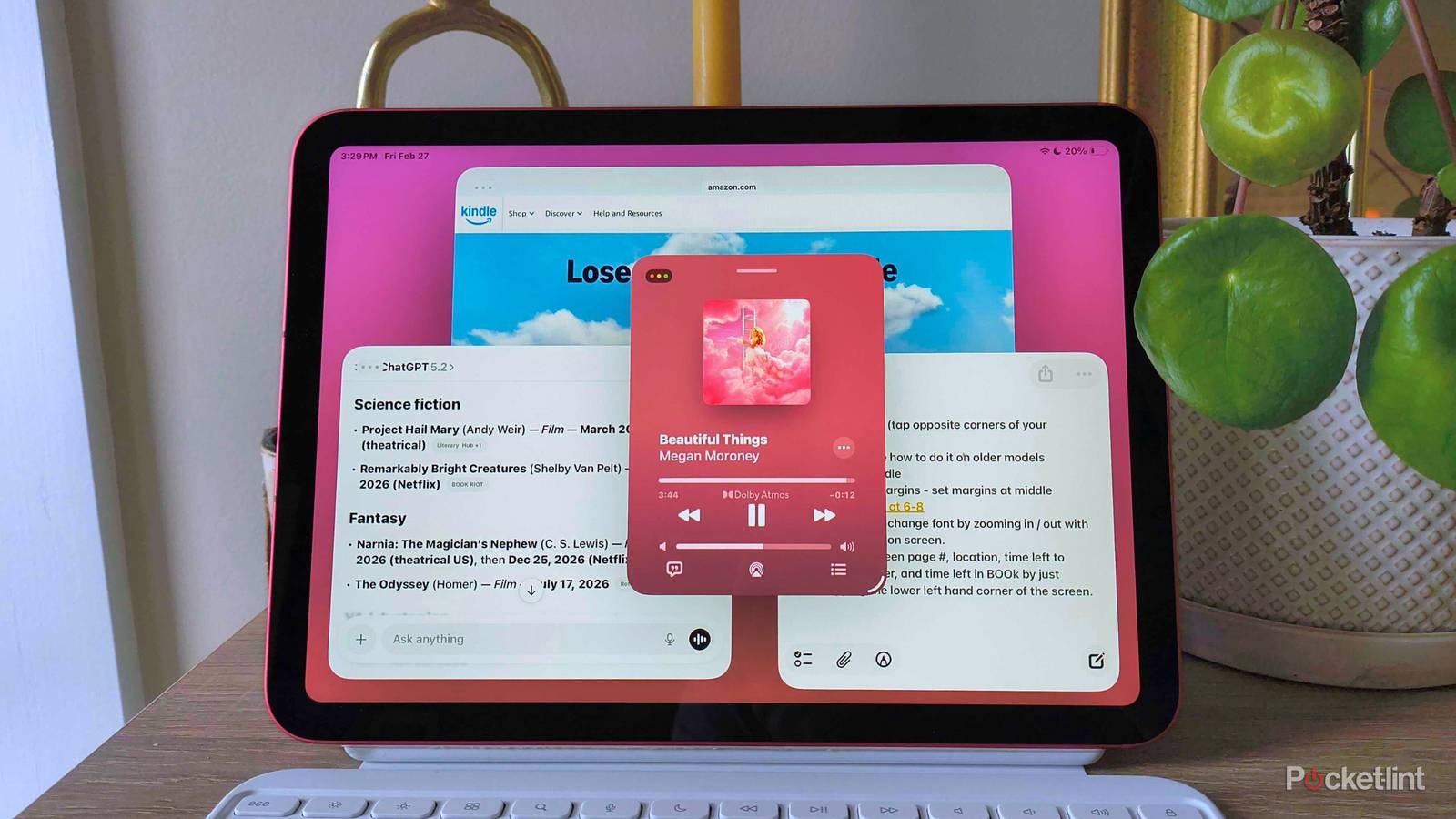
"Windowed Apps is its own multitasking option that lets you resize and rearrange a number of windows on your screen, just like you would on a Mac. Enabling it (Settings > Multitasking & Gestures > Windowed Apps) will make a small white line appear in the lower right-hand corner of your windows, which you can drag to resize."
"The new Stage Manager has everything that Windowed Apps does, but it takes it up a notch by including different stages on the left-hand side of your screen. This immediately resonated with me, because it felt like switching between the various desk."
A longtime MacBook Pro user discovered that iPadOS 26 fundamentally changed iPad productivity through Stage Manager's Windowed Apps feature. This enhancement allows users to resize and rearrange multiple windows on screen like a Mac, accessed through Settings > Multitasking & Gestures > Windowed Apps. A small white line appears in window corners for resizing, while tapping and holding window tops enables repositioning. Stage Manager builds on this foundation by adding different stages on the left side of the screen, creating a workspace-switching experience comparable to managing multiple desks. This advancement transformed the iPad from a consumption device into a legitimate alternative to MacBooks for professional work including article writing, editing, and freelance social media marketing.
Read at Pocket-lint
Unable to calculate read time
Collection
[
|
...
]