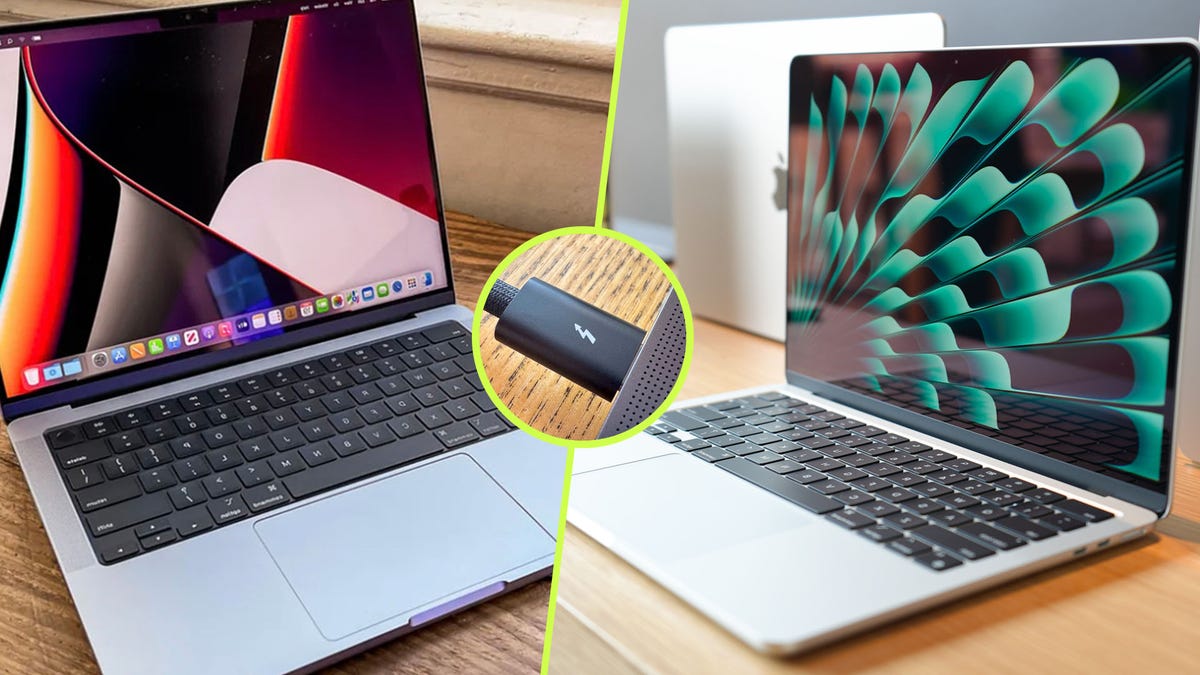
"But this time, it was going to take the Macs almost 20 hours to complete, and I'm sorry, but that's just way too long. That's when I realized that there's a better way. And all you need is a Thunderbolt cable. I have quite a few, with my favorite being Apple's Thunderbolt 4 Pro cable , but you don't need a cable that costs close to $200, and you can make do with something like Satetchi's Thunderbolt 5 Pro cable ,"
"I have quite a few, with my favorite being Apple's Thunderbolt 4 Pro cable , but you don't need a cable that costs close to $200, and you can make do with something like Satetchi's Thunderbolt 5 Pro cable , which you can currently get for around $40. But it has to be a Thunderbolt cable - look for the Thunderbolt logo - as a USB-C cable will give you shockingly bad performance."
Transferring large volumes of data between Macs over Wi‑Fi can take many hours, often approaching 20 hours for near‑terabyte transfers. Using a Thunderbolt 4 or 5 cable reduces transfer time dramatically. High‑cost Apple Thunderbolt cables are unnecessary; lower‑cost alternatives such as Satetchi's Thunderbolt 5 Pro can provide comparable performance at around $40. Only use true Thunderbolt cables—look for the Thunderbolt logo—because generic USB‑C cables deliver much slower transfer rates. Store Thunderbolt cables separately from USB‑C cables to avoid confusion. Migration Assistant over Wi‑Fi and Time Machine backups remain alternatives but are significantly slower for large datasets.
Read at ZDNET
Unable to calculate read time
Collection
[
|
...
]