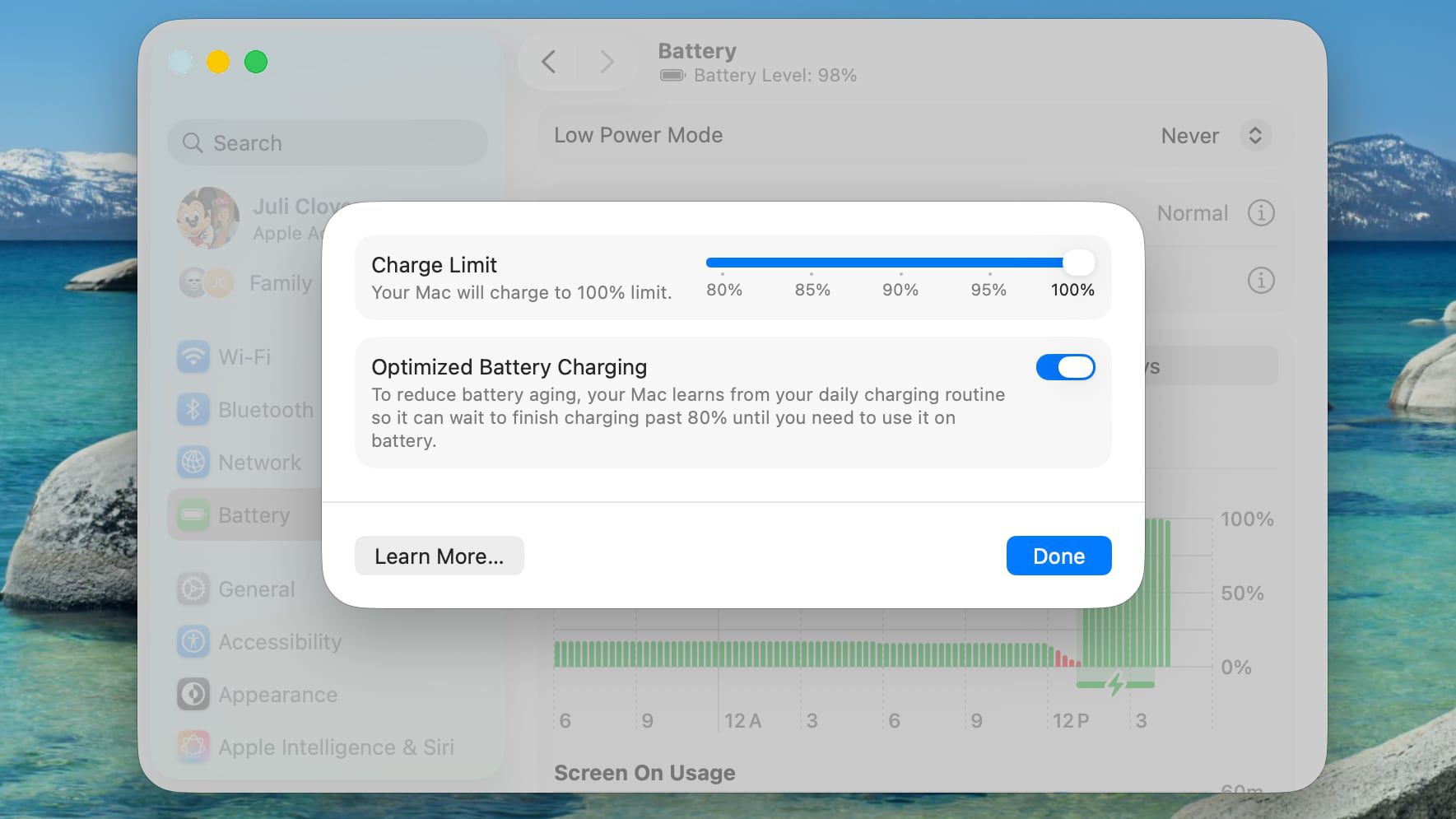
Apple's new Charge Limit feature for MacBooks allows users to cap battery charging at 80%, 85%, 90%, 95%, or 100%. This feature helps mitigate battery degradation caused by maintaining a high state of charge. Unlike Optimized Battery Charging, which delays charging past 80% based on usage patterns, the Charge Limit directly prevents the battery from exceeding the selected level. Users who primarily work at a desk may benefit from a lower charge cap, while those who need mobility might prefer a higher limit to avoid running out of battery.
"Lithium-ion batteries generally degrade fastest when held at a high state of charge, which means keeping your iPhone or your Mac's battery at 100 percent accelerates the chemical wear that permanently reduces its actual capacity over time."
"Setting a charge limit prevents that. Obviously a lower charge cap means less time you'll be able to work away from a power outlet. But if you mostly sit at a desk with your MacBook plugged in, the trade-off is worth the long-term battery gains."
"To mitigate this on iPhone 15 and newer models, Apple lets you set a Charge Limit that prevents your device from charging beyond 80, 85, 90, 95, or 100 percent. And in macOS Tahoe 26.4, Apple has brought over the same Charge Limit feature to Macs for the first time."
Read at MacRumors
Unable to calculate read time
Collection
[
|
...
]