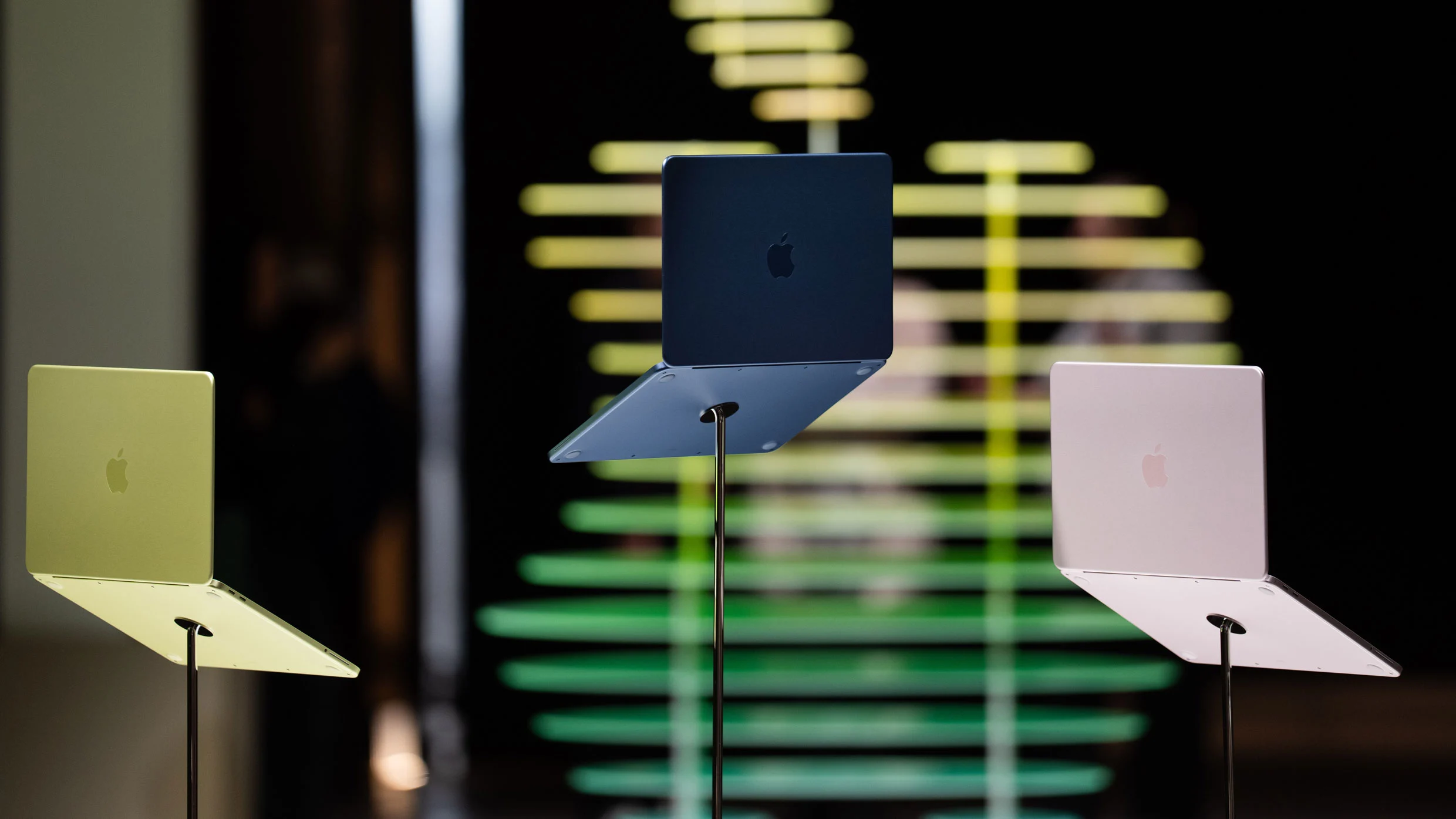
Apple released the MacBook Neo, a $599 laptop positioned for education and workplace productivity. The device features the smallest MacBook display at 13 inches, requiring efficient workspace management. Magnet organizes desktop windows into customizable tiled patterns, eliminating manual resizing and maximizing screen real estate. Glide enhances reading focus on the compact display. These productivity apps address the Neo's limited screen size while maintaining functionality for students and workers. The affordable price point represents a significant departure from Apple's traditional laptop pricing strategy.
"Apple is clearly positioning the affordable machine as a productivity device for use in two main areas: education and the workplace. Indeed, imagery on the MacBook Neo's product page features many of the most essential productivity apps used by students and workers, including Microsoft Word and Excel, Slack, Canva, Box, Keynote, and more."
"Magnet instantly moves your apps into a tiled pattern of your choice. For example, if you have a web browser, an email client, and a chatbot open, you can quickly arrange them into three neat windows on your screen. Or, you can use Magnet to snap one app to the left half of your screen, while the other two apps each fill one-quarter of the right side."
"One reason Apple can keep the price of the Neo so low is that it has the smallest display of any MacBook. At just 13 inches, the Neo has a smaller screen than both the 13.6-inch MacBook Air and 14-inch MacBook Pro. But smaller screen sizes mean that you have less desktop real estate to manage your overlapping windows, so things can get crowded fast."
#macbook-neo #productivity-apps #small-screen-optimization #education-and-workplace #window-management
Read at Fast Company
Unable to calculate read time
Collection
[
|
...
]