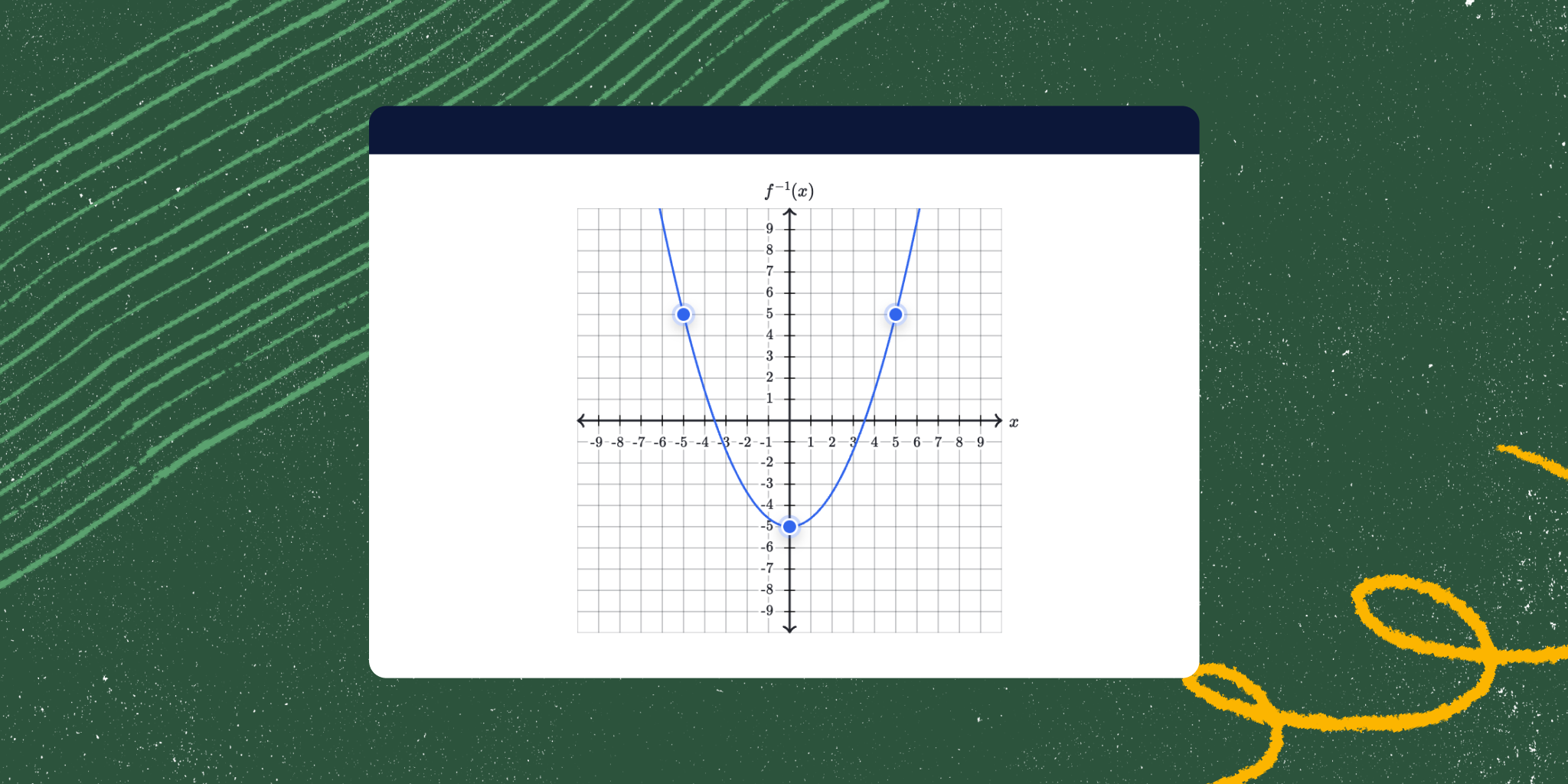
"Our initial graphing exercises were based on a very old version of Raphael.js, which is an API that can draw 2D images using SVG. From there, we added a layer of interactive elements that students could drag to complete practice exercises. While this worked well for many students using a mouse, it posed challenges for those relying on keyboards or assistive devices. This meant many students could not complete our exercises without depending on someone else."
"As a result, we set out to make our graphs: Visually accessible: We enhanced color contrast to ensure graphs are easily distinguishable and accessible for students with visual impairments or color blindness. Keyboard accessible: This allows students to use their keyboard to move points and update graphs to answer questions. Screen reader compatible: This enables students to use their screen readers or other assistive devices to interact with our graphs."
Khan Academy identified that interactive graphs built on an old Raphael.js implementation required a mouse and excluded keyboard and screen reader users. Many learners could not complete graphing exercises without assistance. Khan Academy rebuilt the graphing exercises using Mafs, an open-source React component library designed for interactive math experiences. The rebuild enabled keyboard navigation, screen reader compatibility, and improved visual accessibility through enhanced color contrast. Mafs' keyboard-focused components and React's stateful UI improved maintainability and interaction. The changes enable students with visual impairments or who rely on assistive technologies to independently interact with and complete graphing exercises.
Read at Khan Academy Blog
Unable to calculate read time
Collection
[
|
...
]