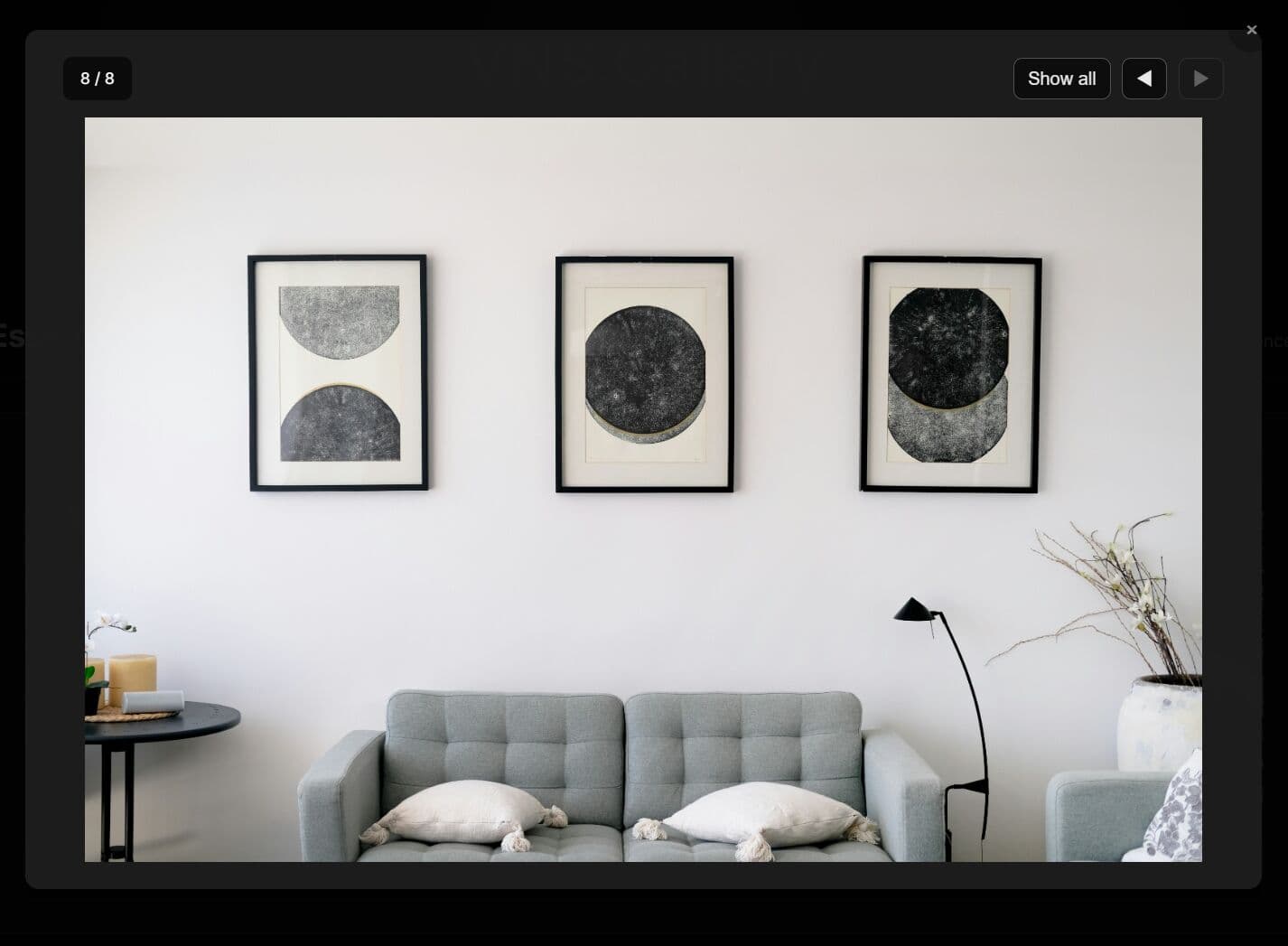
"Dual Layout Modes: Switch between carousel navigation or static grid display. Gallery Lightbox: Opens full-size images in an overlay with grid or single-image views. Performance Optimization: Uses data-fullsize attribute to load small thumbnails initially. Full-size images load only when viewed. Responsive Design: Configure different column counts per breakpoint. Keyboard Navigation: Arrow keys navigate images, Escape closes the modal. Mobile-friendly: Detects swipe distance to trigger navigation. Fully Customizable: Over 30 configuration options available."
"How To Use It: 1. Link the CSS file in the <head> tag. Link jQuery and the plugin script at the end of your <body> tag. <!-- Load jQuery first --> <script src="/path/to/cdn/jquery.min.js"></script> <!-- Load VNS.Gallery CSS and JS --> <link rel="stylesheet" href="dist/vns-gallery.min.css"> <script src="dist/vns-gallery.min.js"></script> 2. Create a container element with your images inside. Each image needs a src attribute for the thumbnail and an optional data-fullsize attribute for the high-resolution version."
VNS.Gallery is a jQuery plugin that creates responsive, touch-enabled photo galleries with carousel, lightbox, and image grid support. The plugin offers dual layout modes that allow switching between carousel navigation and static grids. A gallery lightbox opens full-size images in an overlay with grid or single-image views. Performance optimizations load thumbnail src values first and delay full-size images using a data-fullsize attribute until viewing. Responsive design supports configurable column counts per breakpoint. Keyboard arrows navigate images and Escape closes the modal. Mobile swipe detection enables touch navigation. Over thirty configuration options enable extensive customization.
Read at jQuery Script
Unable to calculate read time
Collection
[
|
...
]