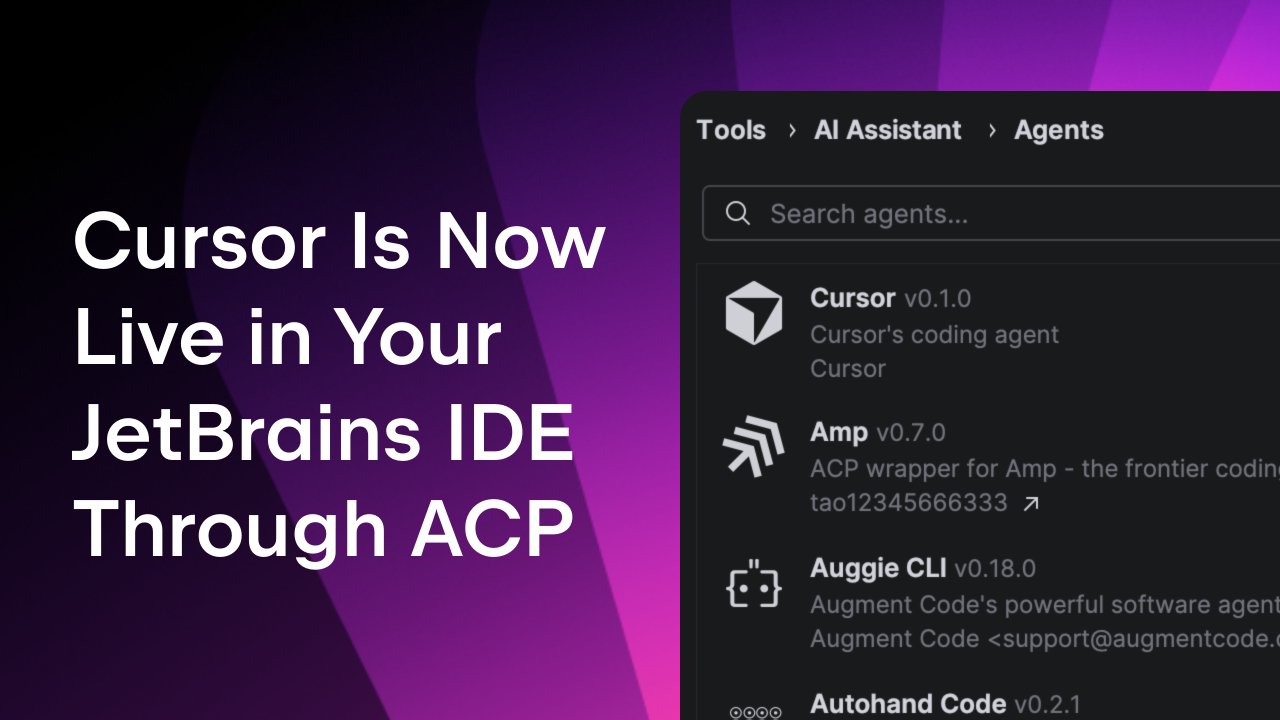
"Cursor is known for its AI-native, agentic workflows. JetBrains IDEs are valued for deep code intelligence - refactoring, debugging, code quality checks, and the tooling professionals rely on at scale. ACP brings the two together. You can now use Cursor's agentic capabilities directly inside your JetBrains IDE - within the workflows and features you already use."
"Cursor joins a growing list of agents available through ACP in JetBrains IDEs. Every new addition to the ACP Registry means you have more choice - while still working inside the IDE you already rely on. You get access to frontier models from major providers, including OpenAI, Anthropic, Google, and now also Cursor."
"You need version 2025.3.2 or later of your JetBrains IDE with the AI Assistant plugin enabled. From there, open the agent selector, select Install from ACP Registry..., install Cursor, and start working. You don't need a JetBrains AI subscription to use Cursor as an AI agent."
Cursor, a popular AI coding tool known for agentic workflows, is now integrated into JetBrains IDEs via the Agent Client Protocol. This integration combines Cursor's AI-native capabilities with JetBrains' deep code intelligence features like refactoring, debugging, and code quality checks. The ACP Registry supports a growing ecosystem of agents from major providers including OpenAI, Anthropic, Google, and Cursor, allowing developers to choose their preferred agents while working in their existing IDE. Users with JetBrains IDE version 2025.3.2 or later and the AI Assistant plugin can install Cursor from the ACP Registry without requiring a JetBrains AI subscription.
#ai-agent-integration #jetbrains-ide #agent-client-protocol #ai-assisted-development #developer-tools
Read at The JetBrains Blog
Unable to calculate read time
Collection
[
|
...
]