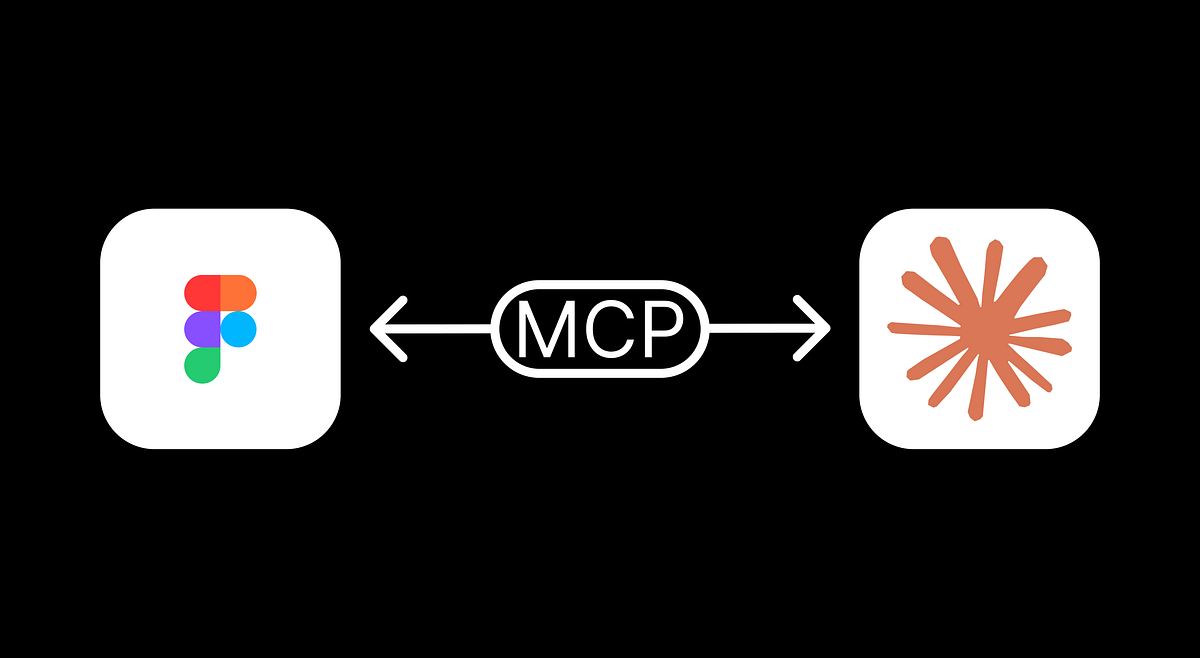
"Claude Code and Figma now support two-way communication. It means that you can publish a design from Claude to Figma, make changes in Figma, and apply changes to the coded version of your design."
"MCP is a universal interface for AI models that enables them to read files, execute functions, and handle contextual operations in 3rd-party services. In our case, Claude Code will access Figma via MCP."
"To configure it, you need to type the command: claude mcp add --transport http figma https://mcp.figma.com/mcp. This adds Figma MCP to the list of MCPs that Claude can use."
Claude Code and Figma have integrated two-way communication capabilities, allowing seamless design-to-code workflows. The integration uses MCP (Model Context Protocol), a universal interface enabling AI models to read files, execute functions, and interact with third-party services. Users can publish designs from Claude to Figma, make modifications within Figma, and apply those changes back to the coded design version. The setup process involves configuring Figma MCP in Claude Code through terminal commands, specifically using a remote MCP server connection that connects directly to Figma's hosted endpoint. This streamlines the design process by eliminating manual synchronization between design and code.
Read at Medium
Unable to calculate read time
Collection
[
|
...
]