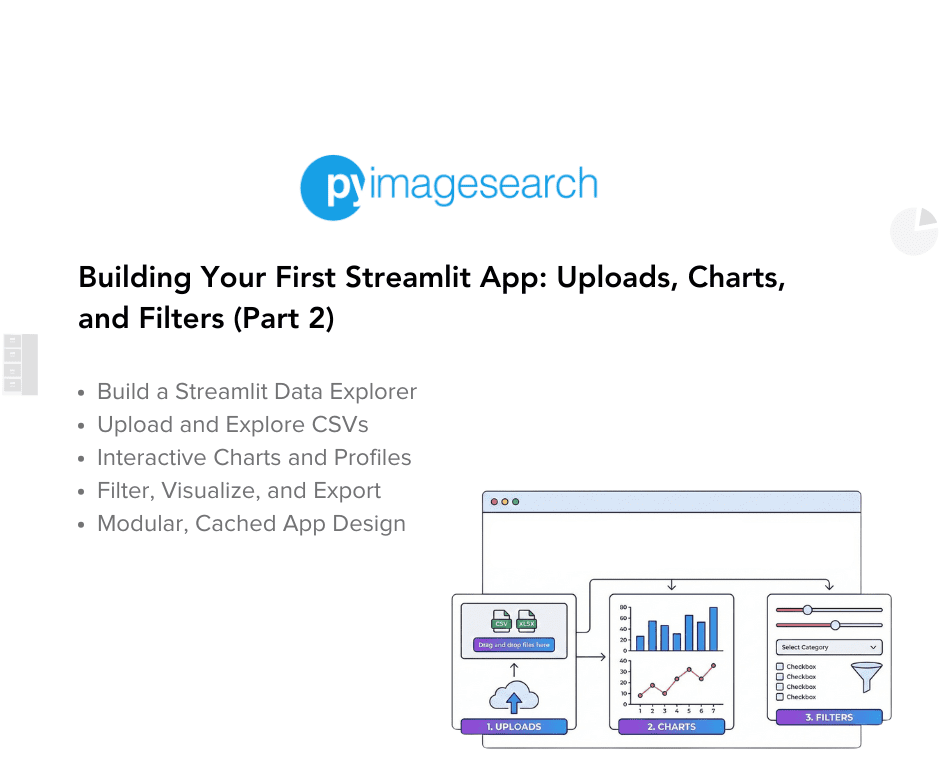
"To learn how to upload, explore, visualize, and export data seamlessly with Streamlit, just keep reading. The Upload page transforms your app from a demo into a real tool. It lets users bring their own CSV files, instantly view the data, and even generate quick summary statistics, all without touching the underlying code."
"elif page == "Upload": st.header("Upload Your Own CSV") uploaded = st.file_uploader("Choose a CSV file", type="csv") if uploaded: user_df = load_uploaded_csv(uploaded) st.success(f"Loaded {user_df.shape[0]} rows × {user_df.shape[1]} columns") st.dataframe(user_df.head()) if st.checkbox("Show summary stats"): st.dataframe(dataframe_profile(user_df)) else: st.info("Upload a CSV to inspect it.")"
"st.header("Upload Your Own CSV") This visually separates the Upload section and sets context immediately. uploaded = st.file_uploader("Choose a CSV file", type="csv") The st.file_uploader() widget opens a file picker and restricts uploads to CSVs only, preventing invalid file types. When a user selects a file, uploaded becomes a Streamlit UploadedFile object (file-like); otherwise, it remains None. if uploaded: user_df = load_uploaded_csv(uploaded) The helper load_uploaded_csv() from data_loader.py wraps pandas.read_csv(), cleanly isolating I/O logic. This function can later evolve to handle different encodings, delimiters, or larger"
The Upload page provides a header and a file uploader widget that restricts uploads to CSV files and opens a file picker. When a file is chosen, the UploadedFile object is passed to a load_uploaded_csv helper that wraps pandas.read_csv to isolate I/O logic. The app shows a success message with row and column counts, renders a dataframe preview of the first rows, and offers an optional checkbox to display summary statistics via dataframe_profile. If no file is uploaded, an informational prompt appears. The loader can be extended to handle encodings, delimiters, or large files.
Read at PyImageSearch
Unable to calculate read time
Collection
[
|
...
]