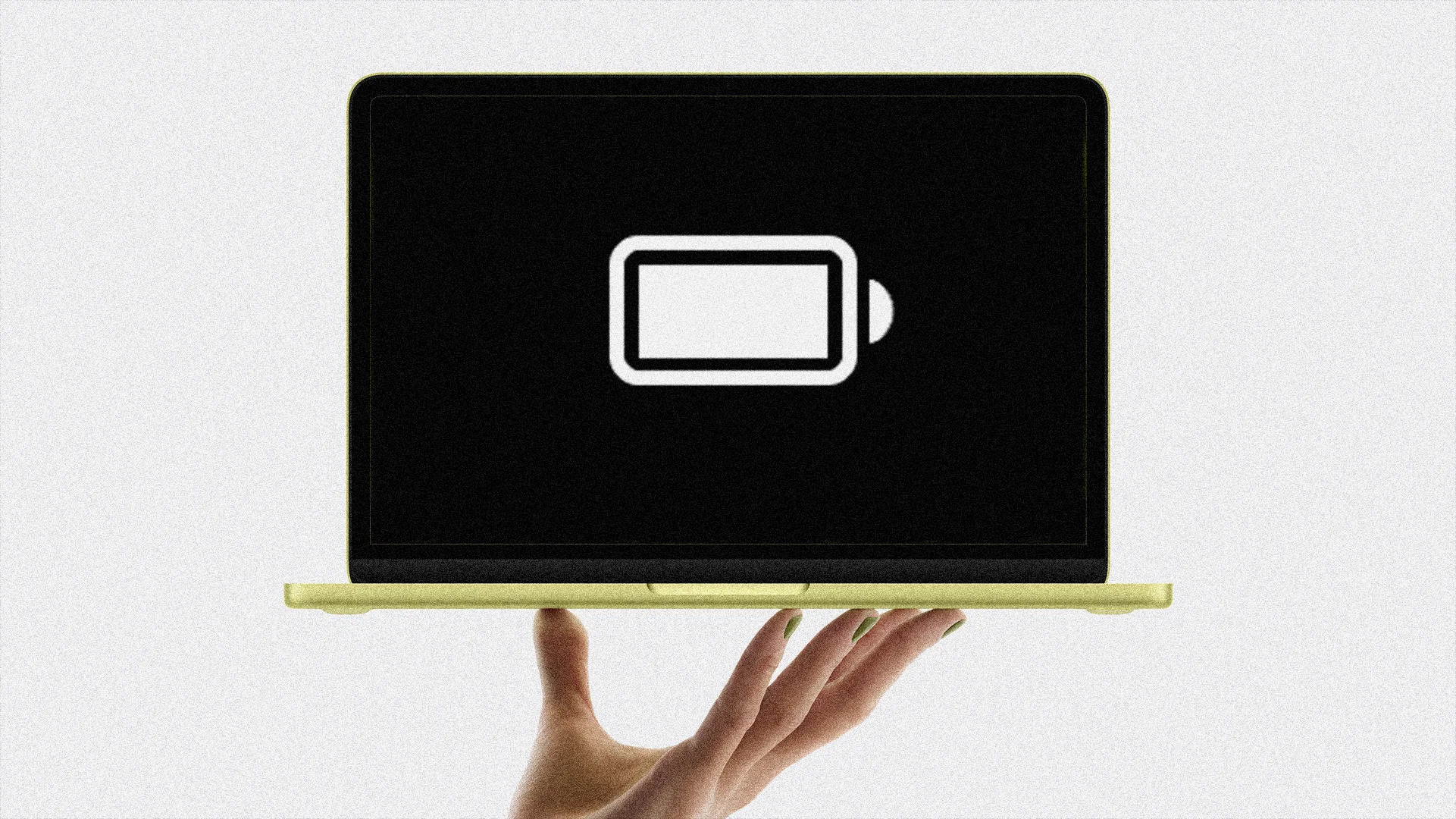
Apple has added more battery-management capabilities to MacBook laptops, especially those running macOS 26. Low Power Mode conserves energy when the battery is low or when a charger is unavailable by reducing CPU performance, lowering display brightness, and limiting background tasks such as checking for new emails. The impact on performance is usually minimal for general activities like emailing, web browsing, and using office apps. Low Power Mode can be enabled quickly from the battery icon in the menu bar or set to always on through the Settings app. Another approach is limiting the battery’s maximum capacity to slow chemical aging and preserve long-term battery health.
"With this mode enabled, your MacBook will instantly reduce its energy consumption. It does this by lowering the CPU's performance, reducing your display's brightness, and limiting background tasks, such as checking for new emails. Many people worry about Low Power Mode's effect on CPU performance, but unless you're rendering advanced graphics on your MacBook, you shouldn't actually notice much, especially if you're doing general tasks, such as emailing, web browsing, and using general office apps like word processors and spreadsheets."
"The fastest way to enable Low Power Mode is to select the battery icon in your Mac's menu bar, then click "Low Power." Alternatively, you can actually choose to have Low Power Mode always enabled by clicking the Battery section in the Settings app and then selecting "Always" from the Low Power Mode dropdown menu."
"It might seem counterintuitive to limit how fully your battery can charge if your goal is to retain the best battery life possible, but it can work. Batteries are chemical products, and the chemicals inside them age over time. As they age, they become less able to st"
Read at Fast Company
Unable to calculate read time
Collection
[
|
...
]